
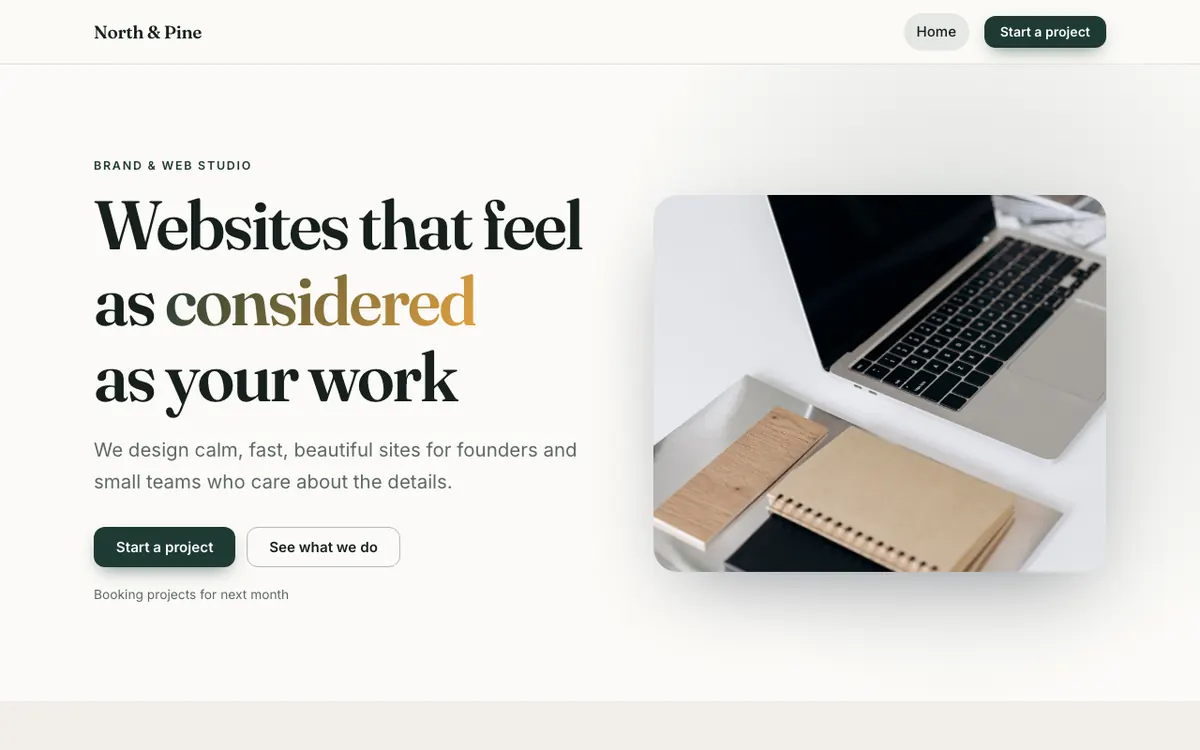
Prompt your ideas to life
Describe a change for a whole page or one section. The AI edits through the same controls you use, so everything stays editable.
Tell the AI what you do. It designs your pages, writes the copy and picks the photos. Then change anything by hand, or just ask.
14-day free trial. Hosting included.From barbers and bakeries to shops and studios. Real pages rendered by the builder, with photography, layouts and type that look designed.
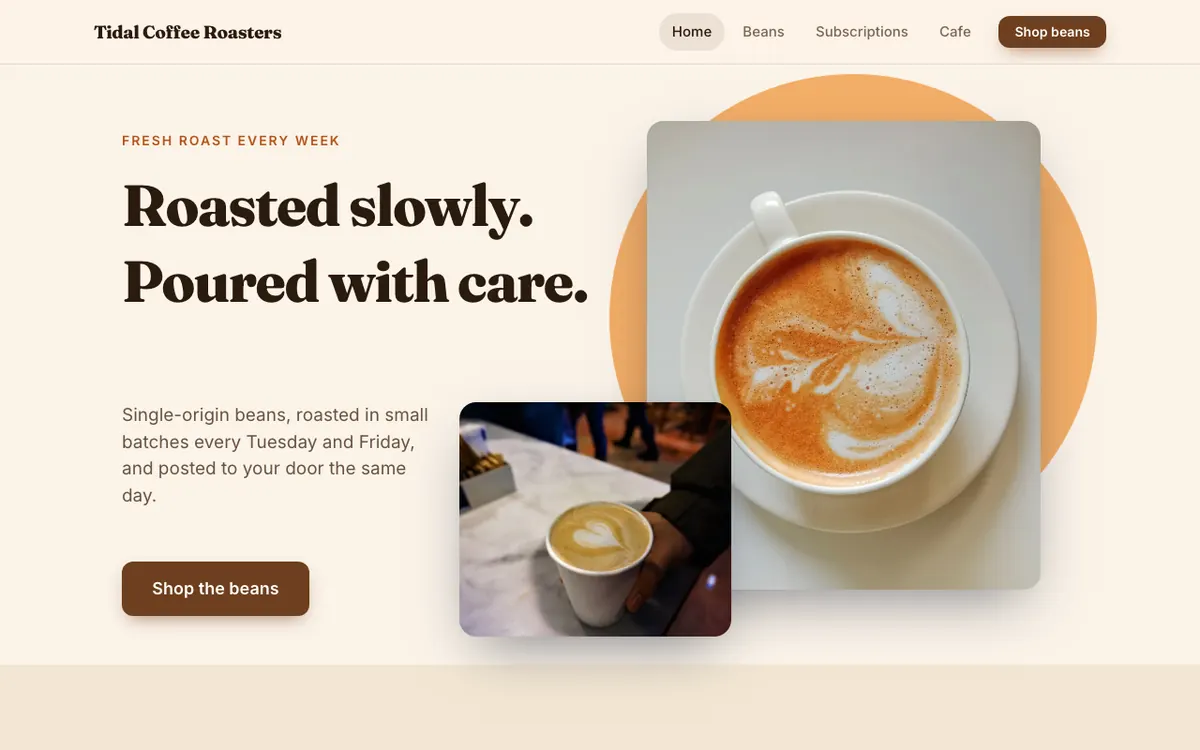
A small-batch coffee roaster with weekly roasts and bean subscriptions.
Overlapping photos on a warm circle, with a bold serif headline.
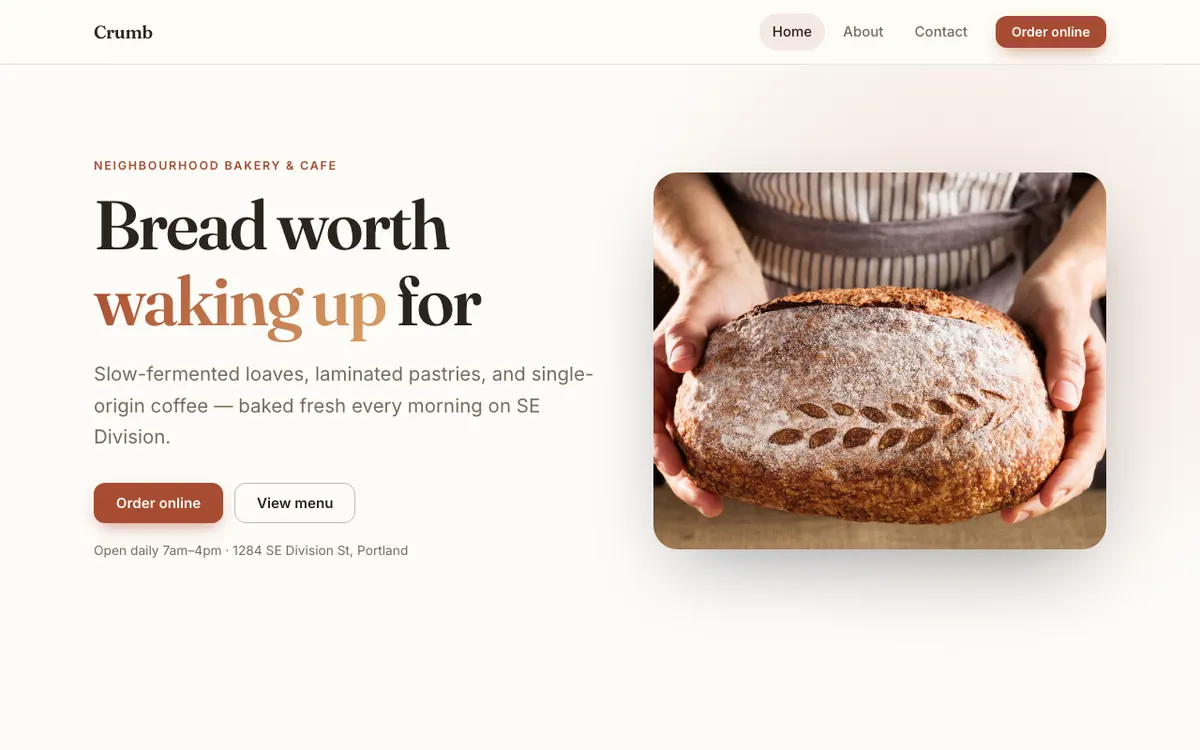
A neighbourhood bakery and cafe in Portland that sells sourdough, pastries and coffee.
Warm editorial type and big, appetising photography.
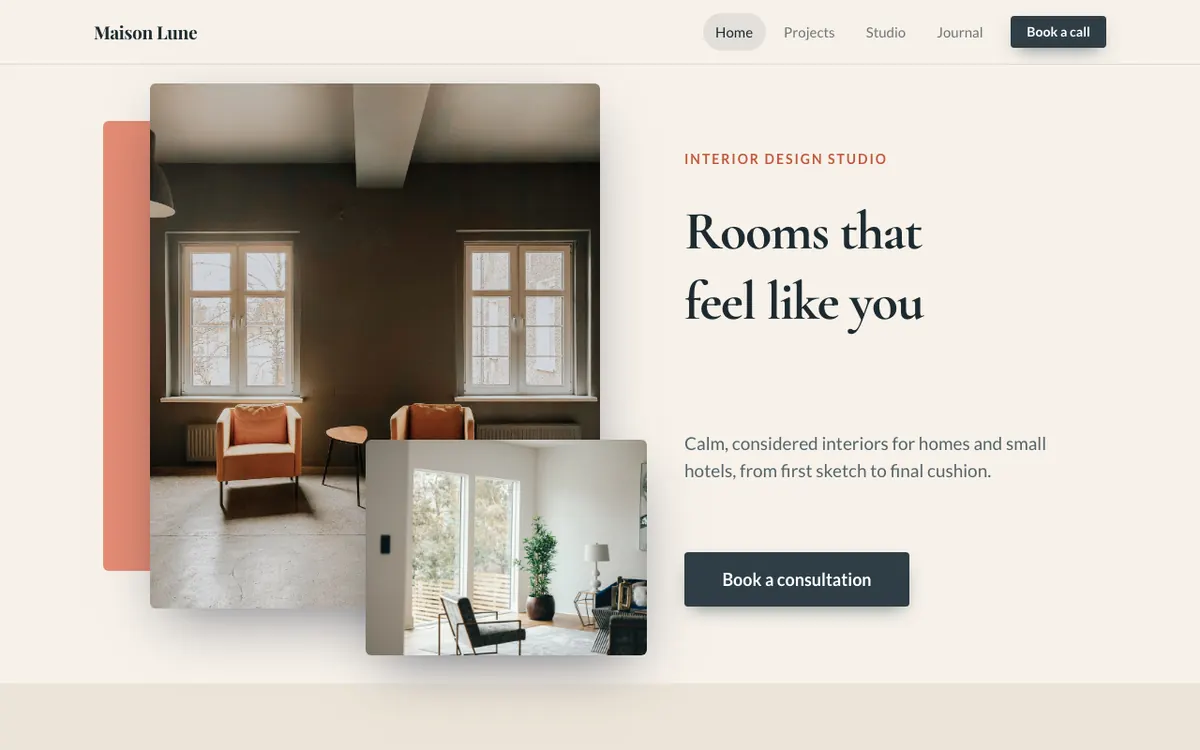
An interior design studio for calm, lived-in homes and small hotels.
Layered photos and a colour block for an editorial, magazine feel.
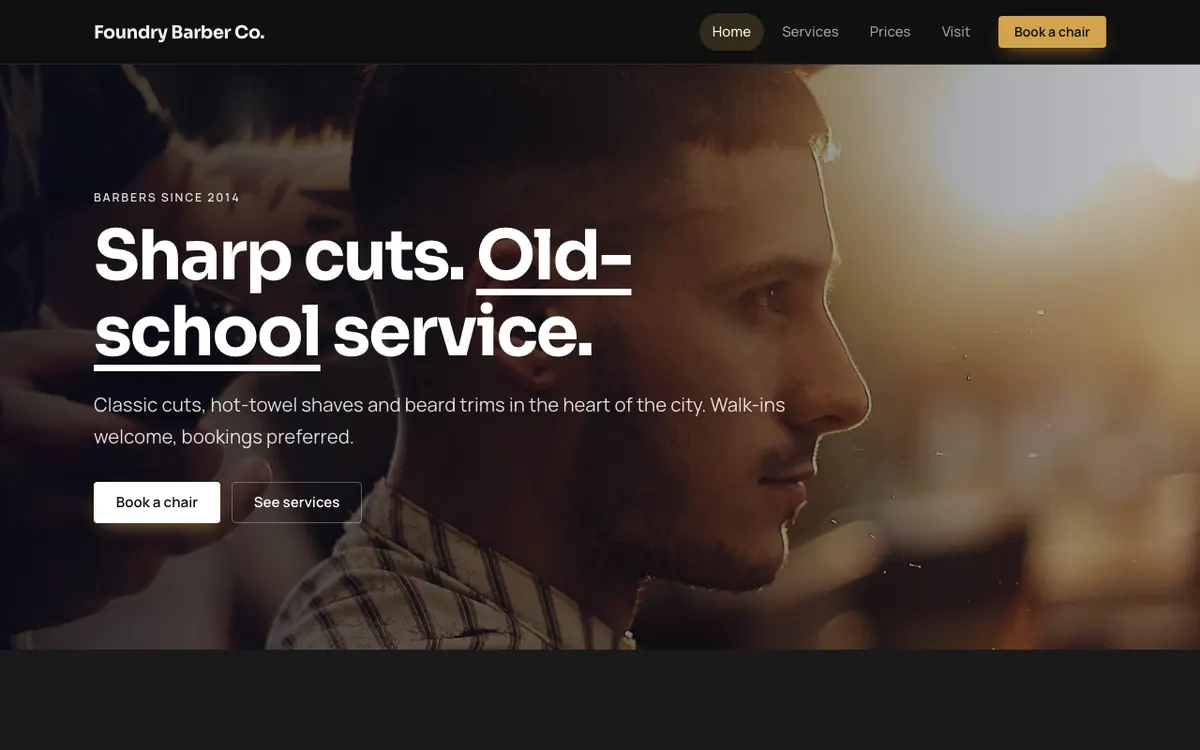
A classic barber shop with cuts, hot-towel shaves and online booking.
Dark, confident and built around the booking button.
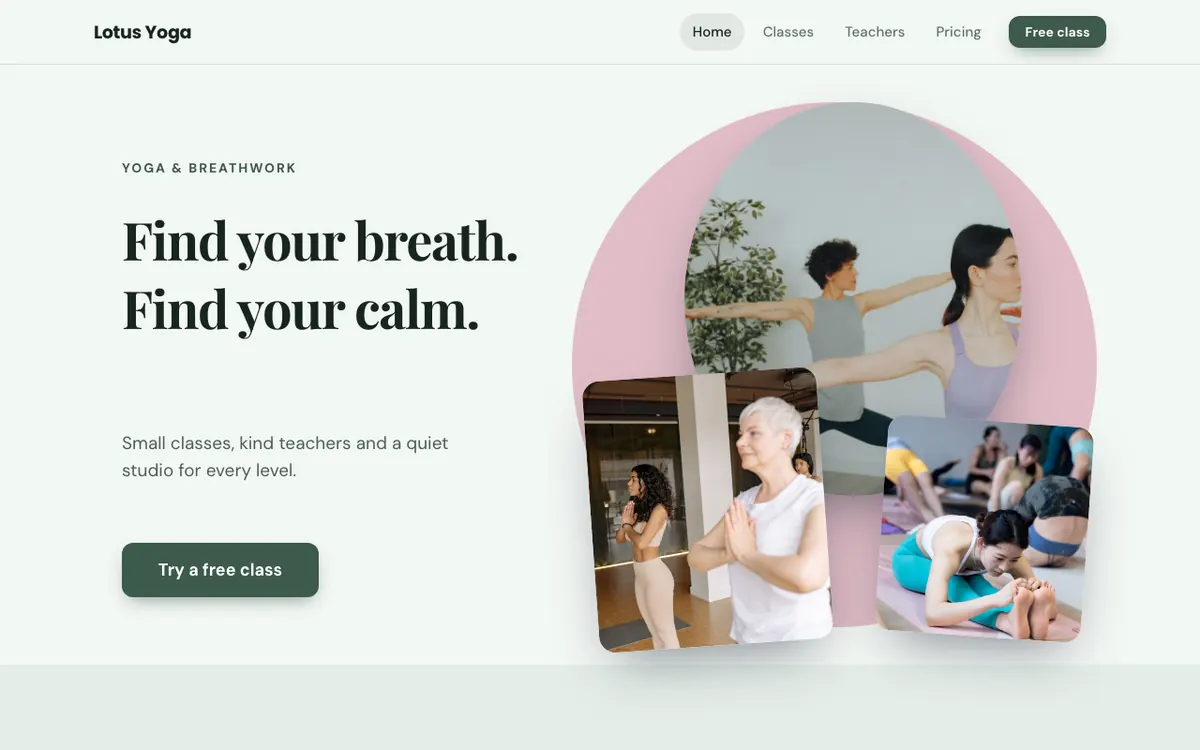
A yoga and breathwork studio with small classes and a free first class.
Photos fanned over a soft circle, with a calm, centred rhythm.
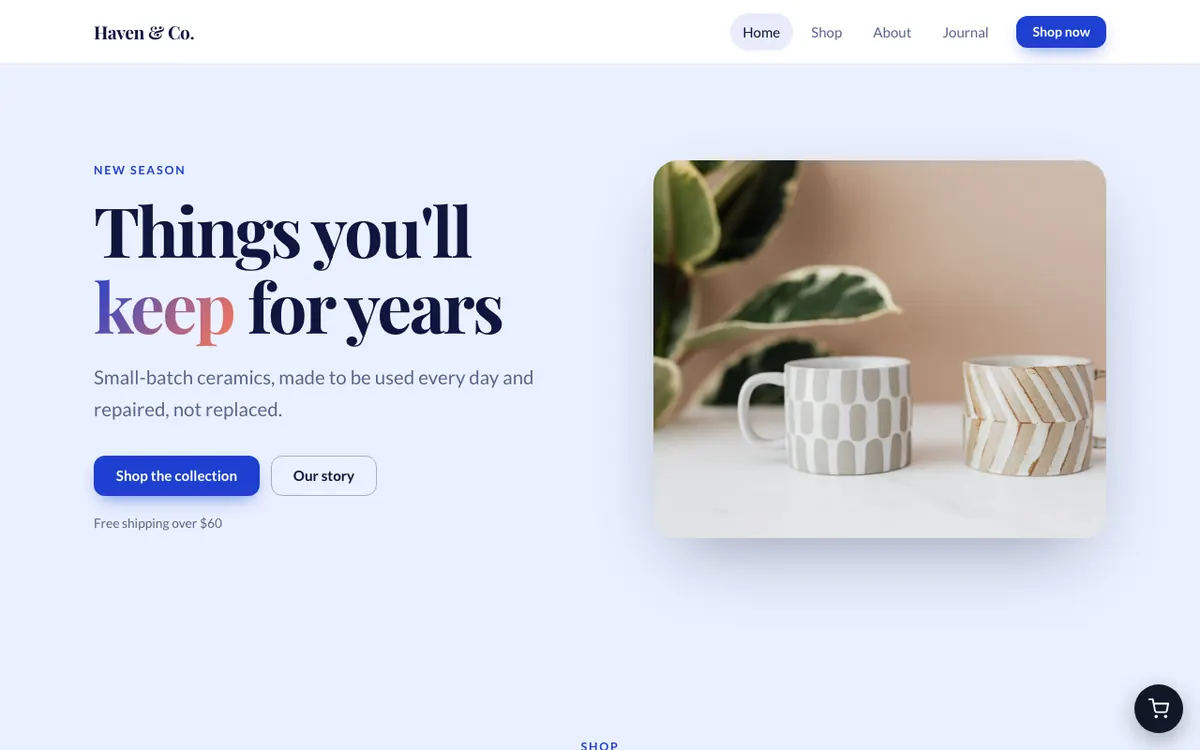
An online shop for handmade ceramics, with free shipping over $60.
A product grid with search, categories and a floating cart.
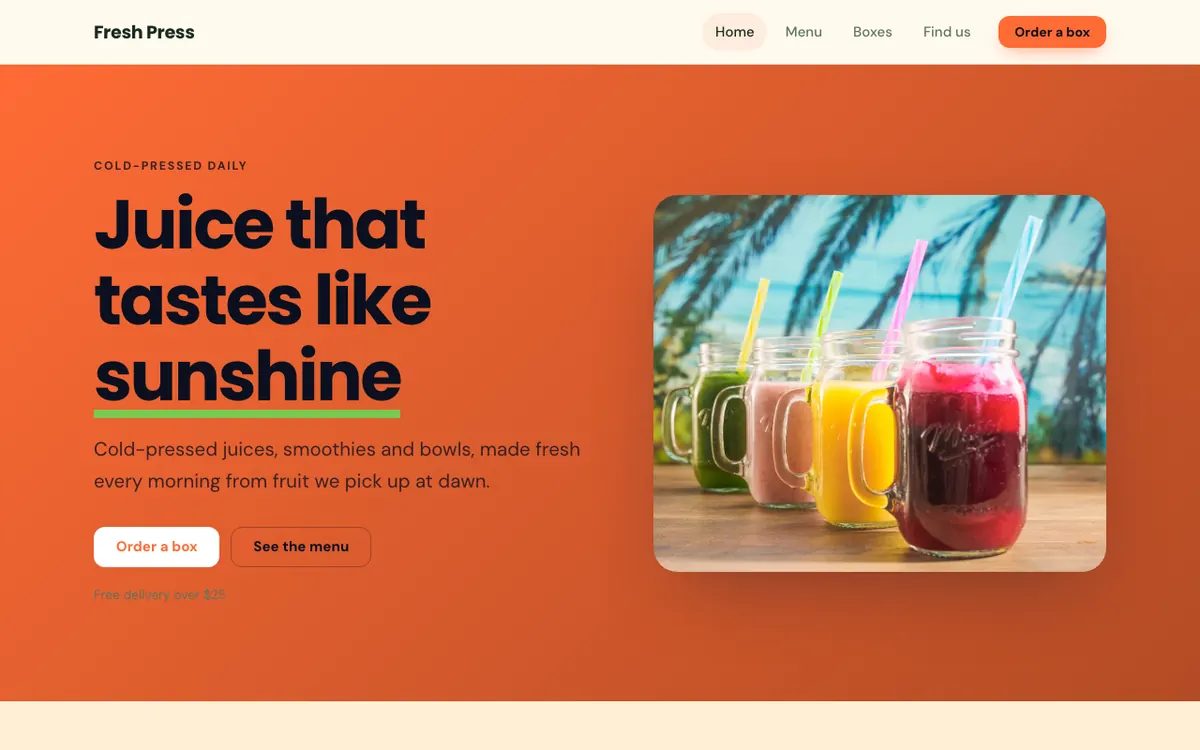
A cold-pressed juice and smoothie bar with weekly juice boxes.
Bright orange, big colour and a drinks menu that makes you thirsty.
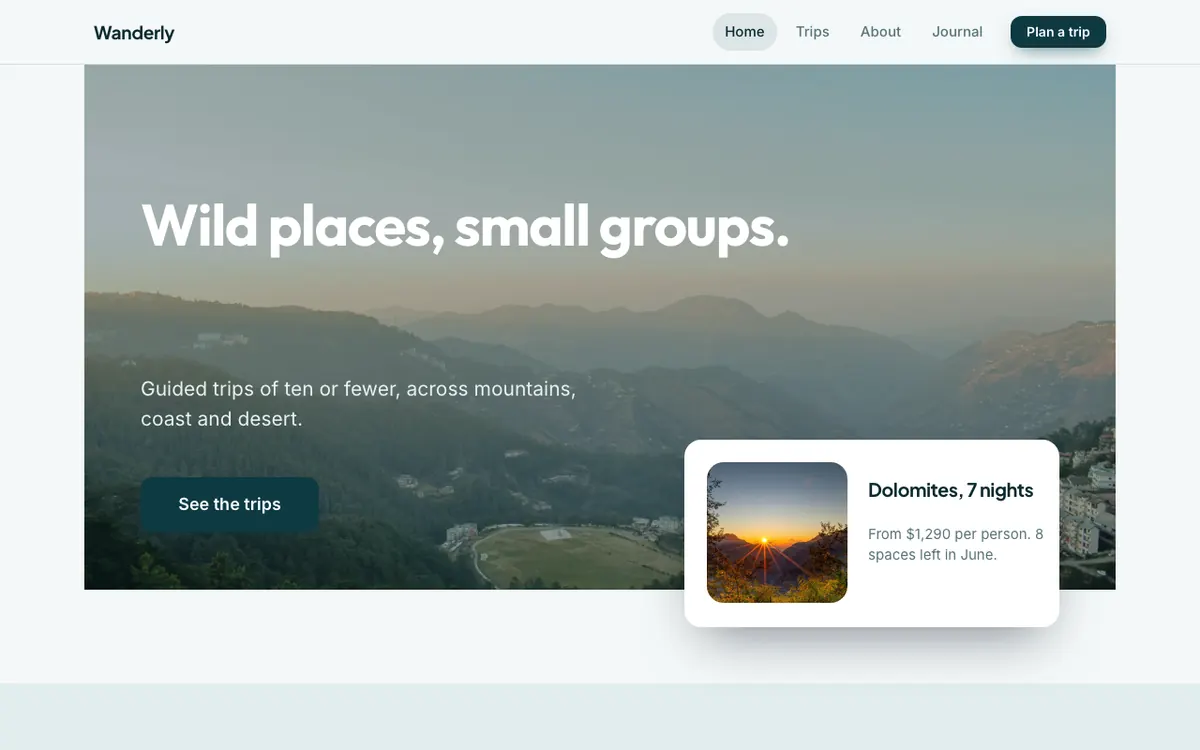
A small-group travel company running guided trips to wild places.
A full-width landscape with a floating trip card over the edge.
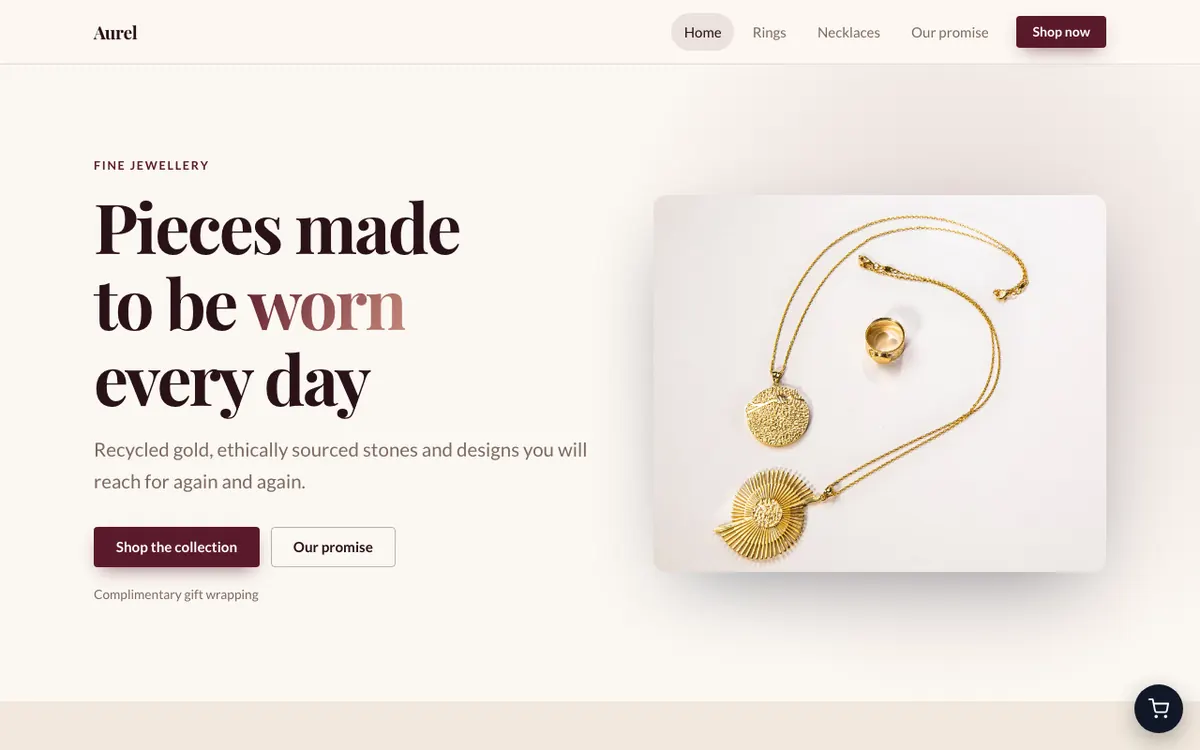
A fine jewellery brand selling rings and necklaces in recycled gold.
Quiet luxury: soft light, serif type and a clean store.
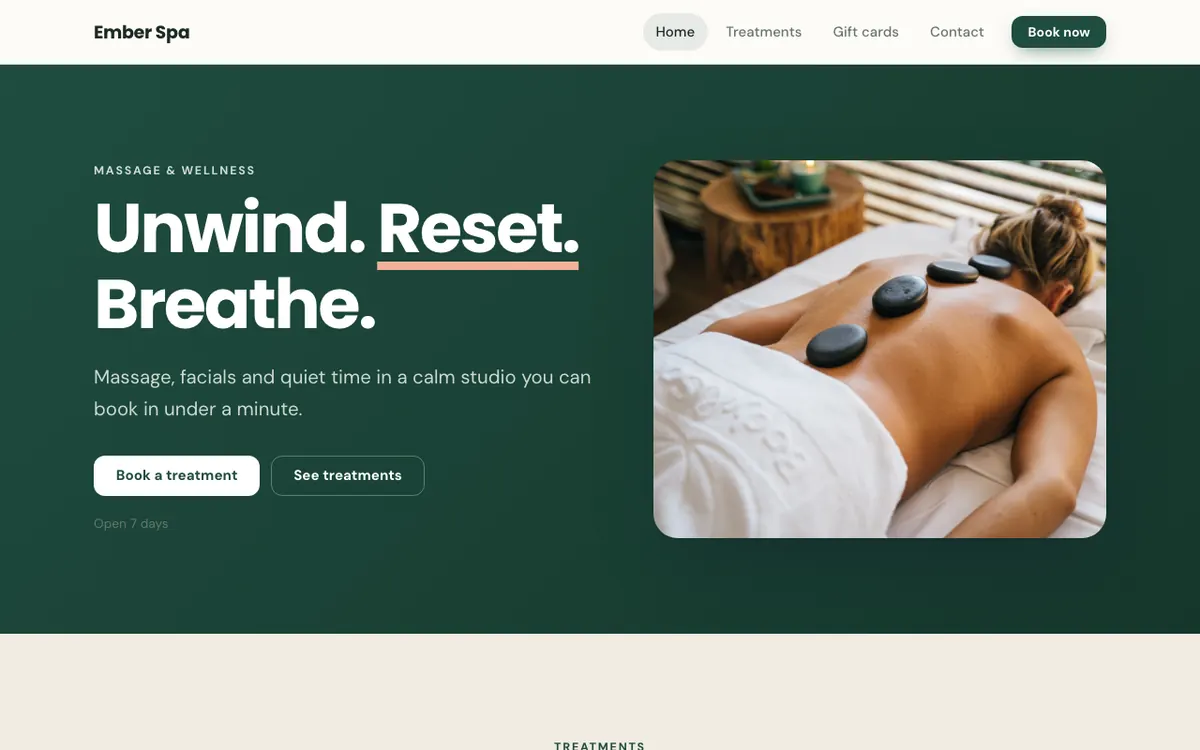
A calm massage and wellness studio where clients can book treatments.
Deep green and warm light for a calm, premium feel.
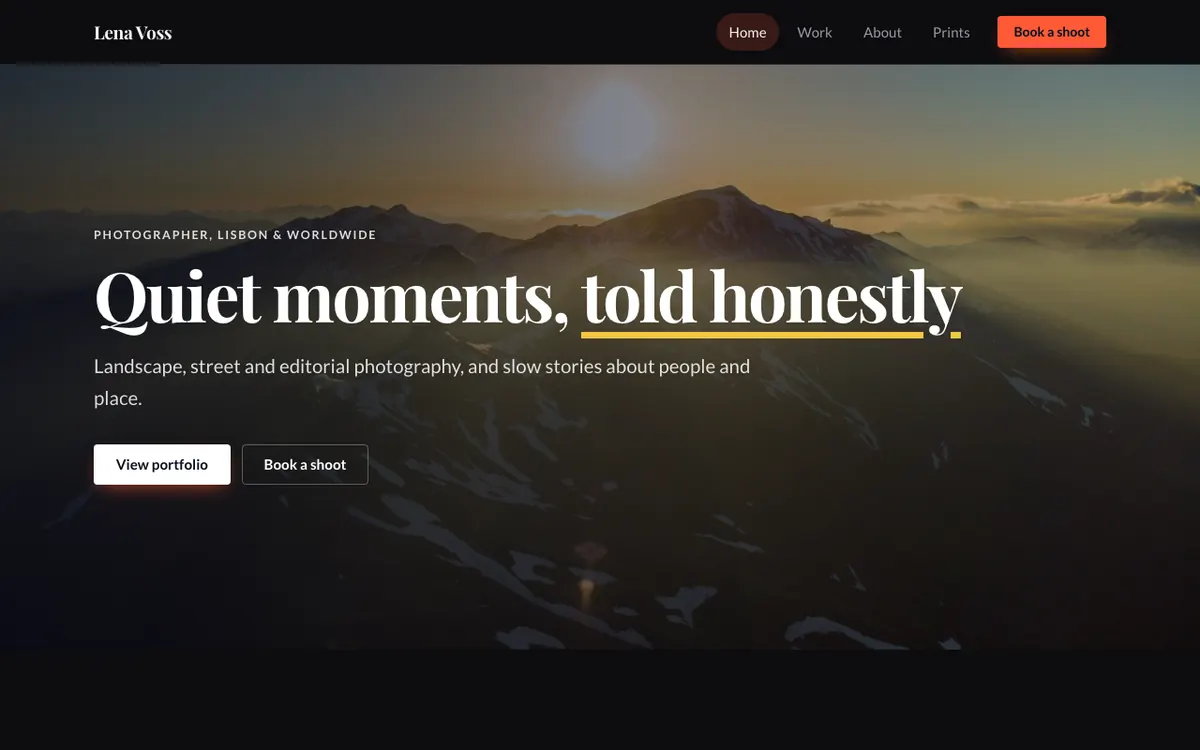
A portfolio for a landscape and street photographer.
A full-bleed hero and a gallery that lets the work lead.
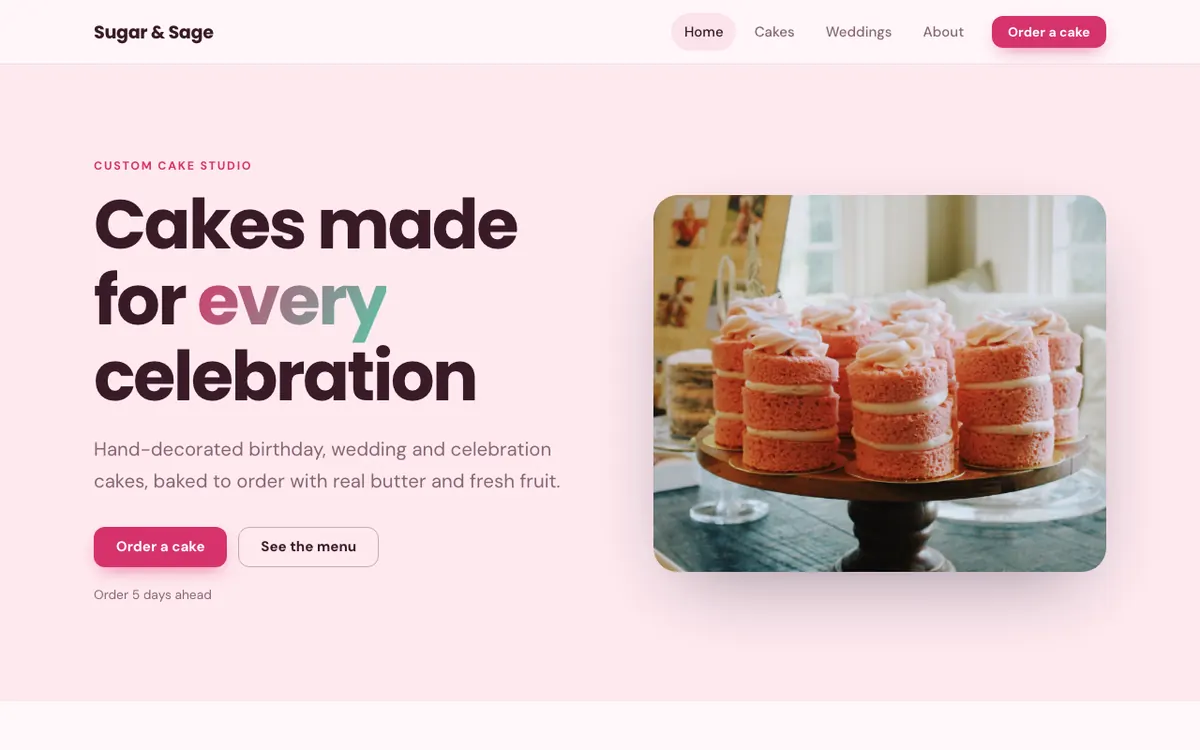
A custom cake studio for weddings, birthdays and celebrations.
Playful pinks and big, mouth-watering photos.
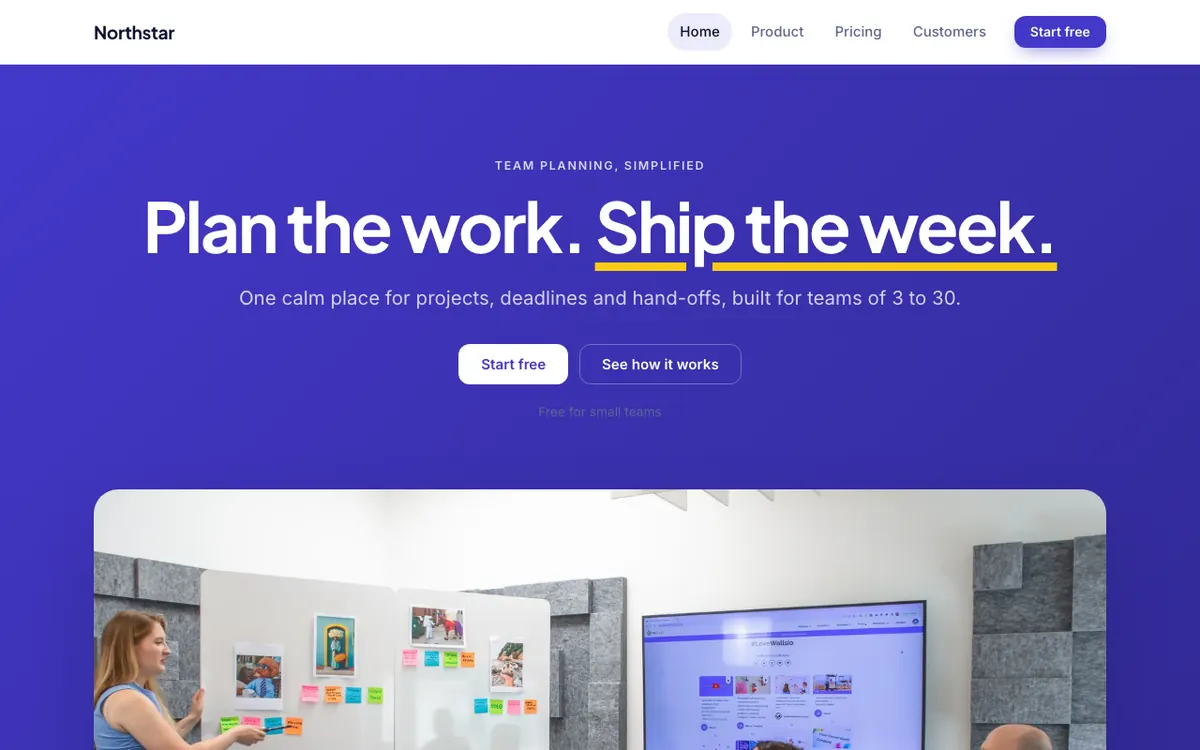
Team planning software with a free plan and a team plan.
A bold product story with pricing built in.
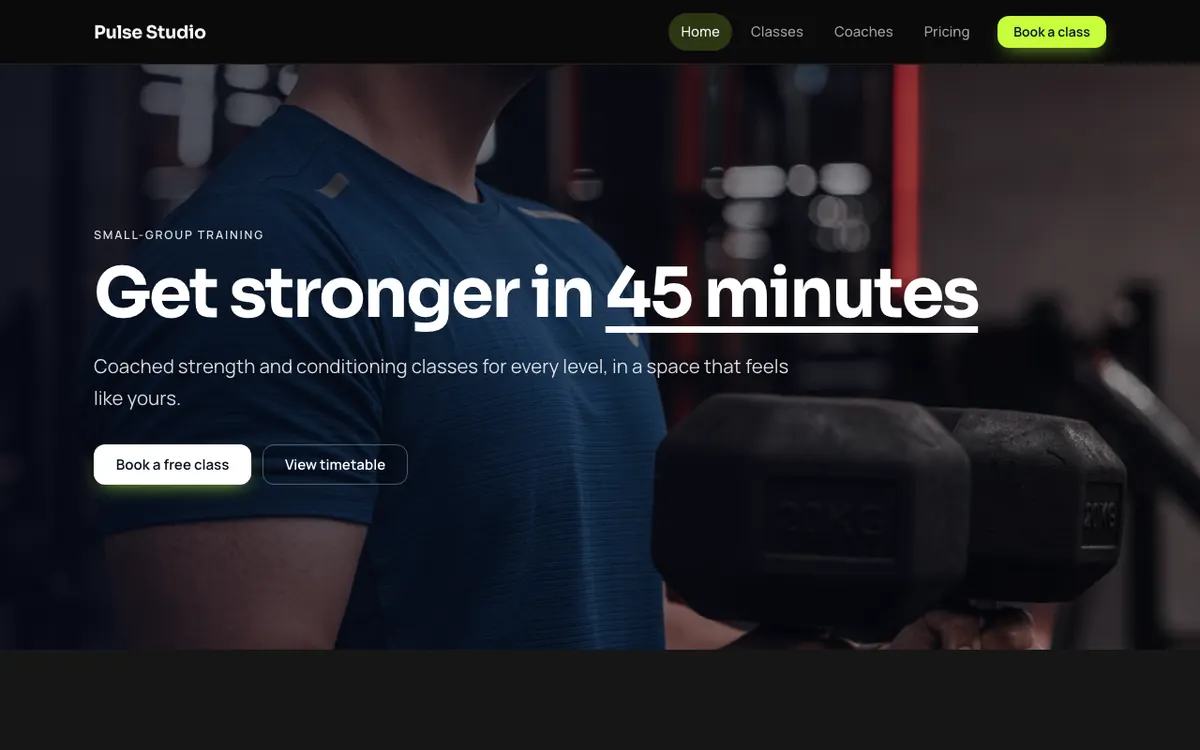
A strength and conditioning studio with small classes and a monthly membership.
Black and lime, bold type and class cards.
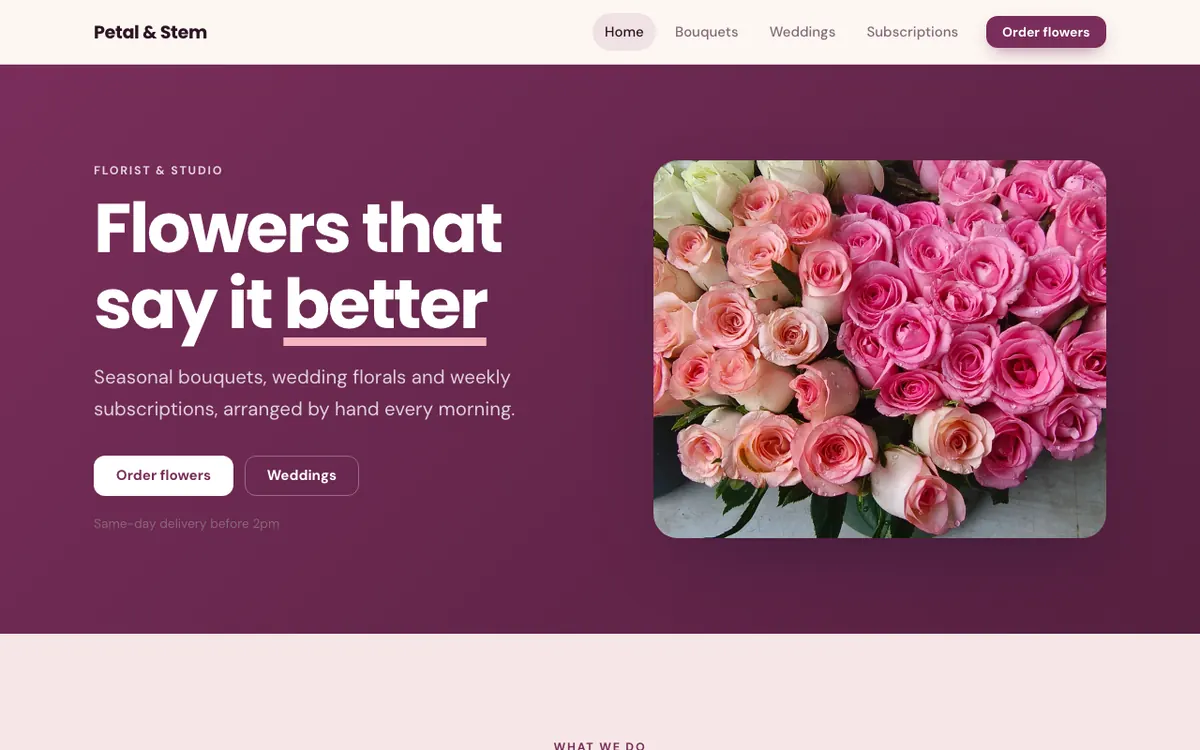
A florist with seasonal bouquets, weddings and weekly subscriptions.
Rich plum and blush around fresh, seasonal flowers.
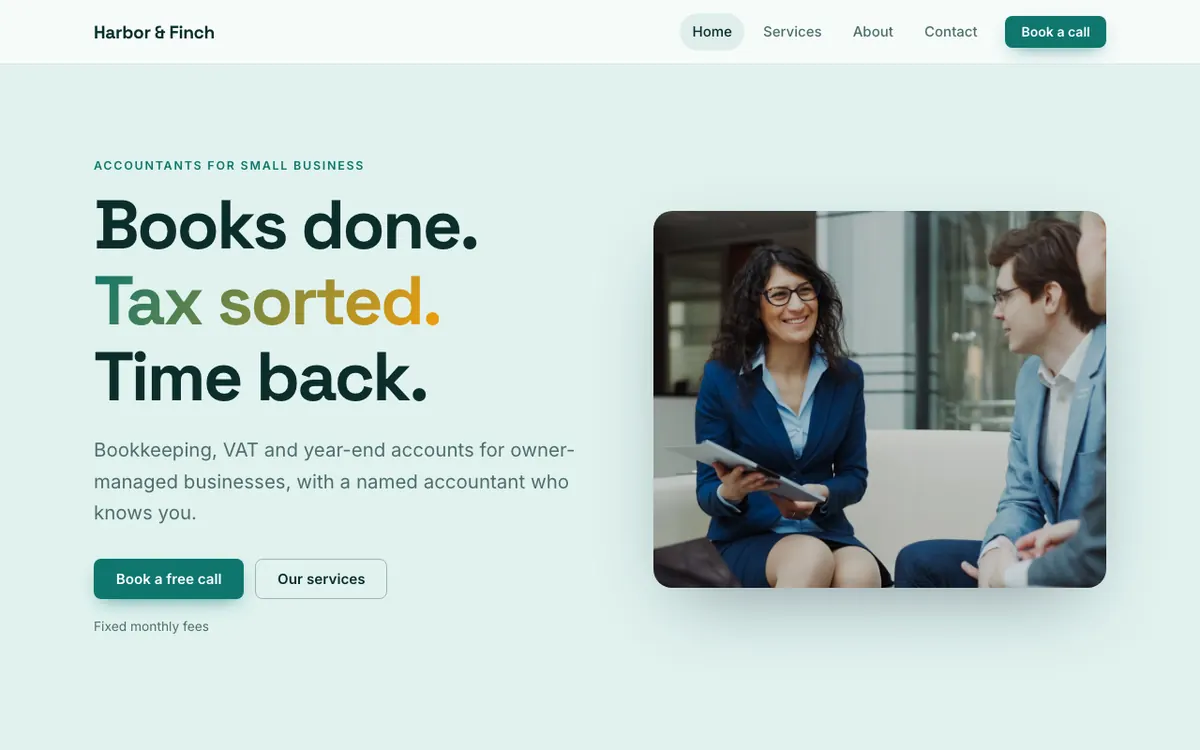
An accounting firm for small businesses, with fixed monthly fees.
Clear services and a confident call to book.
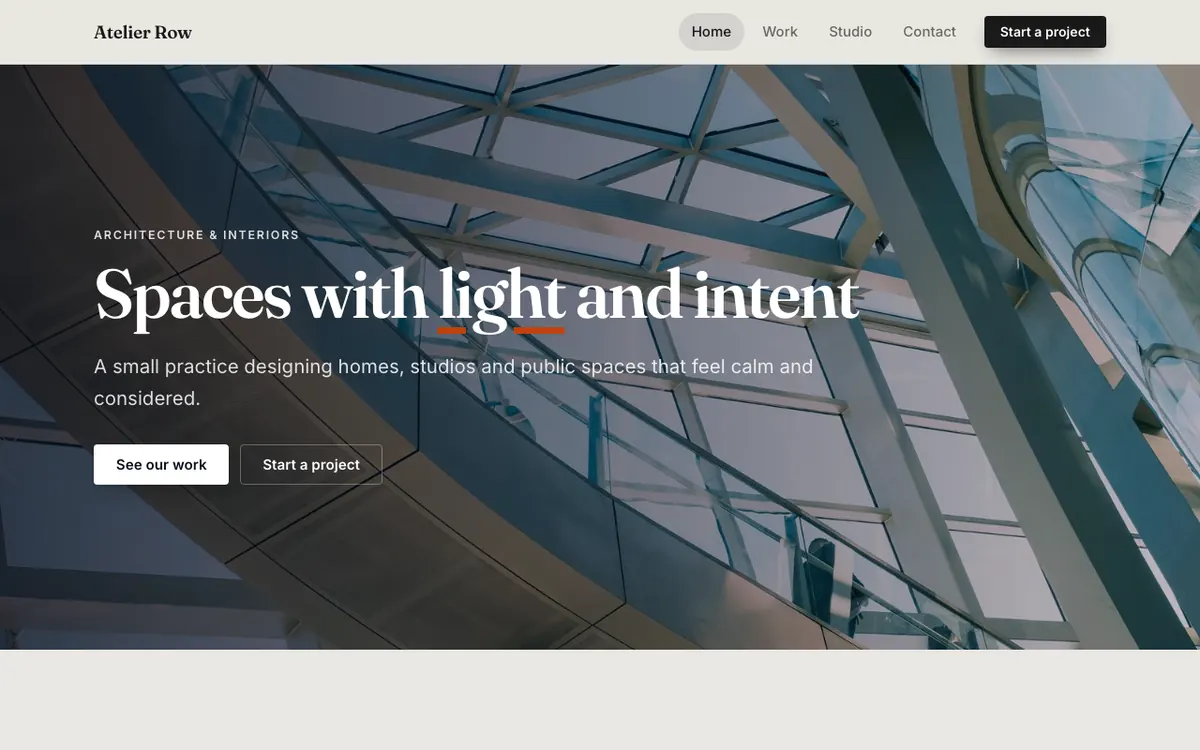
An architecture and interior design practice with a project gallery.
Concrete tones, dramatic imagery and a clean project gallery.
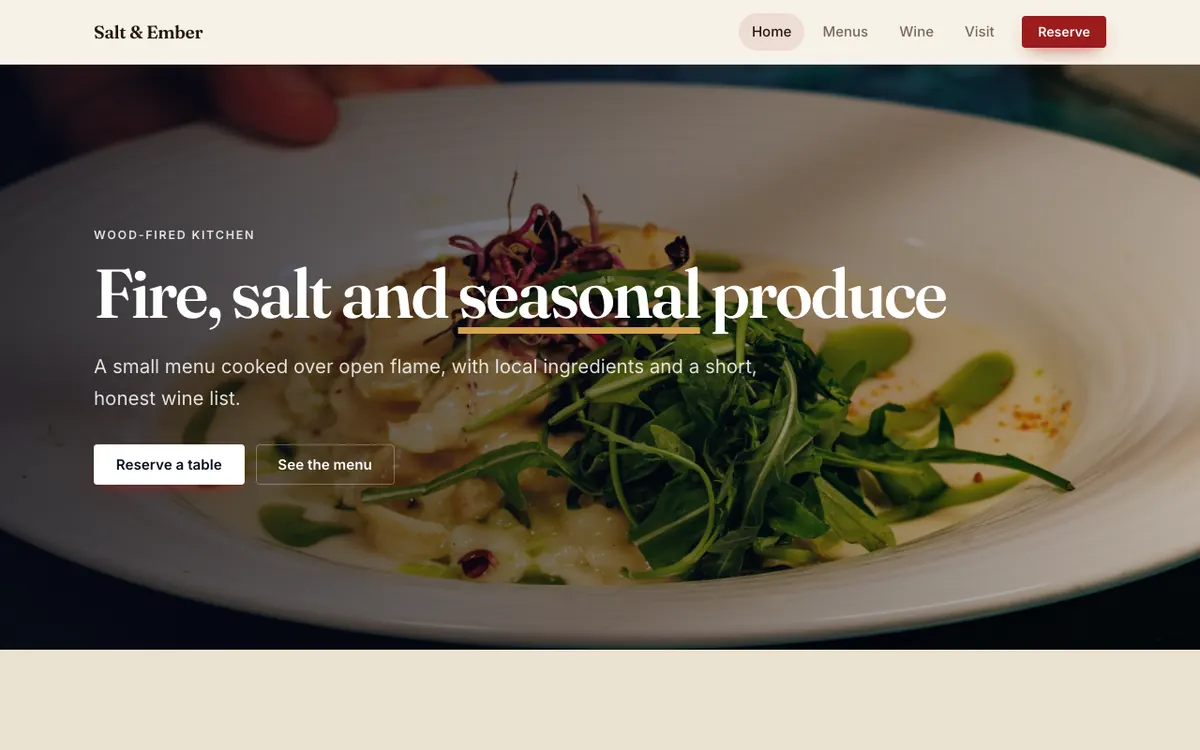
A wood-fired restaurant with a short seasonal menu and table reservations.
Warm paper tones, a short menu and a reserve button.
A small brand and web design studio with fixed-price services.
An editorial agency layout with services and numbers.
Example sites built with the builder's own sections. Yours is generated from your own description, then entirely yours to change.
This is a live demo of the canvas. Grab an element and drop it where you want it, then restyle the page on the right.
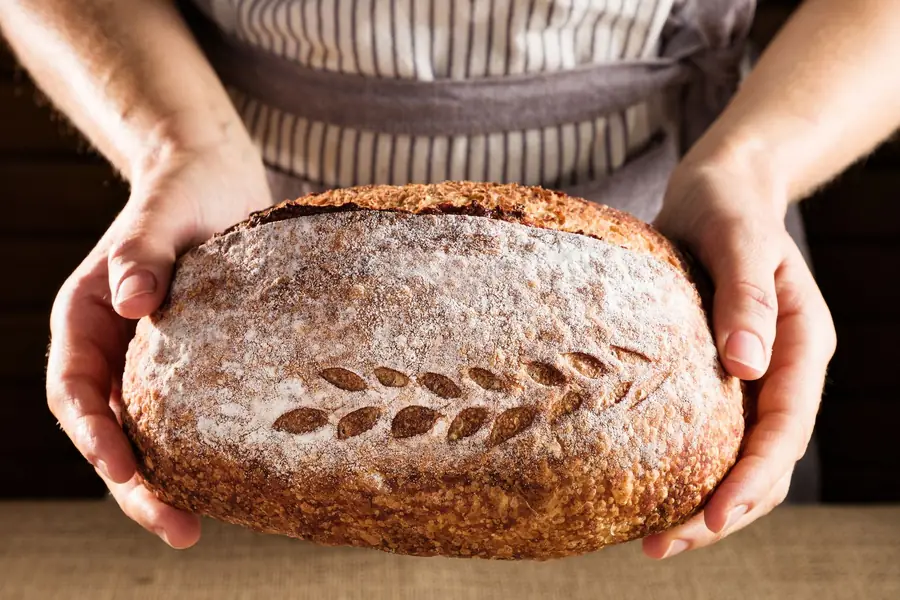
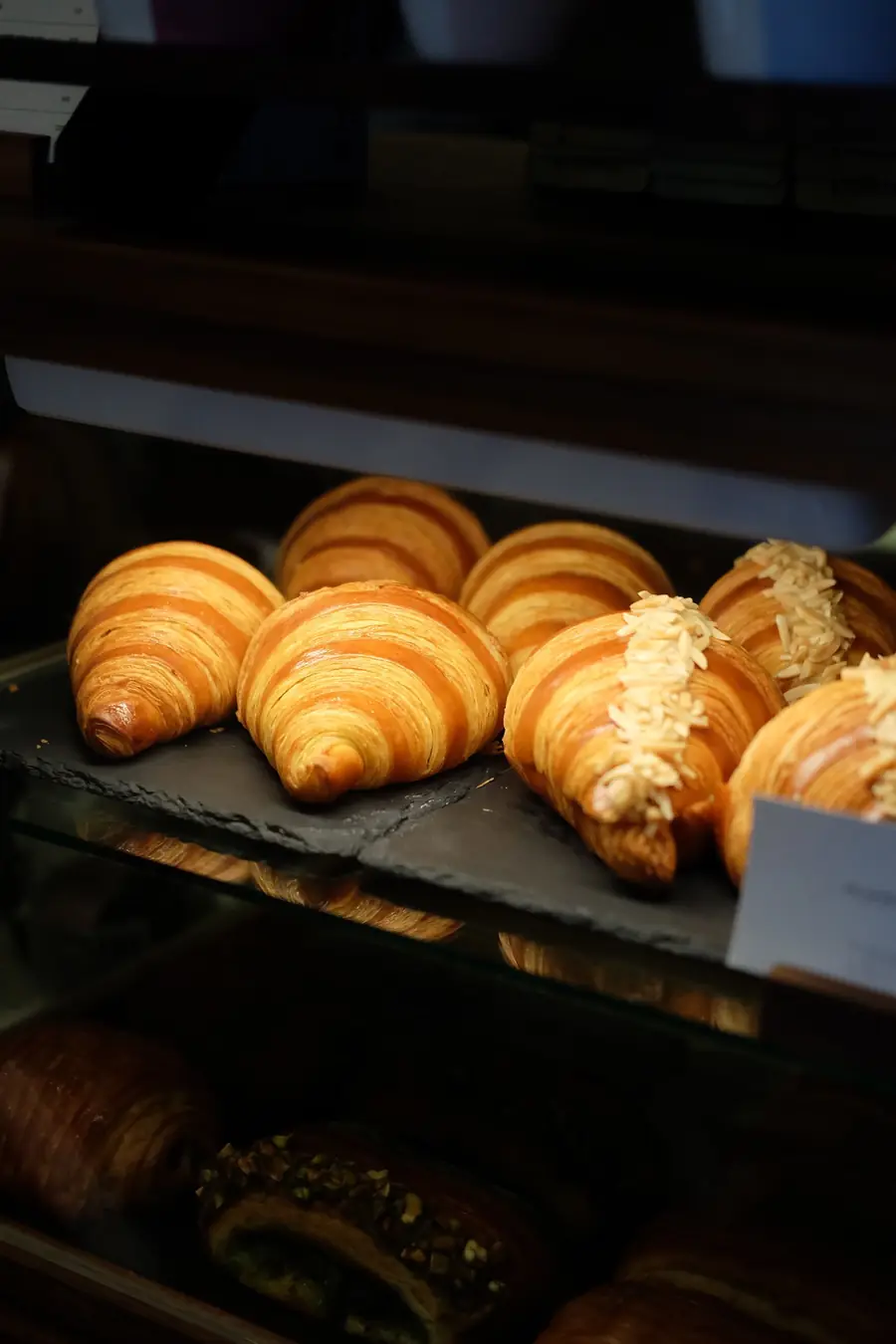 Fresh dailyFrom 7am
No blank canvas and no template hunting. Start with a description and make it yours.
Start free trialYour name, industry, tone and language, and what you do. Pick an industry template or let the AI design from scratch.
It builds the pages, writes the copy, chooses a palette and fonts, and finds fitting stock photos.
Drag things around on the canvas, or describe a change in plain words and let the AI do it.
Make the headline friendlier
Done. Anything else?
One button puts your site live. Version history lets you go back if you change your mind.
Move anything on a free canvas, restyle the whole site in a few clicks, or describe the change and let the AI do the work.
Start free trialDescribe a change for a whole page or one section. The AI edits through the same controls you use, so everything stays editable.
Fonts, colours, hover effects and motion, down to the last pixel.
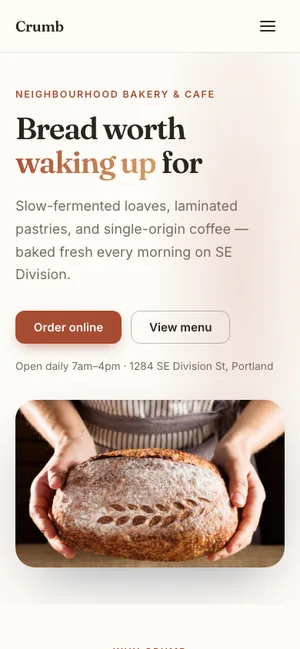
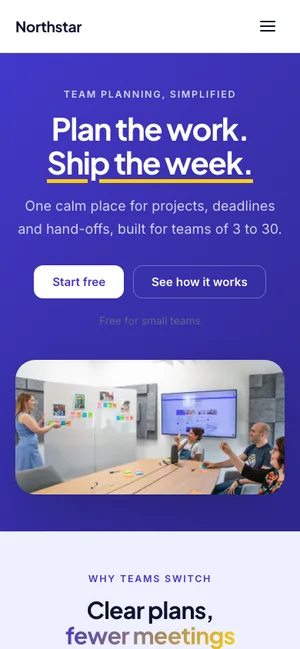
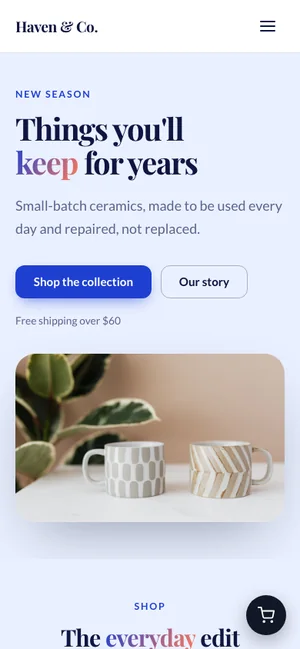
An automatic stacked mobile layout you can adjust by hand.
The AI knows every design option in the editor, so it can change fonts, colours, effects and layout, not just words.
Describe a change for a whole page or one section: make it friendlier, add a pricing table, change the colours.
Make it shorter, friendlier or clearer, fix the grammar, or expand it, right where you are typing.
Get a title, description and focus keyword for each page, and fill in anything missing in one click.
Turn your whole website into another language in one go.
The AI designs logos with an icon and a wordmark. Pick one, or upload your own.
First drafts of blog posts, headline ideas, excerpts, and product descriptions, taglines and badges for your store.
AI output is checked before it reaches your site, and requests that try to impersonate or phish are blocked.
If you have used a modern design tool, you will feel at home. Version history, autosave and live preview are always there.
Place, resize and rotate anything. Snapping guides, rulers, layers, groups, align and distribute, duplicate, undo and redo.
Text boxes grow as you type and push the content below out of the way.
An automatic stacked mobile layout you can adjust by hand, with desktop and mobile preview.
Upload and they are optimised to WebP automatically. Search free stock photos, crop, zoom and mask into shapes.
A searchable font picker, separate heading and body fonts, and ready-made font pairings.
A theme palette with light and dark mode, any colour you like, and gradients for sections and shapes.
Hover and entrance animations per element, plus a site-wide motion style. Reduced-motion settings are respected.
Hero, features, pricing, testimonials, gallery, team, FAQ, contact, products, blog posts and more, each with layouts.
Add products to any page, take payment, and manage orders without leaving the builder. Search, category filters and a floating cart are included, and product data is added for search engines.
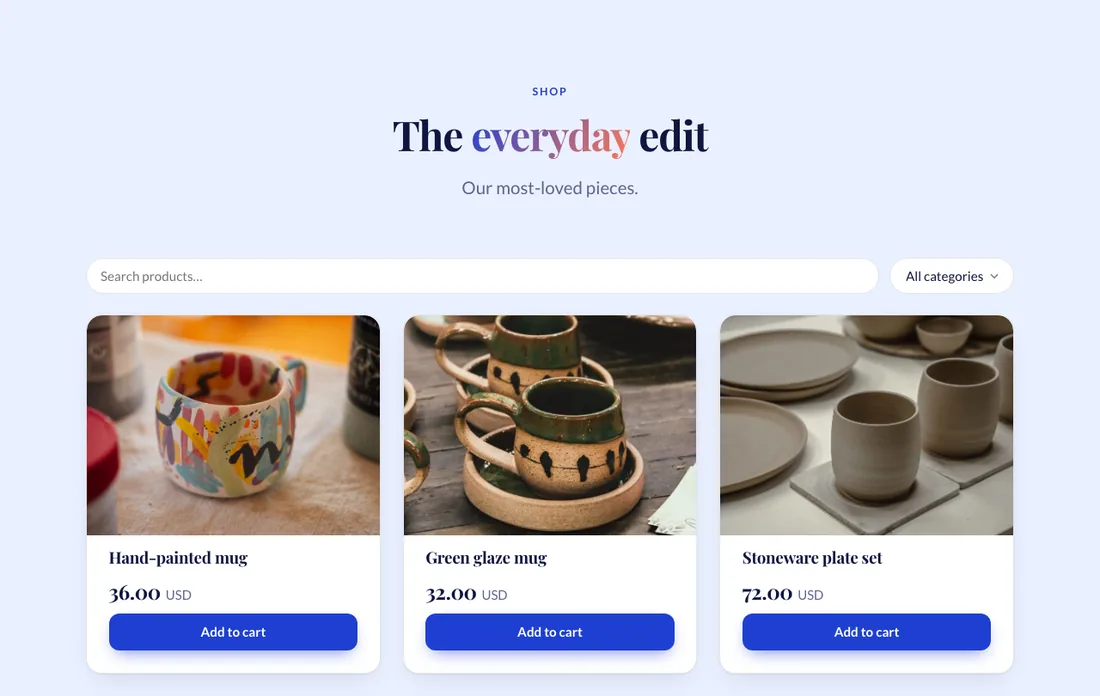
One-time and subscription products, photos, categories, badges, feature lists and variants such as size and colour with their own price and stock.
Connect your own Stripe or PayPal account. Money goes straight to you, and your keys are stored encrypted and never shown again.
Percentage, fixed, buy-X-get-Y, minimum order and free shipping codes. Flat or free-over-a-threshold shipping, by country.
Order status and cancellation, new-order emails, abandoned-cart recovery, and a branded confirmation page. Buyers can look up an order by magic link, no account needed.
Add it in a few questions when you want it. Choose from four list layouts and three post layouts, and name the blog and its address yourself.
Type straight into the page. Press Enter for the next paragraph, and use / to insert headings, lists, quotes, pictures, videos, buttons, callouts and code.
Rewrite from the formatting bar, get headline ideas, an excerpt and SEO text for each post, or ask for a first draft.
Draft, publish or schedule. Set the permalink, category, tags, author and featured image.
A search preview, title and description counters, focus keyword checks and a social image for every post. RSS feed and article data are included.
Capture enquiries, show where you are and embed the tools you already use.
Add a form as a section or anywhere on the canvas. Every message lands in your Messages inbox, with search and CSV export.
Always on, with hidden traps, speed checks and send limits. Add a captcha with your own reCAPTCHA or Turnstile keys, or use the built-in one.
Drop in a Google Map, a YouTube or Vimeo video, or a Calendly booking calendar from a safe list.
A gallery and slideshow plugin with several layouts.
Good search basics, light pages and safe content come with every site, so you do not need a stack of extra tools to get started.
Per-page SEO with a live search-result preview and focus keyword checks. sitemap.xml, robots.txt, canonical, Open Graph and Twitter tags are generated for you, with structured data for your organisation, products, FAQs and blog posts. Change a page address and the old one redirects.
Published pages are static HTML with inline CSS, and no JavaScript unless a feature needs it. Images load lazily and uploads are optimised automatically.
Content is validated and raw HTML is not accepted anywhere. Every site has its own database, and spam protection is always on for forms.
If you can describe what you do, you can have a site.
Services, opening hours, a map and an enquiry form, on a site that looks the part on a phone.
A store with variants, discount codes and shipping rates, taking payment into your own account.
A portfolio, a blog and a newsletter-ready look, with an editor that stays out of your way.
Pro runs five sites in one account, so you can build and manage several projects together.
Part of the same ScaleToCloud account and invoices as your hosting.
Try it free, no commitment to a plan
For one great-looking website
For a small portfolio of sites
Trial sites show a "Made with" badge and use a free subdomain. Your own domain is available on Starter and Pro.
The Site Builder lives in the same account as your hosting and domains.
What the AI does, what you control, and what each plan includes.
No. You describe your business and the AI designs the pages, writes the copy and picks the colours, fonts and photos. After that you can change anything by hand on the canvas, or by asking the AI in plain words.
It creates a complete multi-page site from your description, writes individual pages, edits a page or a single section when you ask, rewrites text, suggests SEO titles and descriptions, translates your site into another language, designs logos, and drafts blog posts and product descriptions.
Yes. The editor is a free canvas: place, resize and rotate text, buttons, pictures, shapes, forms, maps and more, with snapping guides, layers, undo and redo. There is also a phone layout you can fine-tune by hand.
Yes. The online store is built in, with no plugin. You connect your own Stripe or PayPal account, so payments go straight to you. Subscription products are available with Stripe.
Yes, on the Starter and Pro plans. The Trial gives you a free subdomain so you can build and preview before you commit.
To keep editing, you choose a paid plan. The Trial is there so you can build a real first version and see how it works before paying.
The Trial includes 10 AI actions. Starter includes 50 AI actions a month and Pro includes 300 a month.
Each page has its own title, description, focus keyword checks and a live search preview. Sitemaps, robots.txt, canonical and social tags are generated for you, along with structured data for your organisation, products, FAQs and blog posts. Published pages are static HTML with no JavaScript unless a feature needs it.
Every message is saved in the Messages inbox in your account, where you can search and export to CSV, even if you have not set up email. Spam protection is always on, and you can add a captcha with your own keys.
Yes. The Site Builder sits in the same account and invoices as your hosting, so you can manage everything in one place.
Start a 14-day free trial and have a first version in front of you today.