
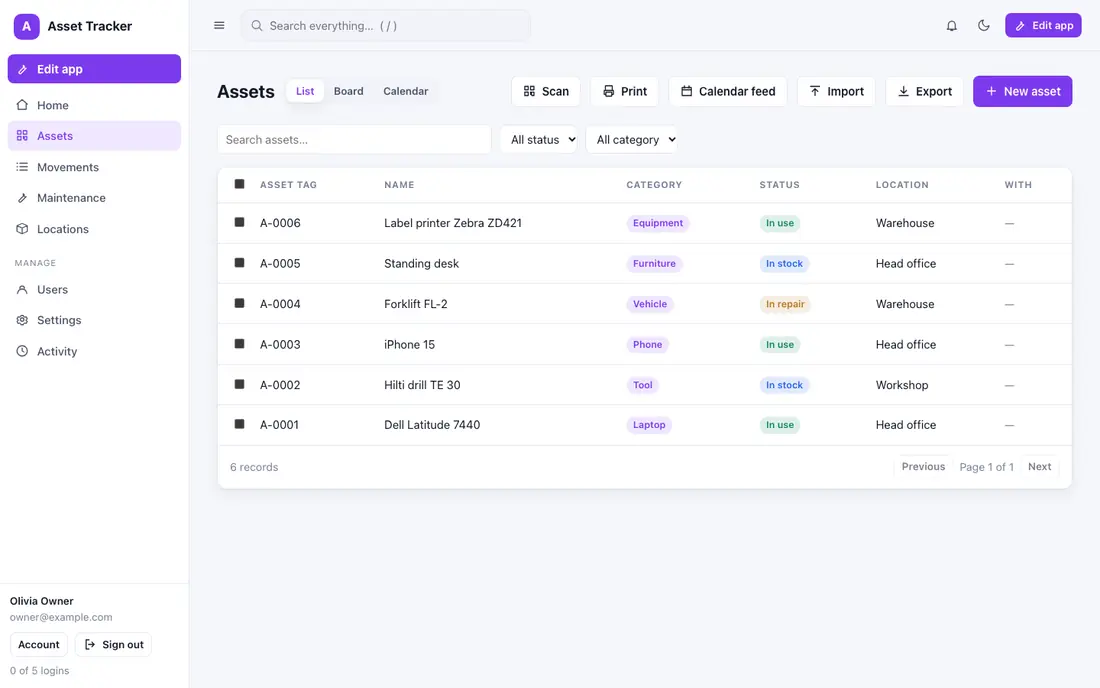
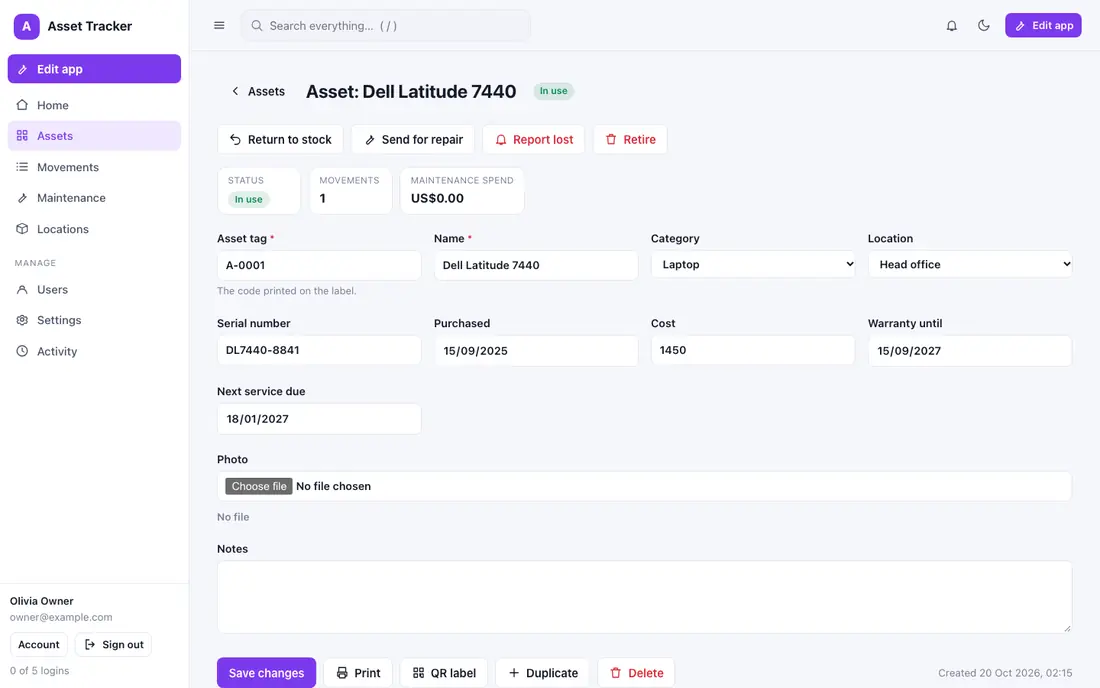
Assets with tag, location, status, warranty and service dates
Operations app template
Asset tracking software with QR labels
Print a QR label, scan it, see the asset's history, check it out to someone, and get a weekly list of what is out of service or out of warranty.
✓Free to start✓Your own database✓No code
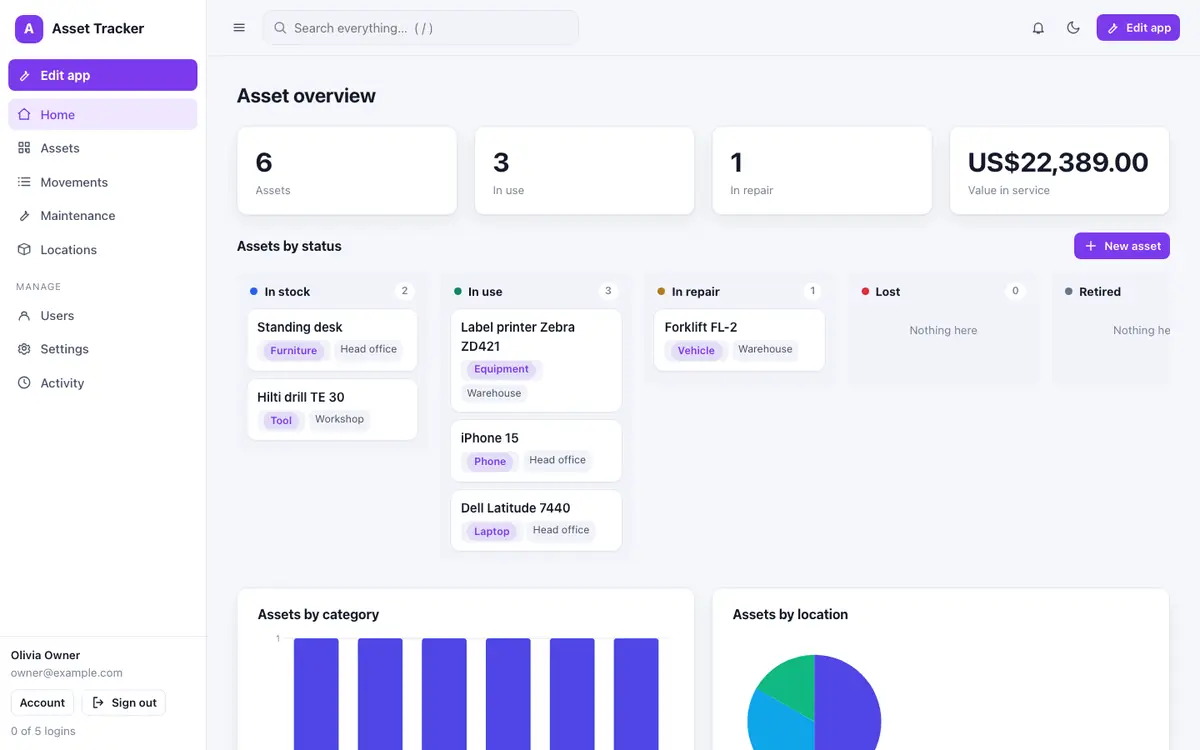
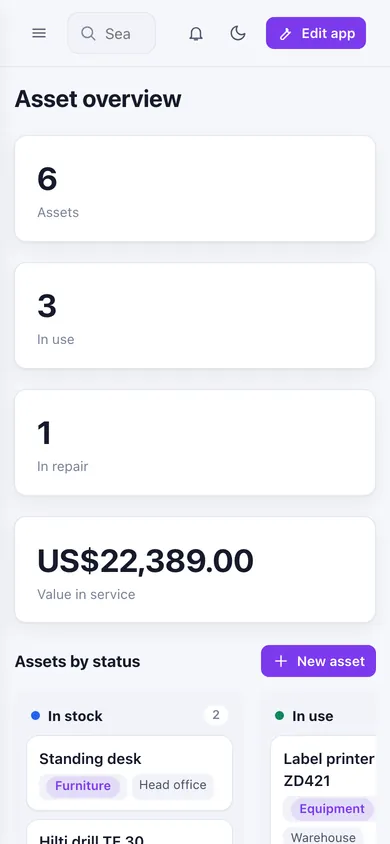
About this app
Asset tracking software, built for how you work.
Asset tracking software keeps a register of equipment, who has it, where it is and when it needs service. Offices, workshops, schools and teams with laptops, tools or vehicles to keep track of.
Looking for free asset tracking software? You can build and test this app for free as a draft, then go live on your own address when you are ready. It also covers asset tracking app free, asset tracking software for small business, equipment tracking app. It works anywhere: currency and time zone are set for each app, so it suits India and beyond.
What you get
Asset tracking software features that work from day one.
7 things this app already does, with sample data so you can try each one.
QR label printing and scan
Check-out/return with who and when
Maintenance log
Board by status
Weekly alerts for service overdue and warranty ended
Photos
A day with this app
A day with your Asset tracking app
How the app looks after the first week.
- 01
Register the assets
Each has a tag, location, status, warranty and service dates.
- 02
Print and stick QR labels
Scan a label on your phone to open the asset's record.
- 03
Check out and return
Check-out and return record who had it and when.
- 04
Weekly alerts
A weekly alert lists service that is overdue and warranties that ended.
Screens
See the Asset tracking app.
Real screens from the template, with sample data. Yours will hold your own.
Alerts
Automatic alerts.
These rules are already in the template. They run on their own, and you can read, change or switch off each one.
- Write every status change into the history
- Alert managers when an asset is reported lost
- Weekly: assets whose service is overdue
- Weekly: assets whose warranty has ended
How it runs
- 1Something changes on a record: a status, a date.
- 2A rule in the template notices and acts, with no one lifting a finger.
- 3The right role is told, and what happened is written to the record's history.
Make it yours
Change it by asking.
Type a change in plain words. Every change is previewed first, applied only when you say so, and kept in a version history you can restore.
Start with this appRoles
Who sees what.
Each person gets their own login. What they see depends on their role.
Administrator
Everything, including settings, users and the editor.
Asset manager
Works with Asset, Location, Maintenance, Movement records.
Staff
Works with Asset, Maintenance records.
Coming soon
On the way for this app.
These are not available yet. They are listed here so you know what is planned.
- Barcode scanningComing soon
- DepreciationComing soon
- Bulk label sheetsComing soon
- Assignment to employees with acknowledgementComing soon
- Audits/stock-takeComing soon
- Purchase cost and PDF reportsComing soon
- Link to service contractsComing soon
Related apps
More ready-made apps.
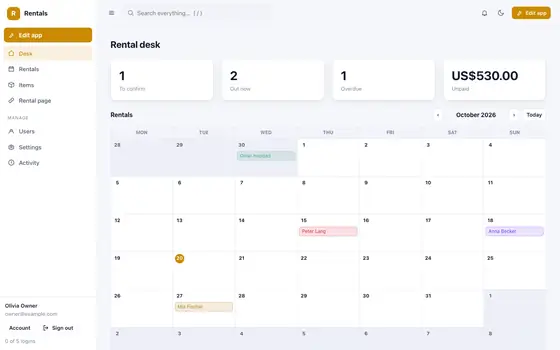 ServicesEquipment rental appItems with live availability, rental requests, pick-up and return, deposits and online payment.Online paymentPublic formReminders
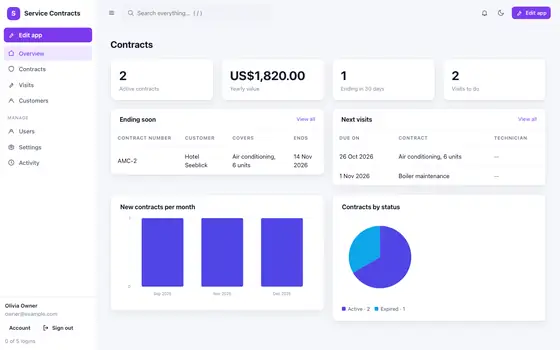 ServicesService contract (AMC) appCustomers, annual service contracts, planned visits, renewals and reminders a month and a week before a contract ends.RemindersBoard viewRoles
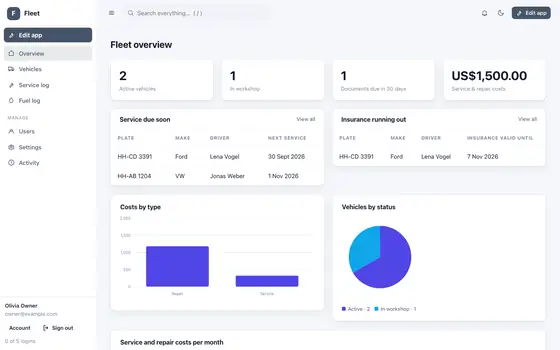 OperationsFleet management appVehicles, service and fuel logs with running costs, and reminders before insurance, inspection and service are due.RemindersRolesImport CSV
Asset tracking software FAQ
Straight answers.
Asset tracking app free and more, answered.
Can I scan with my phone?⌄
Yes. Each asset has a QR label you can print, and the app has a scan page that opens the record.
Can I see who has an item?⌄
Yes. Check-out and return record who had it and when, with a full history.
Does it remind me about service?⌄
Yes. A weekly alert lists service overdue and warranties ended.
Can I import my asset list?⌄
Yes. Import a CSV with column matching and a preview first.
Is there a free asset tracking software?⌄
You can build and test a draft of this app for free: add your own team, load your data and try every screen, including the emails. Going live on your own address needs a paid plan, with the price shown when you deploy. Your data stays in your own database.
Can I change this app to fit my business?⌄
Yes. You can edit tables, fields, pages and roles by hand, or type a change in plain words and ask the AI. Every change is previewed first, applied only when you say so, and kept in a version history you can restore.
Start with the Asset tracking app.
Free to start. Your own database. Change anything, by hand or by asking the AI.