
Tables with 15 field types
Text, money, dates, choices, links to other tables, people, files, emails and phone numbers.
Tell the AI what you run. Our AI app builder creates your tables, screens, logins and alerts. Then change anything by hand, or just ask.
Free draft. Your own address. Your own database.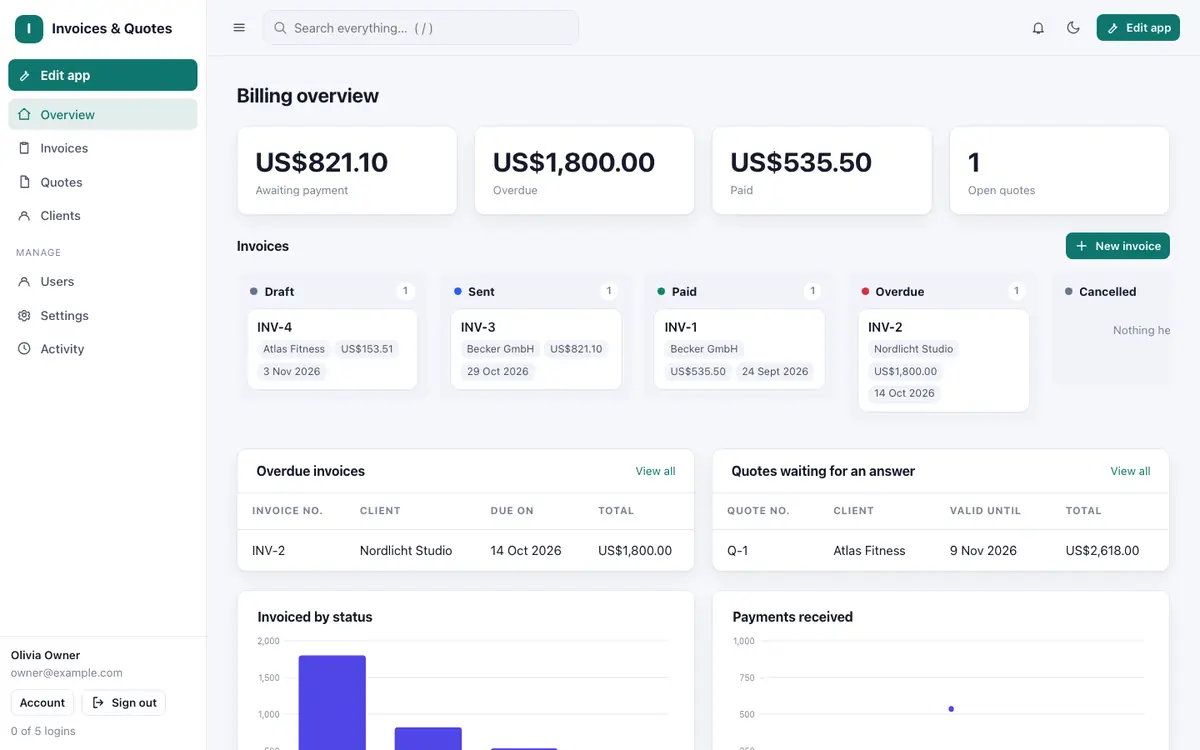
Each one is a real working app with sample data, roles, forms and automations. Open one to see its screens, alerts and what it does.
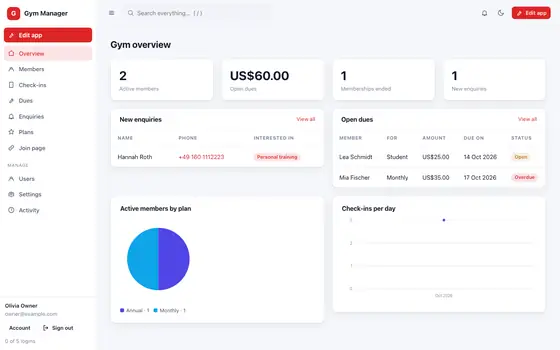 ServicesGym management appMembers and plans, check-ins, dues paid online, expiry handling and a public join form.Online paymentPublic formRoles
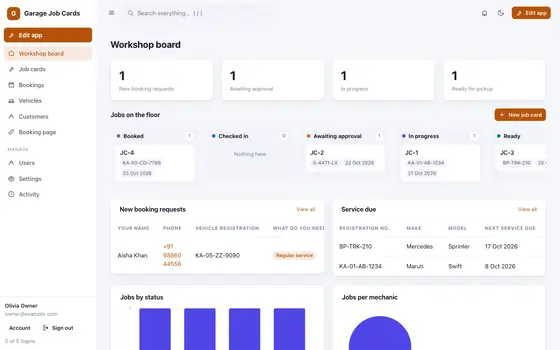 ServicesGarage management softwareCustomers, vehicles, job cards with status, parts and labour, plus an online booking page.Online paymentPublic formBoard view
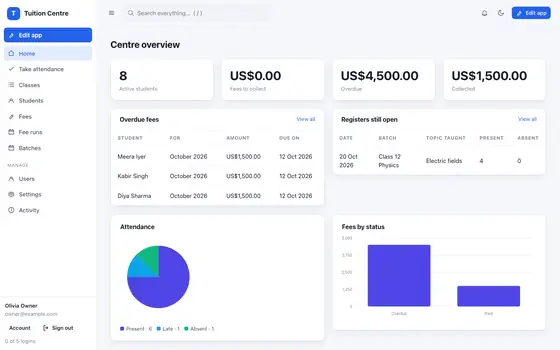 EducationTuition management appStudents and batches, daily attendance, monthly fees collected online with payment links.Online paymentRemindersRoles
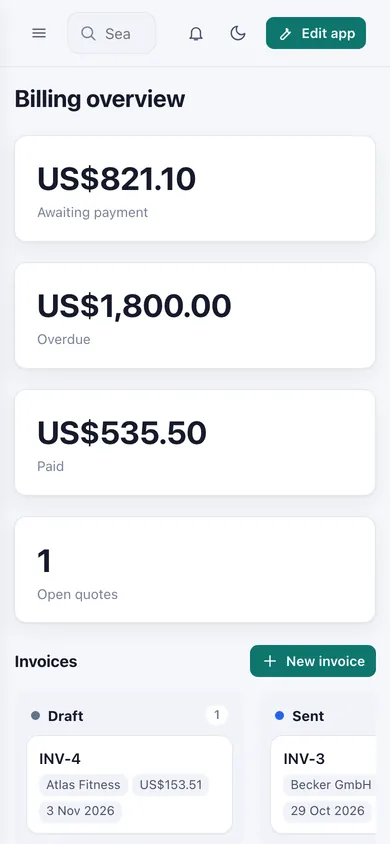
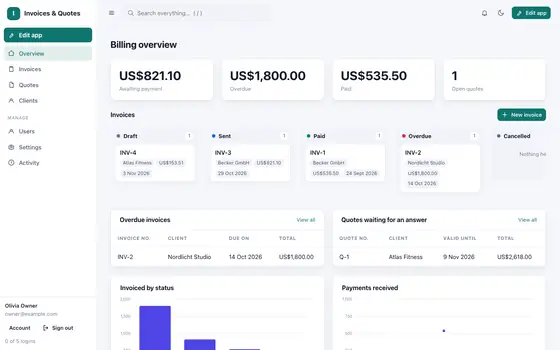 FinanceInvoicing appClients, quotes and invoices with line items, tax and totals worked out for you, paid online.Online paymentRemindersBoard view
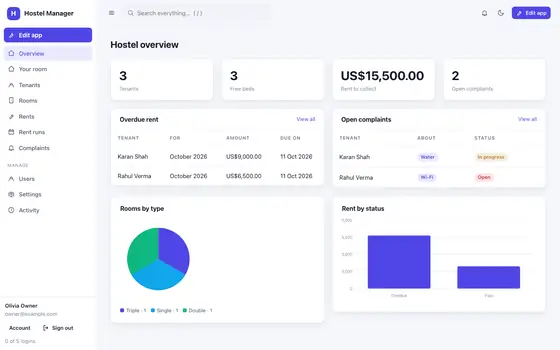 PropertyHostel and PG management appRooms and free beds, tenants, monthly rent runs with online payment, and complaints.Online paymentCustomer loginReminders
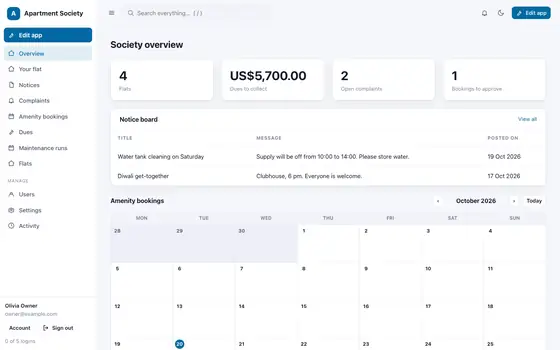 PropertyApartment society management appFlats, monthly maintenance runs paid online, complaints, a notice board and amenity bookings.Online paymentCustomer loginReminders
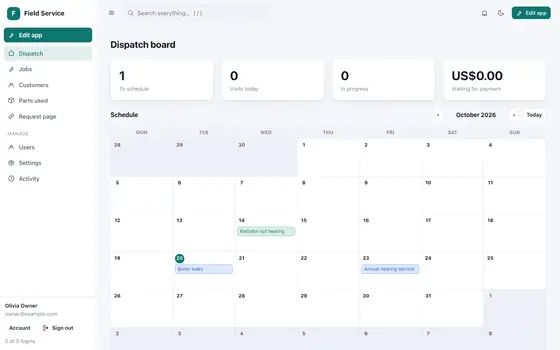 ServicesField service management appJob requests, scheduling, technicians on the road, parts, completion emails with a Pay now button.Online paymentPublic formReminders
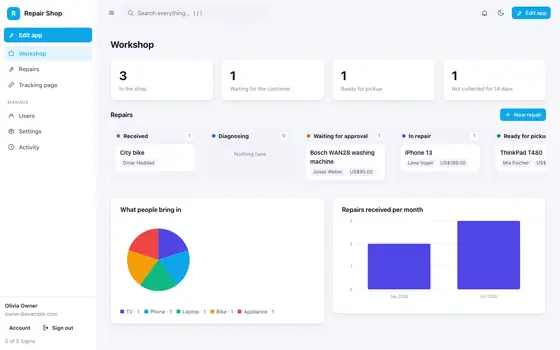 ServicesRepair shop management appRepairs with a tracking code the customer can check online, quotes, ready-for-pickup emails and a Pay now link.Online paymentTracking pageReminders
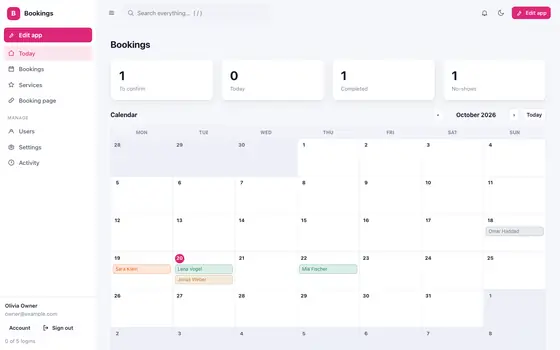 ServicesAppointment booking appA public booking page, a calendar of appointments, confirmations by email and no-show tracking.Public formRemindersNo double booking
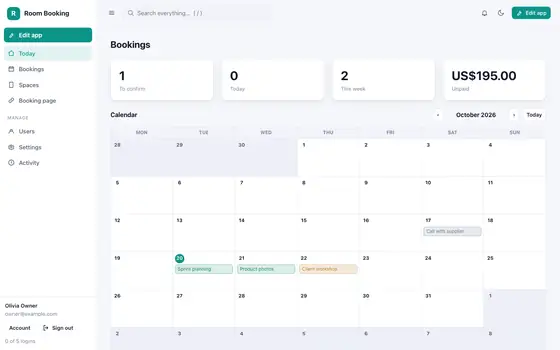 ServicesMeeting room booking appSpaces with prices, a public booking form, no double booking, confirmation with a Pay now link and day-before reminders.Online paymentPublic formReminders
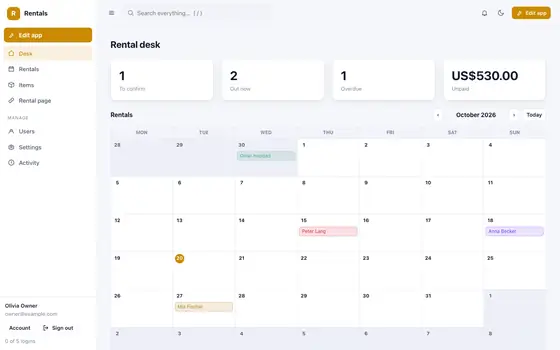 ServicesEquipment rental appItems with live availability, rental requests, pick-up and return, deposits and online payment.Online paymentPublic formReminders
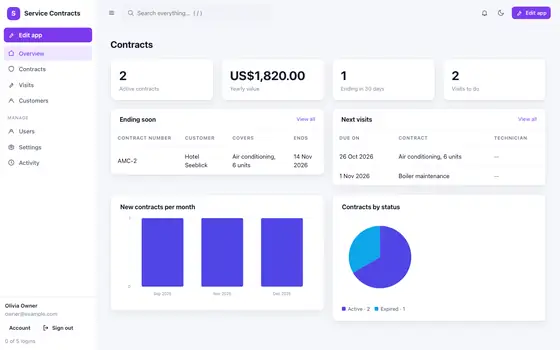 ServicesService contract (AMC) appCustomers, annual service contracts, planned visits, renewals and reminders a month and a week before a contract ends.RemindersBoard viewRoles
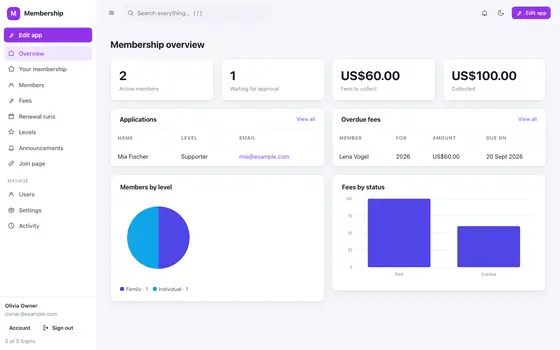 CommunityMembership management appJoin page, committee approval, yearly renewal runs with online payment, and announcements.Online paymentPublic formCustomer login
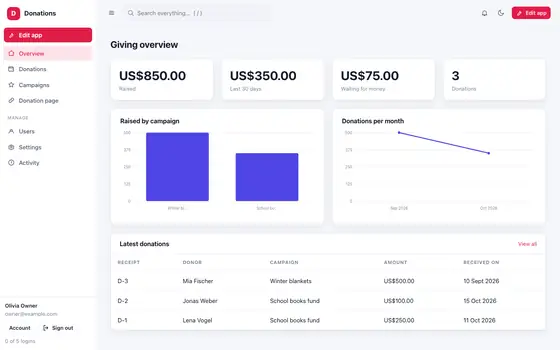 CommunityDonation management appCampaigns with goals and progress, a public donate form with online payment, automatic receipts and a treasurer's view.Online paymentPublic formBoard view
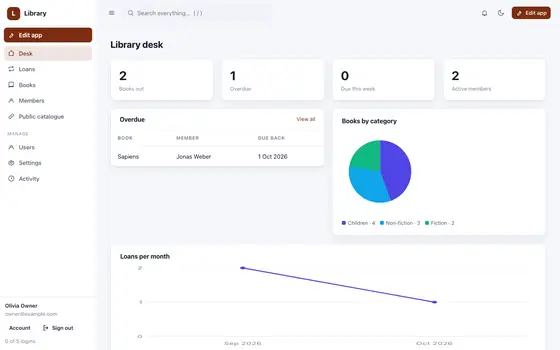 CommunityLibrary management appBooks with live availability, members, loans with due dates, renewals and overdue reminders.Public formRemindersBoard view
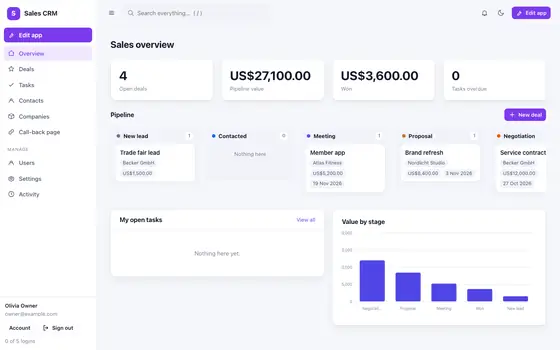 SalesSmall business CRMCompanies, contacts and a deal pipeline you drag across stages, with tasks and a website call-back form.Public formBoard viewRoles
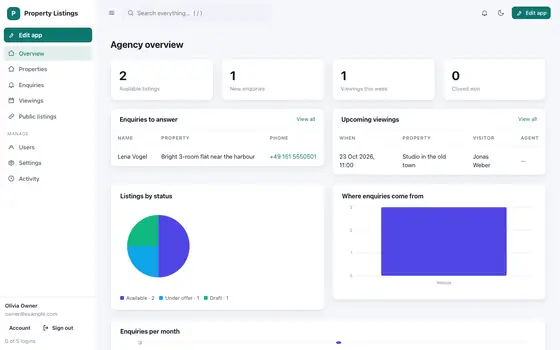 PropertyReal estate listing appListings with a public page, enquiries linked to a property, viewings and an agent pipeline.Public formRemindersBoard view
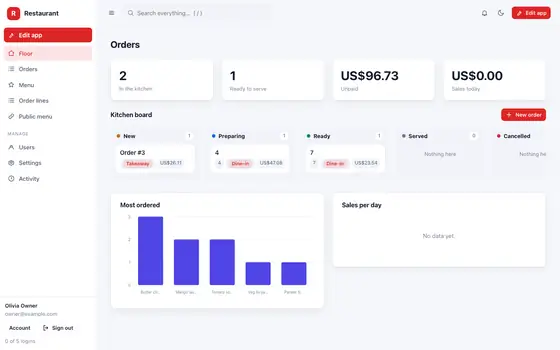 FoodRestaurant order management appMenu, table orders with lines and totals, a kitchen board, takeaway pay links and a public menu page.Online paymentPublic formBoard view
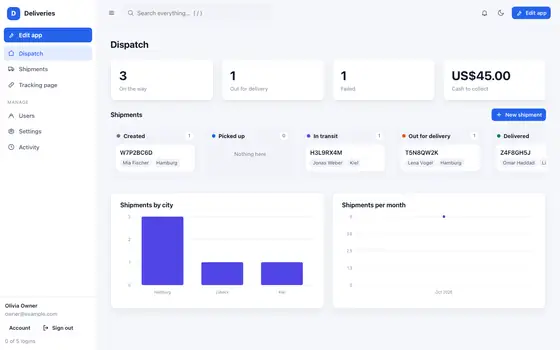 OperationsDelivery tracking appShipments with a tracking code recipients can check online, driver steps, proof of delivery and failed-delivery handling.Public formTracking pageCustomer login
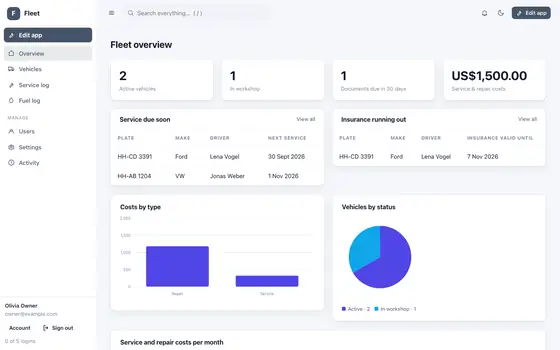 OperationsFleet management appVehicles, service and fuel logs with running costs, and reminders before insurance, inspection and service are due.RemindersRolesImport CSV
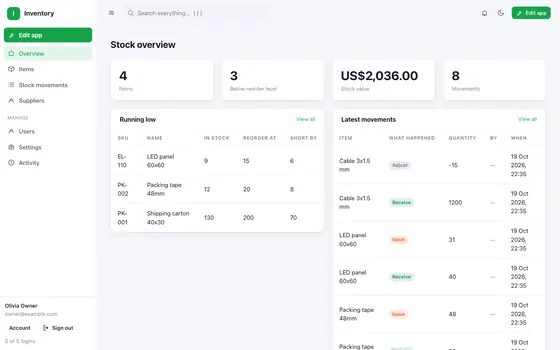 OperationsInventory management appItems with live stock levels from receipts and issues, reorder alerts and stock value.RolesImport CSVEmail alerts
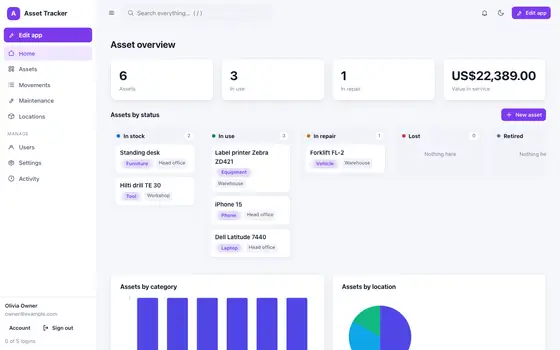 OperationsAsset tracking appEvery asset with a QR label, check-in/out history and value overview.RemindersBoard viewRoles
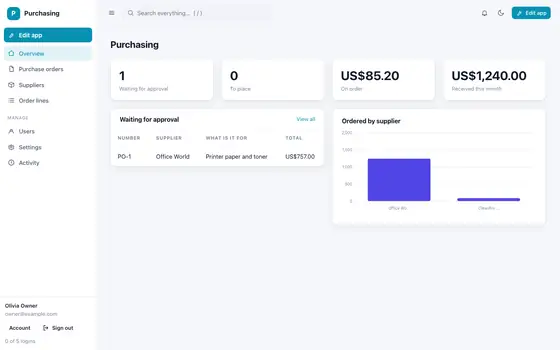 FinancePurchase order appRequests with lines, approval, placing with the supplier by email and receiving, with spend per supplier.Customer loginBoard viewRoles
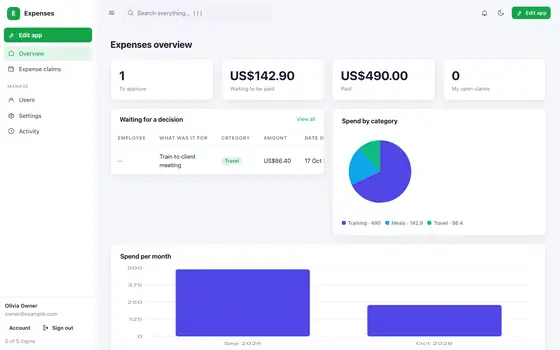 FinanceExpense claims appEmployees submit claims with receipts; managers approve; finance pays. Everyone is told by email.Customer loginRolesImport CSV
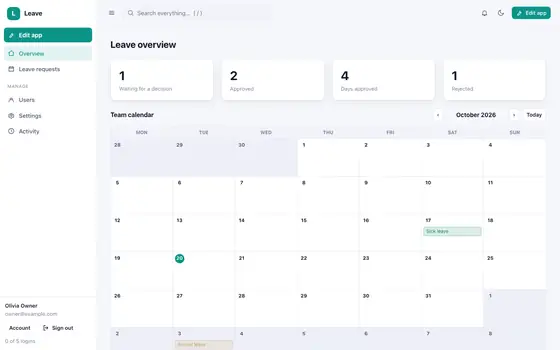 PeopleLeave management appEmployees request leave, managers approve, everyone sees the team calendar.Customer loginCalendarRoles
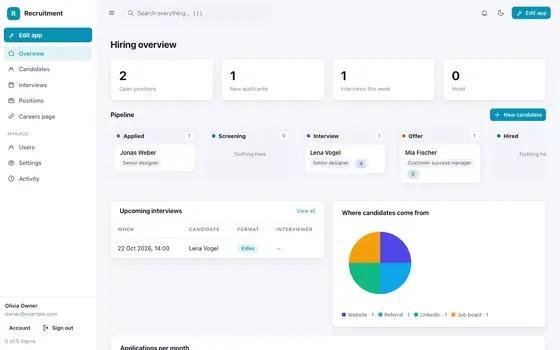 PeopleRecruitment appOpen positions with a public apply form, a candidate pipeline, interviews and automatic replies.Public formRemindersCalendar
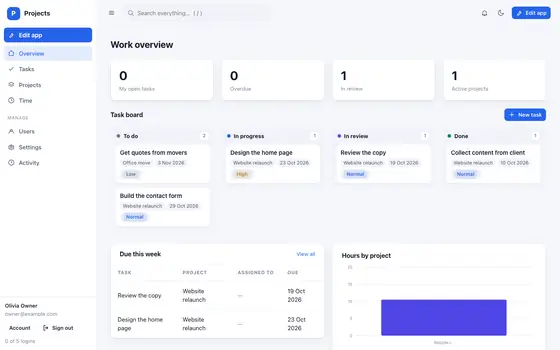 OperationsProject and task management appProjects with a task board, assignees, due dates, time entries and progress that updates itself.RemindersBoard viewRoles
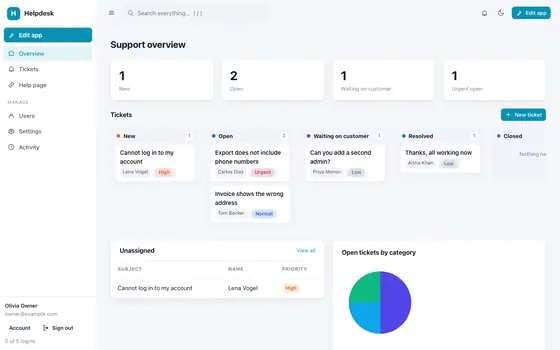 ServicesHelpdesk ticketing appPublic request page, ticket board, one-click reply by email and automatic confirmations.Public formRemindersBoard view
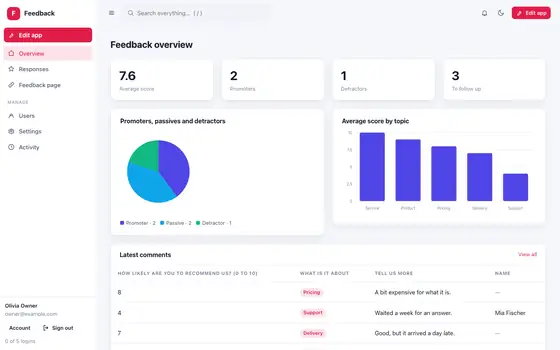 ServicesCustomer feedback app (NPS)A public feedback form, promoters and detractors worked out for you, and a follow-up queue.Public formBoard viewRoles
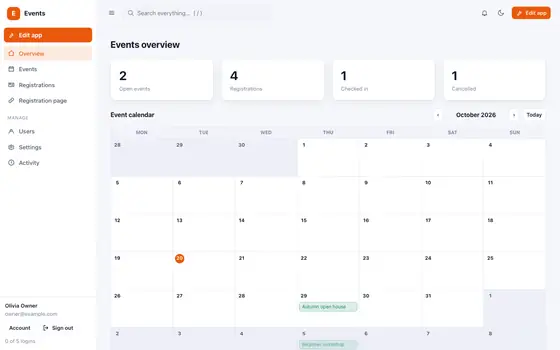 EventsEvent registration appEvents with capacity and seats left, public registration, confirmation emails and door check-in.Public formCalendarRoles
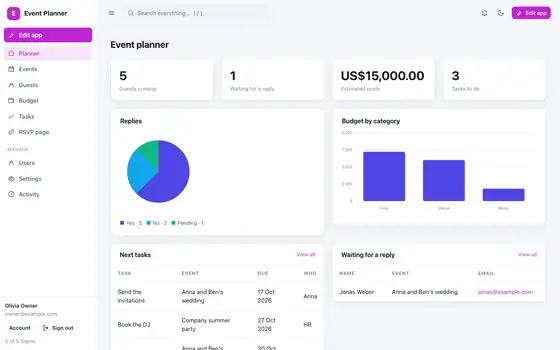 EventsEvent planner app (wedding, party)Guest list with RSVP form, budget with estimates and actuals, and a task list per event.Public formRemindersRoles
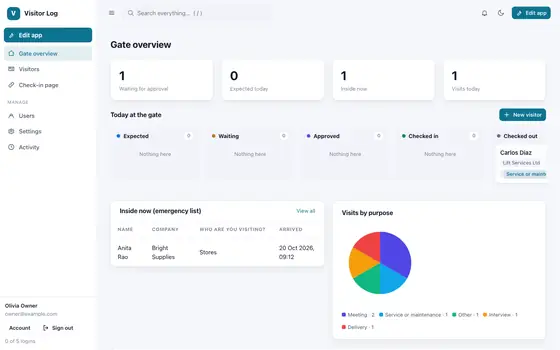 OperationsVisitor management appA public check-in page for visitors, reception approval, gate passes and a live gate board.Public formBoard viewRoles
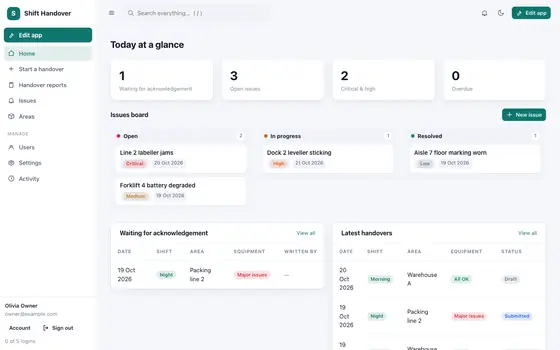 OperationsShift handover appShift reports, issues with severity, supervisor sign-off and a live dashboard.Board viewRolesImport CSV
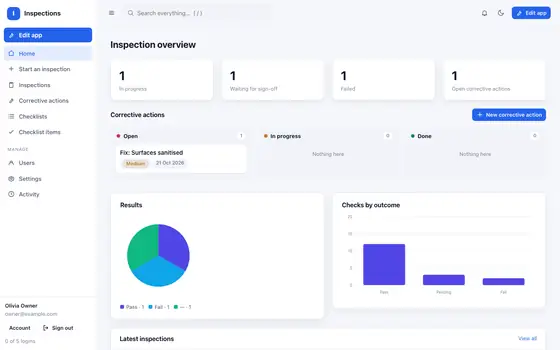 OperationsInspection checklist appBuild checklists, record inspections with pass/fail findings and photos.Board viewRolesImport CSV
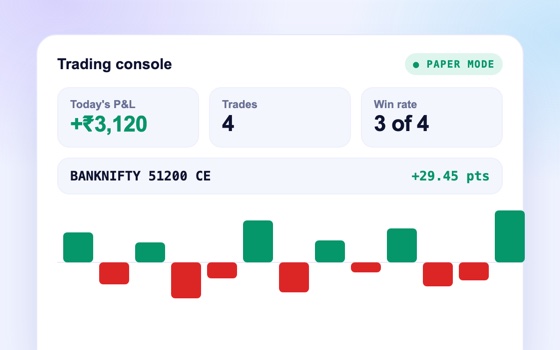 FinanceAlgo trading app for ZerodhaStrategies, paper trading, backtests, alerts and P&L for Bank Nifty, Nifty and stocks.BacktestsPaper tradingRoles
Every template is a starting point. Change anything afterwards, by hand or by asking the AI.
No blank page and no developer. Start with a description or a template and make it yours.
Say what you run, or choose one of 35 ready-made apps for a gym, garage, hostel, clinic front desk, invoicing and more.
Tables, pages, roles, menu, forms, automations and sample data, ready in one go.
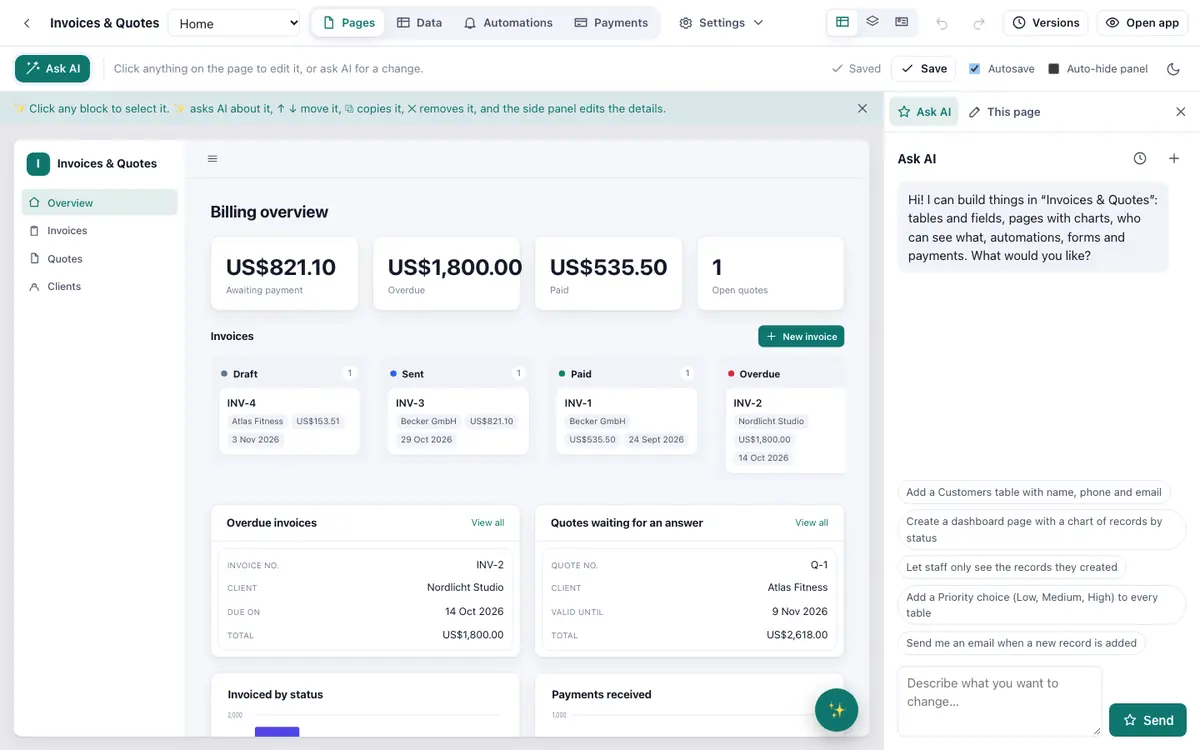
A full-screen editor with live preview, Ask AI in a side panel, and pages for Data, Automations, Payments and Settings.
Use your own address or domain. Each person gets their own login and sees only what their role allows.
Describe a change in plain words. The AI turns it into precise, validated steps. You preview the result, apply it, and undo it from the version history if you change your mind.
Grouped by what you are trying to do.
Model your business the way it works, then shape every screen.
Text, money, dates, choices, links to other tables, people, files, emails and phone numbers.
Formulas, totals of related records and values copied from a linked record, such as the price of the chosen service.
Headings, numbers, charts, tables, kanban boards, calendars, forms, buttons, columns and images.
Menu, light and dark mode, custom CSS, a layout that fits phones, and fields shown only when they matter.
Move an app as a file, duplicate it, or start from a template or a blank app.
The tools your team reaches for all day.
Approve, Mark paid or Out for delivery, with who and when filled in, and a lock once a record is final.
Select many records and press a button, import a CSV with a check before it is saved, and export CSV.
Search the whole app with / or Ctrl+K, a comment and activity trail on every record, printable records and QR labels.
A room, a person or a bay cannot be booked twice, with live availability and an iCalendar feed.
Roles and logins that match how your team works.
Read, own records only, create, update, delete and export, set for each role.
Invite by email, password reset, seats you can see, and a time zone for each app.
Tenants, members, customers and drivers log in and see only the records that name them.
Each role lands on its own home page with the numbers it needs.
Triggers and actions that run on their own.
When a record is created or changed, on a schedule in the app's time zone, or when a payment arrives.
Send an email, notify people in the app, change a field, create records, call a web address, or let the AI fill a field.
Before and after due dates, overdue marking, renewals and not-collected-for-14-days.
Dates, money and numbers appear the way people read them, and every app gets a free sending address.
Your Stripe account, your money.
Razorpay, UPI and PDF invoices are coming soon.
Pay now links in emails and on records, with status, receipts and alerts updated automatically.
Calculated totals and tax, quotes that turn into invoices, and repeating invoices.
One action creates a charge for every member, tenant or flat at once.
No login for the people you serve.
Spam protection built in, only the fields you allow, a choice of open records, and PDF or image uploads.
A visitor types a code and sees only that one record. Codes are made for you.
Link, button, embed in your own website, pop-up or QR code, and connect it to the AI Site Builder.
Each app is isolated and protected.
Every app runs in its own isolated container with its own database.
Take a backup yourself at any time and restore it when you need to.
Role-scoped API keys, webhooks, an activity log, and files only visible to people who may read the record.
An email goes out with a Pay now button. The customer pays on Stripe. The status flips by itself.
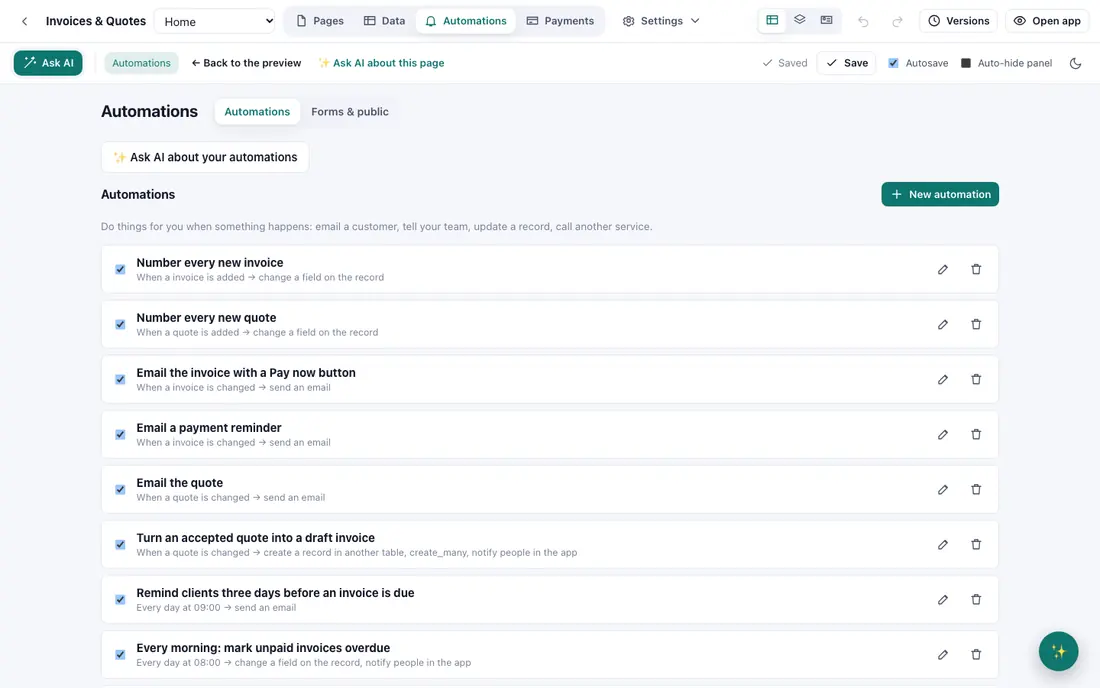
Each rule is a plain sentence: when this happens, do that. Turn them on, change them, or ask the AI for a new one.
Payments use your own Stripe account, so the money goes straight to you. Razorpay and UPI are coming soon.
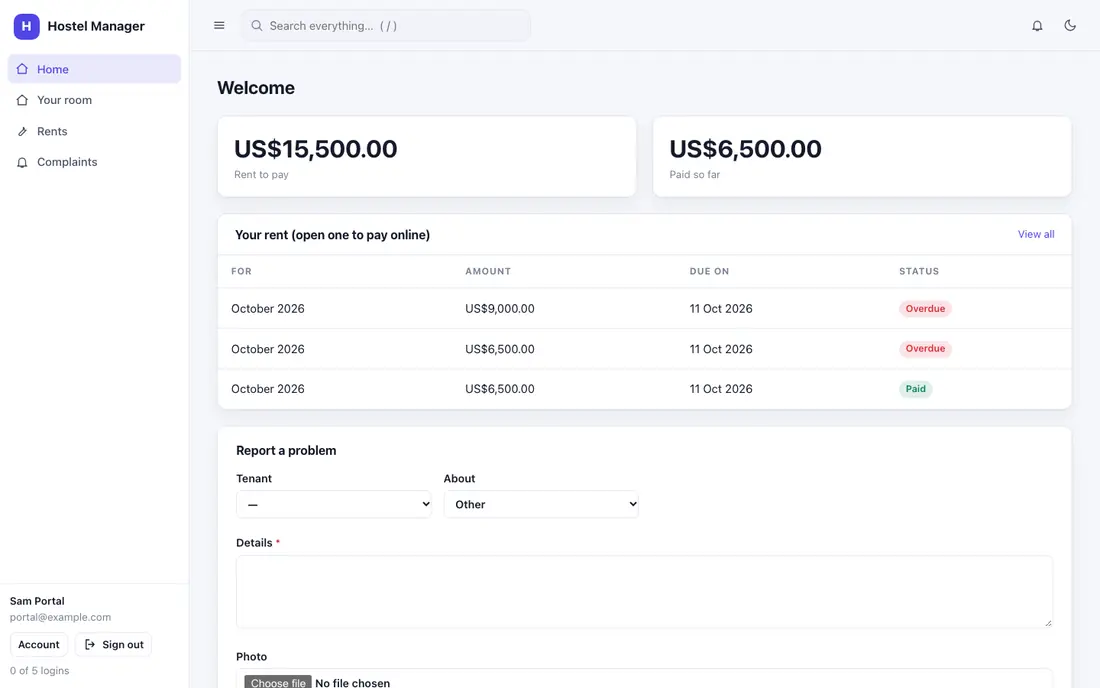
Someone sees only the records that name them. An Invite to the app button creates the login and links it to their record.
Forms feed your records. Tracking pages show one record to the person who holds its code.
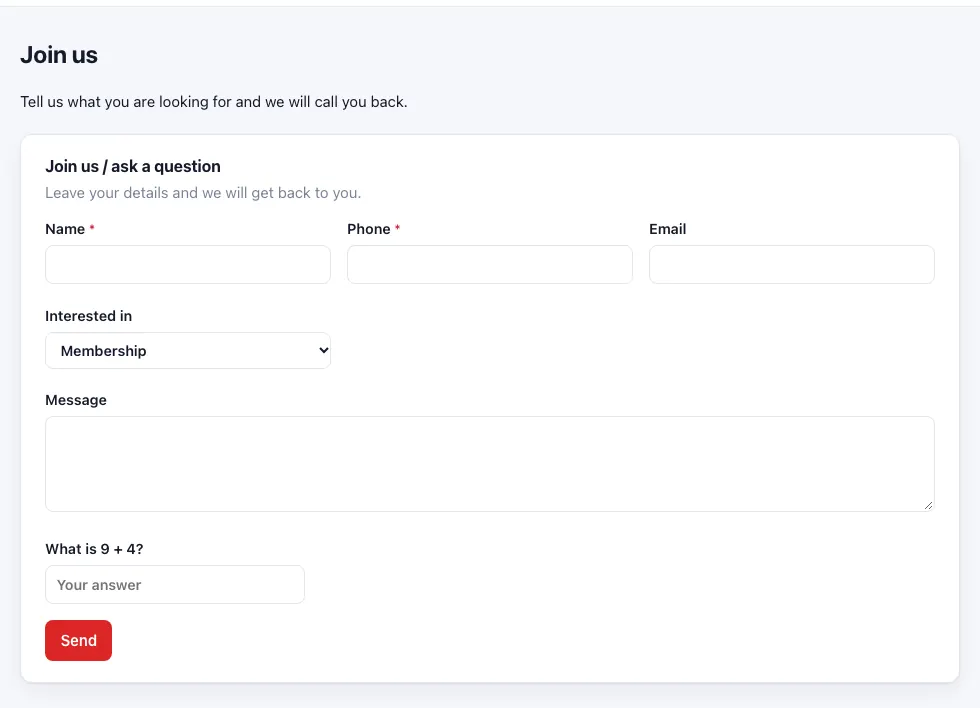
Visitors fill in a public form. It creates a record, alerts your team and can send an automatic email. Spam protection is always on.
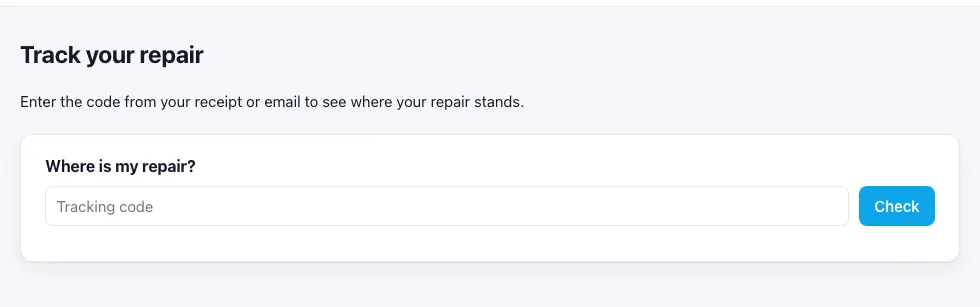
A customer types the code from their receipt or email and sees only that one repair, parcel or order. Codes are generated automatically.
If you can describe how your business works, you can have an app for it.
Gyms, garages, hostels, shops, clinic front desks and schools that outgrew paper and spreadsheets.
Rooms, rent runs, dues, complaints and tenant or resident logins in one place.
Jobs, technicians, check-lists and proof of delivery that work on a phone.
Members, renewals, donations, events and notices without a developer.
Invoices, quotes, expense claims, purchase orders and leave with approvals.
A quick look at six of them. The full table covers all 35.
| App | Payments | Public form | Tracking | Customer login | Calendar | Board |
|---|---|---|---|---|---|---|
| Gym management app | ✓ | ✓ | – | Soon | – | – |
| Repair shop management app | ✓ | – | ✓ | – | – | ✓ |
| Hostel and PG management app | ✓ | – | – | ✓ | – | – |
| Appointment booking app | Soon | ✓ | – | – | ✓ | – |
| Helpdesk ticketing app | – | ✓ | Soon | Soon | – | ✓ |
| Invoicing app | ✓ | – | – | Soon | – | ✓ |
✓ Available today Soon Coming soon – Not part of this app
A draft lets you build, test and invite your own team. Going live puts the app on your own address.
Build and test your app
Go live for your team and customers
Pricing for a live app is shown when you deploy it. Plans set logins, AI use and email limits.
Your app lives in the same account as your sites, hosting and domains.
Data, payments, logins and what is still coming.
No. You describe your business or pick a template, and the AI builds the tables, pages, logins and automations. You can change everything by hand in a full-screen editor, or by asking the AI in plain words.
You do. Every app has its own database, and you can export any list to CSV, take backups and read your records through an API with role-scoped keys.
Yes. A draft runs on a platform address while you build. When you go live you can use your own domain.
You connect your own Stripe account. Pay now links go in emails and on records, the payment status updates by itself, and the money goes straight to you. Razorpay and UPI are coming soon.
Yes. Tenants, members, customers or drivers can have their own login and see only the records that name them. An Invite to the app button creates the login and links it.
Yes. Every template is a starting point. Add fields, pages, roles and automations by hand or by asking the AI, and every change is previewed, can be undone and is kept in a version history.
Ask the AI to build it. If it needs something the platform does not do yet, tell us. Several things are on the way and are marked Coming soon on this page.
Plans set limits on logins, AI use and email sending. Your own database holds your records, and imports of up to 2,000 rows at a time are checked before they are saved.
Yes. Export any list to CSV, take backups and restore them, or export the whole app as a file.
Yes. Share any page as a link, a button, a pop-up, a QR code or an embed in your own site. The AI Site Builder can add an app to a site and feed a contact form into an app.
A live app first enters a short grace period in which it can be read but not changed. If the plan stays unpaid it then stops working until you renew. Export a CSV or take a backup at any time, and contact support if you need your data.
Start with a free draft. Build it, test it with your team, and go live when it is ready.