
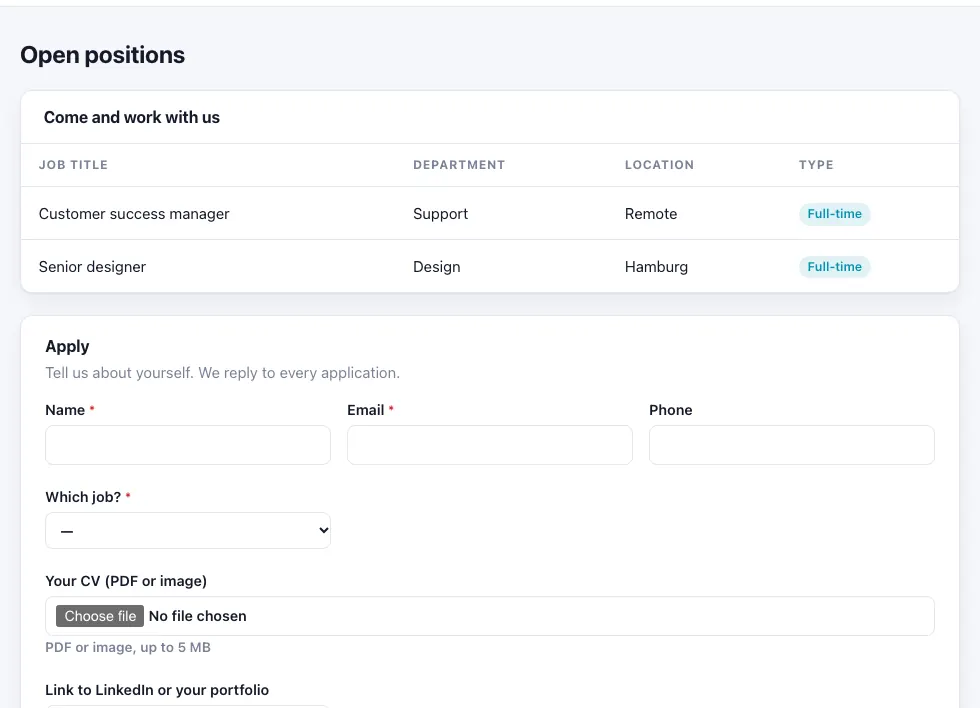
Positions (public list of open ones)
People app template
Applicant tracking software with a careers page
Post open positions on a public page, collect applications with a CV, move candidates across a pipeline, schedule interviews and send polite replies automatically.
✓Free to start✓Your own database✓No code
About this app
Applicant tracking software, built for how you work.
Applicant tracking software collects applications, moves candidates through stages and keeps interview feedback in one place. Small companies and agencies that hire a few people at a time and manage candidates in email today.
Looking for free applicant tracking software? You can build and test this app for free as a draft, then go live on your own address when you are ready. It also covers candidate tracking software, hiring pipeline software, recruitment management software.
What you get
Applicant tracking software features that work from day one.
9 things this app already does, with sample data so you can try each one.
Apply form with CV upload
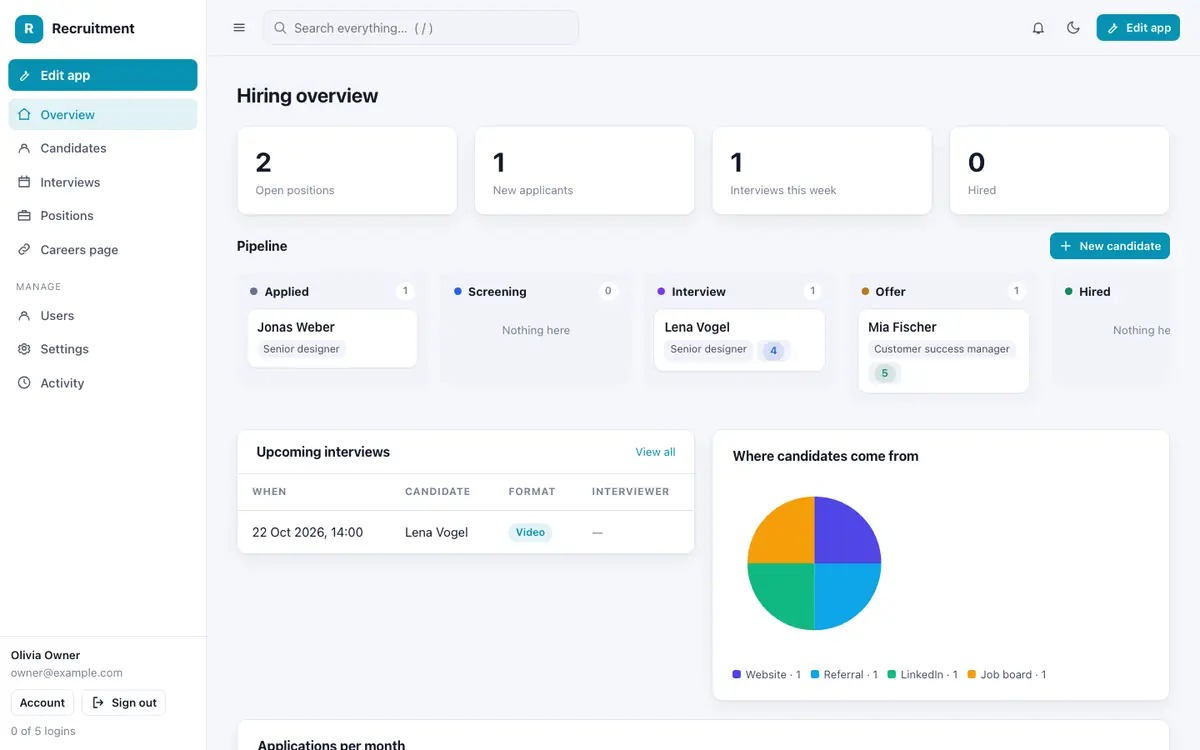
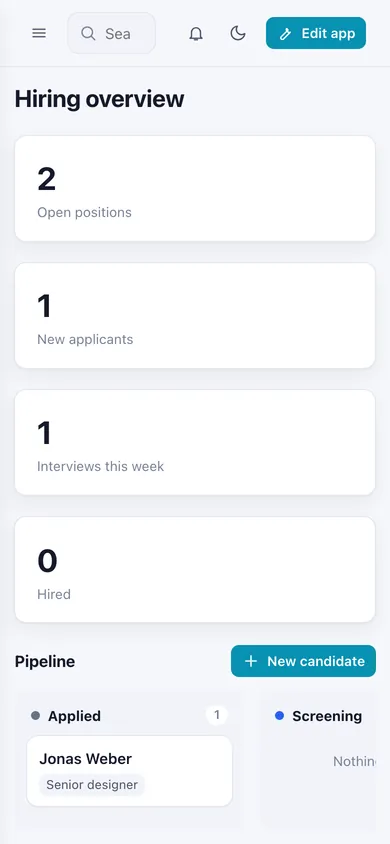
Pipeline board
Interviews with feedback and score
Interviewer alerts
Auto-acknowledgement and rejection emails
Reasons for rejection
Sources chart
A day with this app
A day with your Recruitment app
How the app looks after the first week.
- 01
Publish open positions
A public careers page lists only the positions that are open.
- 02
Candidates apply
The form takes their details and a CV upload. They get an automatic acknowledgement.
- 03
Move them through stages
A pipeline board shows who is where, with interviews, feedback and a score.
- 04
Reply politely
Rejections go out automatically and record the reason, and a chart shows which sources bring candidates.
Screens
See the Recruitment app.
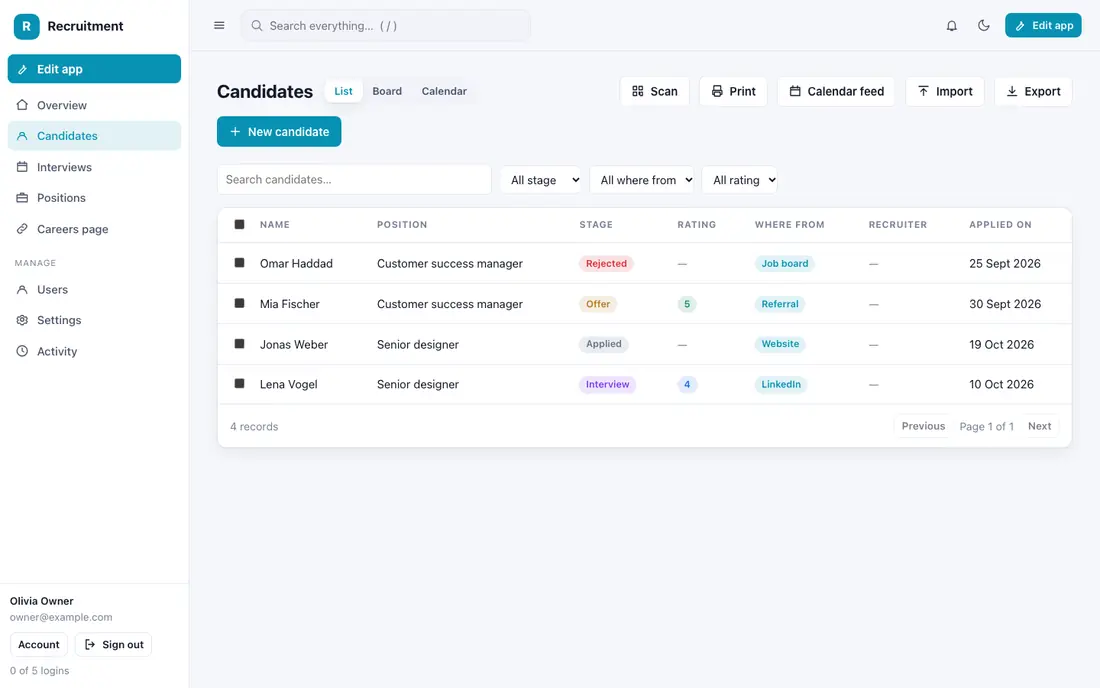
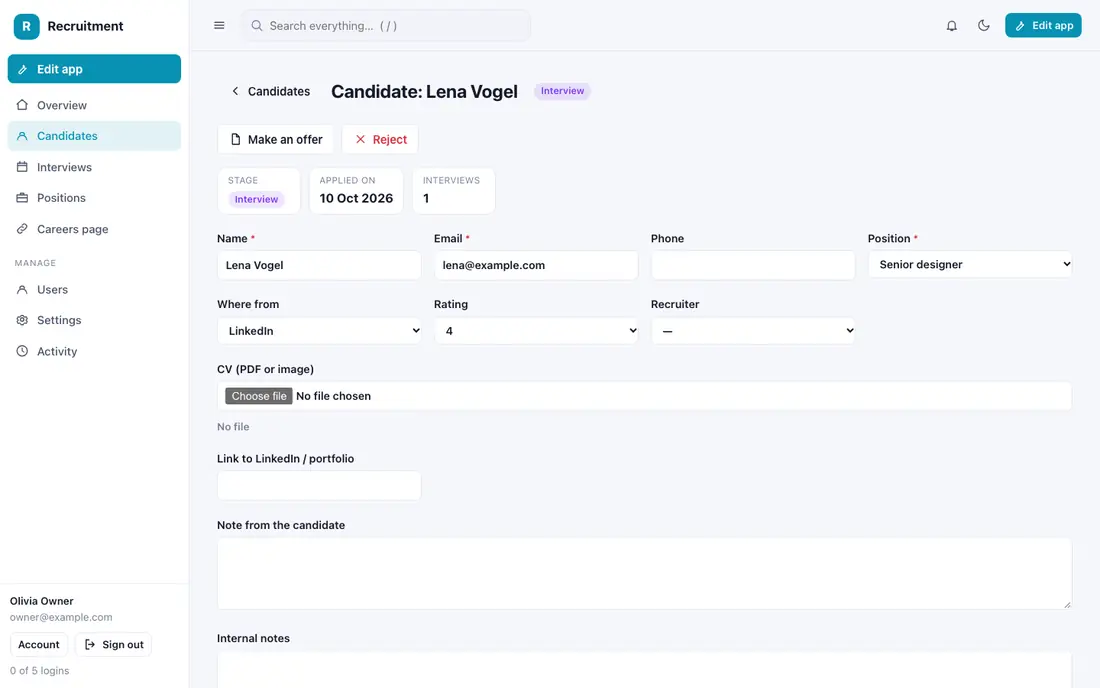
Real screens from the template, with sample data. Yours will hold your own.
Alerts
Automatic alerts.
These rules are already in the template. They run on their own, and you can read, change or switch off each one.
- Confirm every application by email
- Tell recruiters about an application
- Send a polite rejection
- Remind recruiters to prepare the offer
- Tell the interviewer about an interview
- Every morning: today's interviews
How it runs
- 1Something changes on a record: a status, a date.
- 2A rule in the template notices and acts, with no one lifting a finger.
- 3The right role is told, and what happened is written to the record's history.
Make it yours
Change it by asking.
Type a change in plain words. Every change is previewed first, applied only when you say so, and kept in a version history you can restore.
Start with this appRoles
Who sees what.
Each person gets their own login. What they see depends on their role.
Administrator
Everything, including settings, users and the editor.
Recruiter
Works with Candidate, Interview, Position records.
Interviewer
Works with Interview records.
Coming soon
On the way for this app.
These are not available yet. They are listed here so you know what is planned.
- Interview scheduling with candidate-picked slotsComing soon
- Scorecards and offer letters (PDF)Coming soon
- Referral trackingComing soon
- Job board postingComing soon
- Talent poolComing soon
- AssessmentsComing soon
- Google Calendar syncComing soon
- WhatsApp updatesComing soon
Related apps
More ready-made apps.
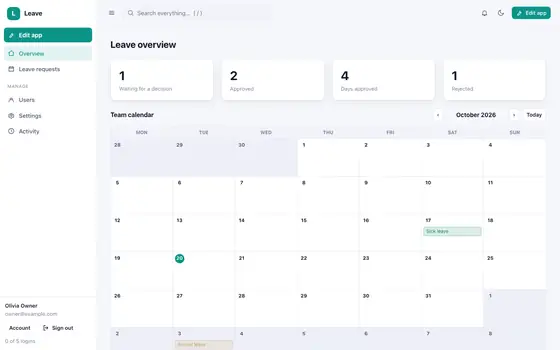 PeopleLeave management appEmployees request leave, managers approve, everyone sees the team calendar.Customer loginCalendarRoles
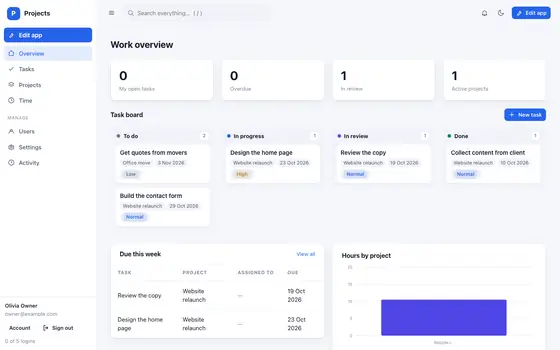 OperationsProject and task management appProjects with a task board, assignees, due dates, time entries and progress that updates itself.RemindersBoard viewRoles
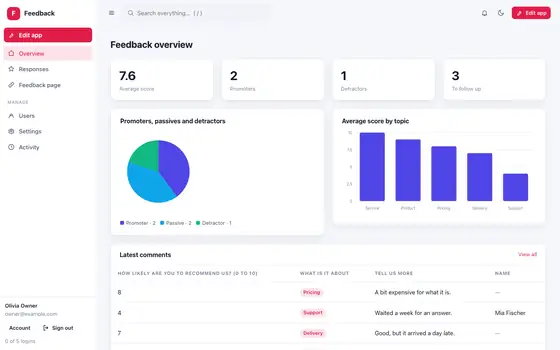 ServicesCustomer feedback app (NPS)A public feedback form, promoters and detractors worked out for you, and a follow-up queue.Public formBoard viewRoles
Applicant tracking software FAQ
Straight answers.
Candidate tracking software and more, answered.
Can candidates upload a CV?⌄
Yes. The apply form accepts a PDF or image, and only people allowed to see the candidate can open it.
Does it reply to applicants?⌄
Yes. Applicants get an automatic acknowledgement, and rejections send a polite reply.
Can interviewers see only their candidates?⌄
Interviewers are alerted to their interviews and give feedback on them. Use the roles page to limit what each role can see.
Can I add stages?⌄
Yes. Stages are a list you can edit, or ask the AI, for example "Add a screening question".
Is there a free applicant tracking software?⌄
You can build and test a draft of this app for free: add your own team, load your data and try every screen, including the emails. Going live on your own address needs a paid plan, with the price shown when you deploy. Your data stays in your own database.
Can I change this app to fit my business?⌄
Yes. You can edit tables, fields, pages and roles by hand, or type a change in plain words and ask the AI. Every change is previewed first, applied only when you say so, and kept in a version history you can restore.
Start with the Recruitment app.
Free to start. Your own database. Change anything, by hand or by asking the AI.