
Spaces with seats, hourly price, amenities
Services app template
Meeting room booking software with online payment
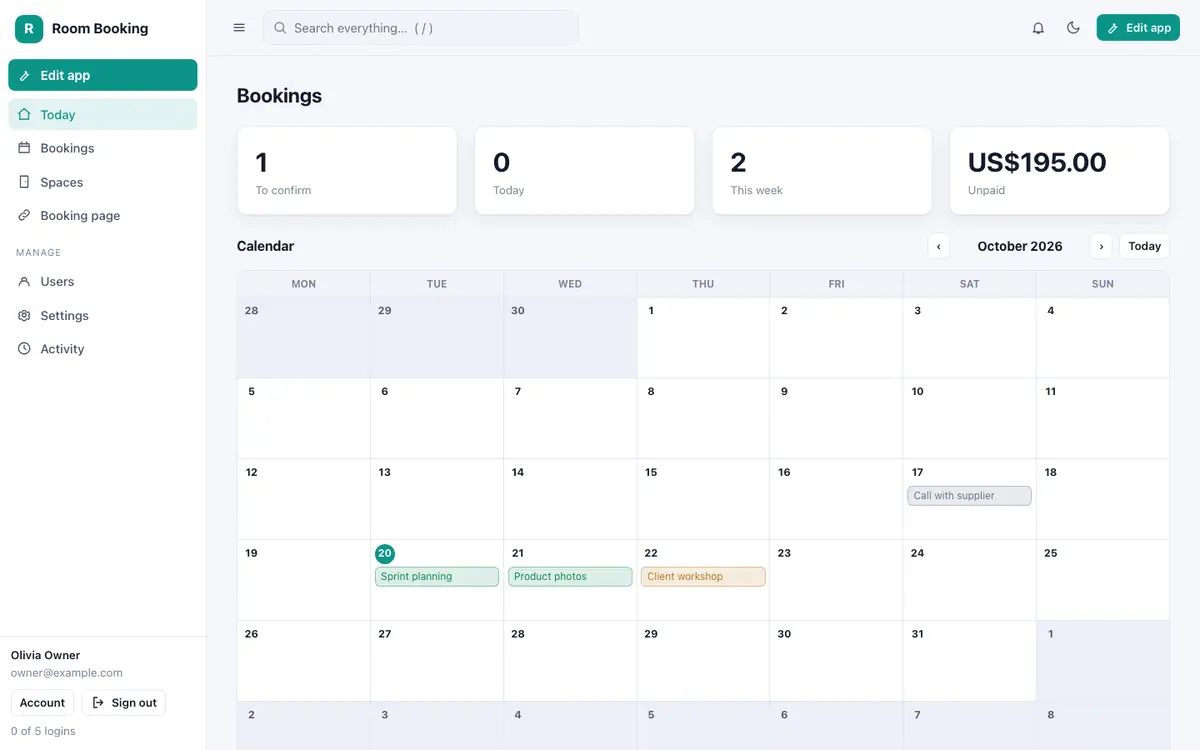
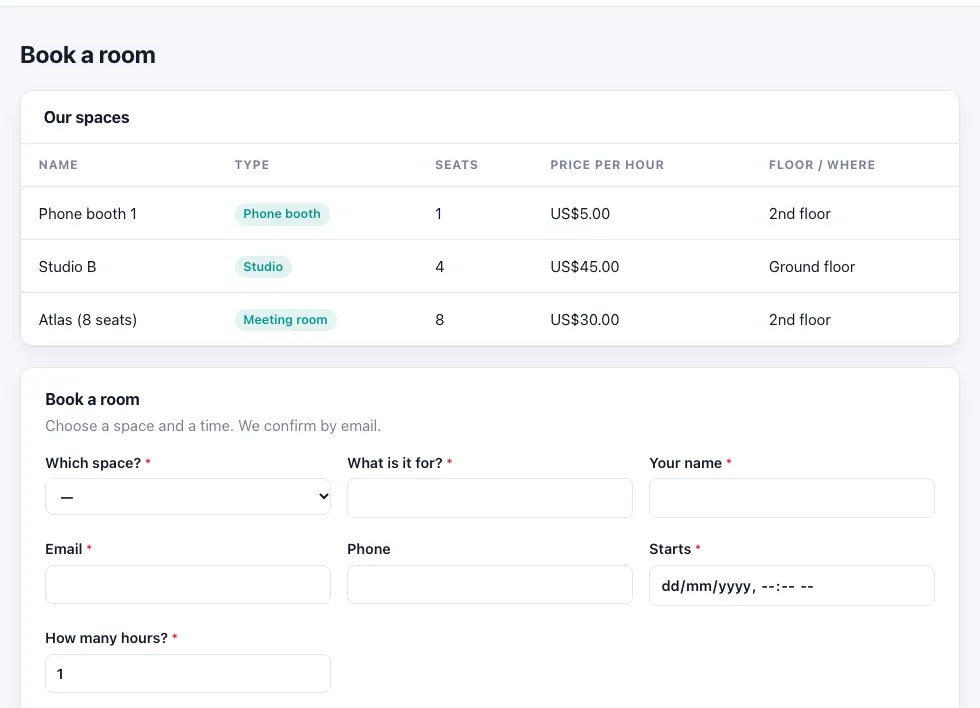
A public page lists your spaces and prices; bookings are checked against the room's calendar before you confirm; the booker gets a confirmation with a payment link and a reminder the day before.
✓Free to start✓Your own database✓No code
About this app
Meeting room booking software, built for how you work.
Meeting room booking software lists your spaces, checks availability and confirms bookings with a payment link. Coworking spaces, serviced offices, studios and venues that rent rooms by the hour.
Looking for free meeting room booking software? You can build and test this app for free as a draft, then go live on your own address when you are ready. It also covers free meeting room booking app, coworking space management software, room booking system.
What you get
Meeting room booking software features that work from day one.
9 things this app already does, with sample data so you can try each one.
Public booking form
Price worked out from hours
No double booking per room
Calendar
Confirmation and cancellation emails
Pay now
Reminders
A day with this app
A day with your Meeting room booking app
How the app looks after the first week.
- 01
List your spaces
Each space has seats, an hourly price and amenities, shown on a public page.
- 02
Someone books
They choose a space and hours, and the price is worked out from the hours.
- 03
No clashes
A room cannot be booked twice for the same time, so double bookings never reach you.
- 04
Confirm and collect
The booker gets a confirmation with a Pay now link and a reminder the day before.
Screens
See the Meeting room booking app.
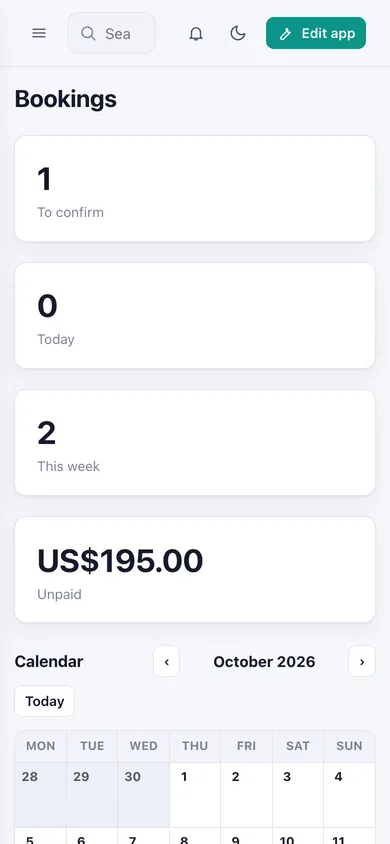
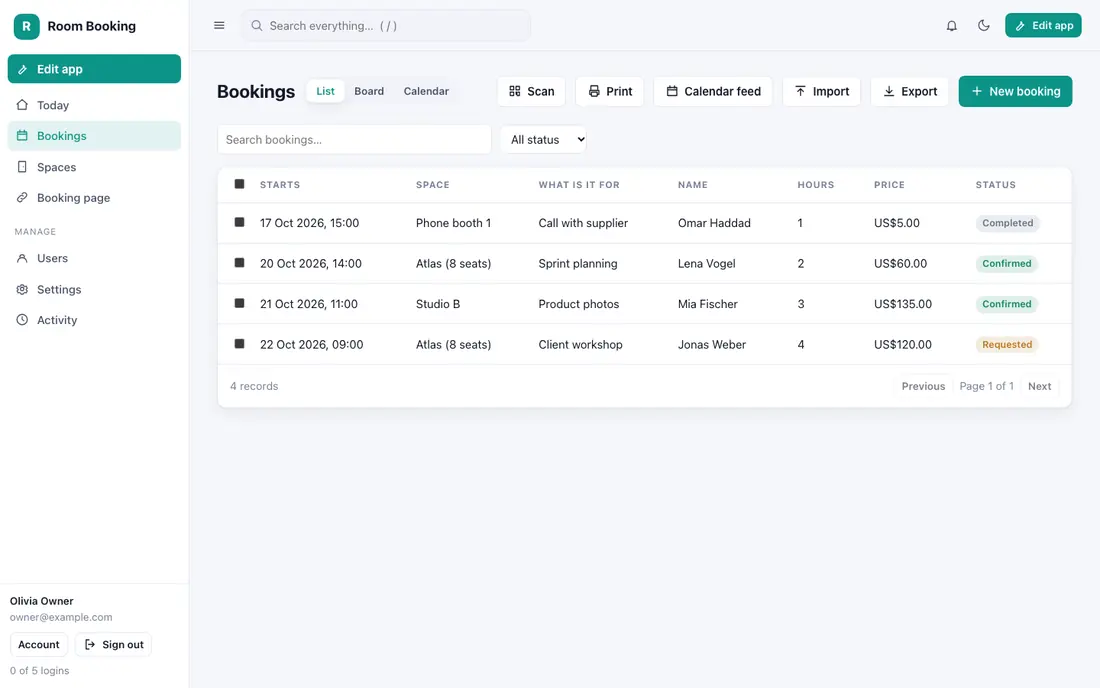
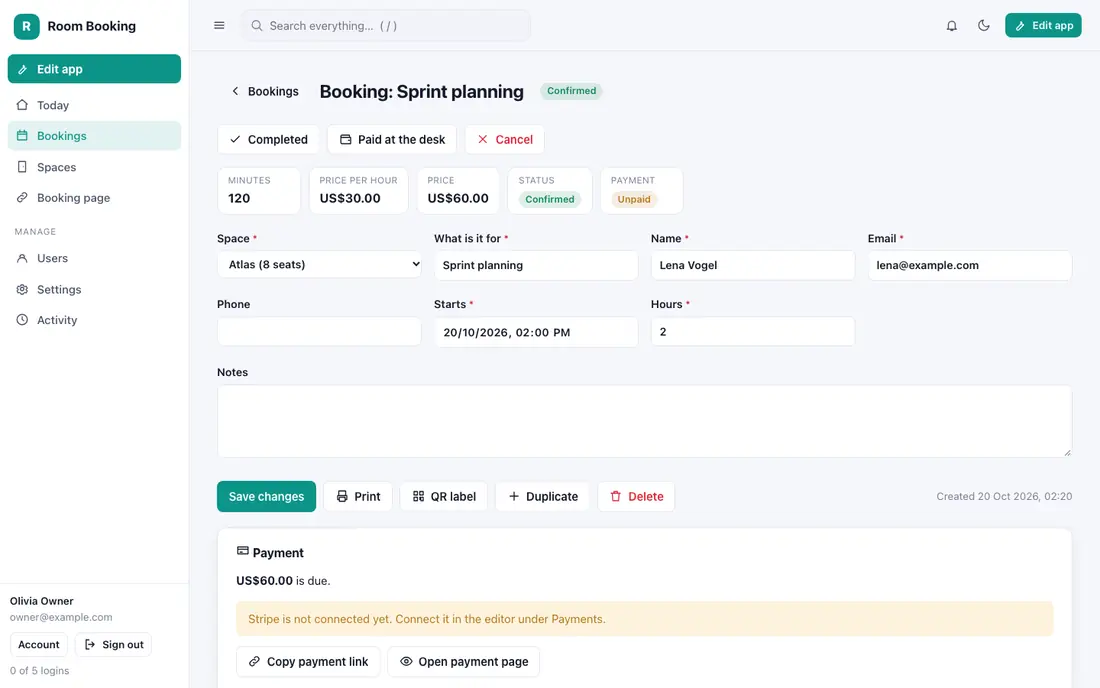
Real screens from the template, with sample data. Yours will hold your own.
Alerts and online payments
Automatic alerts and online payments.
These rules are already in the template. They run on their own, and you can read, change or switch off each one.
- Tell managers about a request
- Email the confirmation with a Pay now button
- Email about a cancellation
- Remind people the day before
Payments use your own Stripe account, so the money goes straight to you.
How it runs
- 1Something changes on a record: a status, a date, a payment.
- 2A rule in the template notices and acts, with no one lifting a finger.
- 3The right role is told, and what happened is written to the record's history.
Make it yours
Change it by asking.
Type a change in plain words. Every change is previewed first, applied only when you say so, and kept in a version history you can restore.
Start with this appRoles
Who sees what.
Each person gets their own login. What they see depends on their role.
Administrator
Everything, including settings, users and the editor.
Manager
Works with Booking, Space records.
Reception
Works with Booking records.
Coming soon
On the way for this app.
These are not available yet. They are listed here so you know what is planned.
- Pick free slots on a visual day viewComing soon
- Recurring bookingsComing soon
- Member credits and hour packsComing soon
- Check-in with QRComing soon
- Access-door integrationComing soon
- Invoices per companyComing soon
- UPIComing soon
- PDF receiptsComing soon
- Google Calendar syncComing soon
Related apps
More ready-made apps.
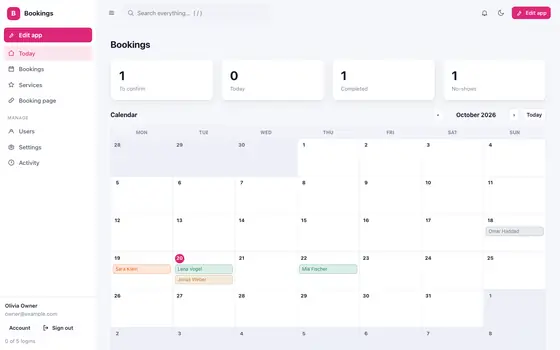 ServicesAppointment booking appA public booking page, a calendar of appointments, confirmations by email and no-show tracking.Public formRemindersNo double booking
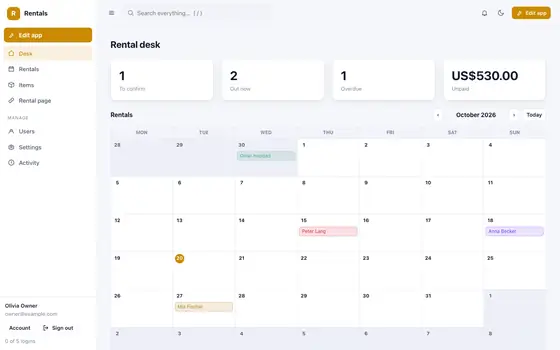 ServicesEquipment rental appItems with live availability, rental requests, pick-up and return, deposits and online payment.Online paymentPublic formReminders
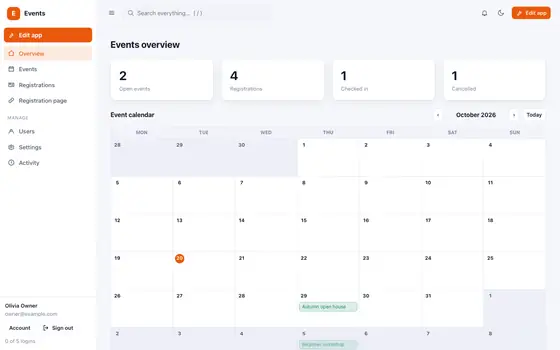 EventsEvent registration appEvents with capacity and seats left, public registration, confirmation emails and door check-in.Public formCalendarRoles
Meeting room booking software FAQ
Straight answers.
Free meeting room booking app and more, answered.
Does it stop two bookings for the same room?⌄
Yes. Bookings are checked against the room's calendar and a clashing request is refused.
Can people pay online?⌄
Yes. The confirmation email has a Pay now link to your own Stripe account.
Can I limit booking hours?⌄
Yes. Ask the AI, for example "Add a cleaning buffer between bookings", or add the rule yourself in the editor.
Can members log in?⌄
Member credits and hour packs are coming soon. Today bookers use the public page and you manage bookings in the app.
Is there a free meeting room booking software?⌄
You can build and test a draft of this app for free: add your own team, load your data and try every screen, including the emails. Going live on your own address needs a paid plan, with the price shown when you deploy. Online payments use your own Stripe account, so the money goes straight to you.
Can I change this app to fit my business?⌄
Yes. You can edit tables, fields, pages and roles by hand, or type a change in plain words and ask the AI. Every change is previewed first, applied only when you say so, and kept in a version history you can restore.
Start with the Meeting room booking app.
Free to start. Your own database. Change anything, by hand or by asking the AI.