
Items with SKU, reorder level, cost
Operations app template
Inventory management software with live stock levels
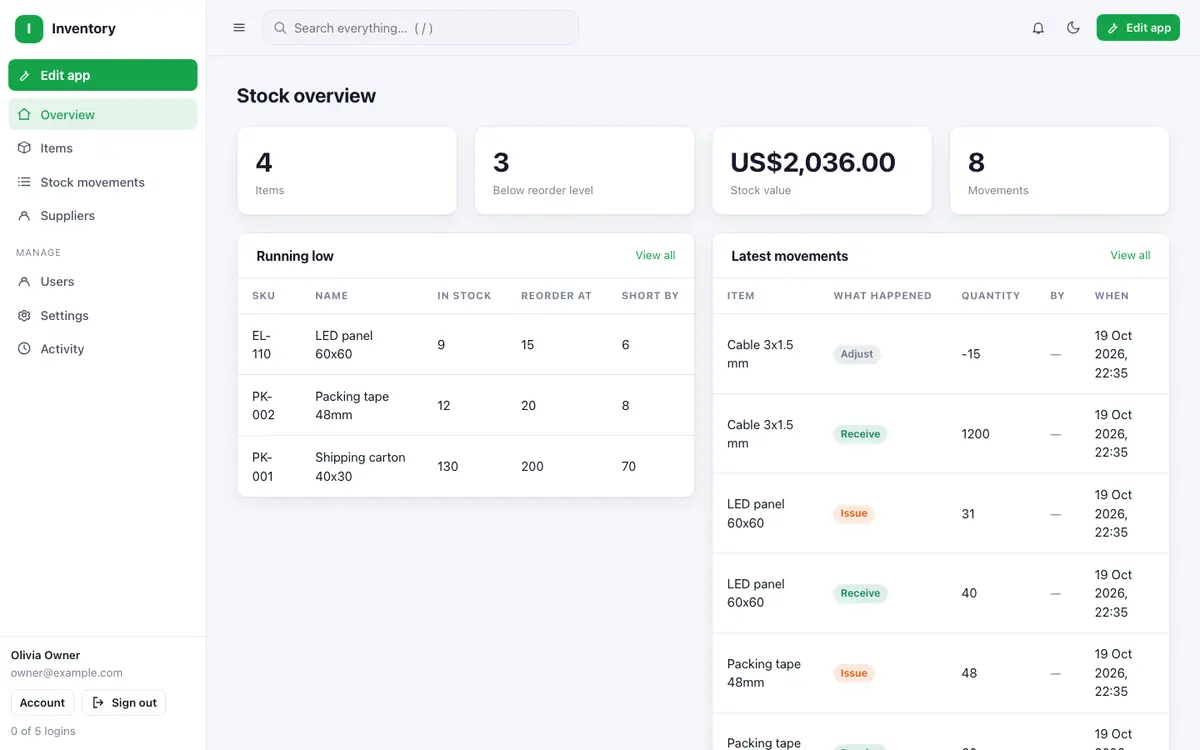
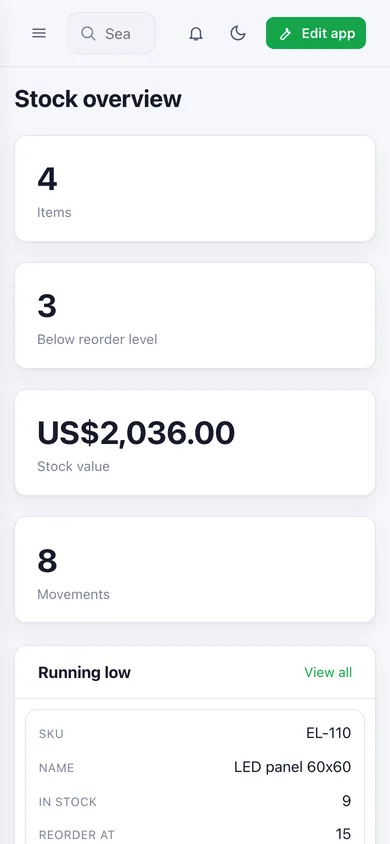
Stock is the sum of movements, so it is always right. See what is below reorder level and what your stock is worth.
✓Free to start✓Your own database✓No code
About this app
Inventory management software, built for how you work.
Inventory management software works out stock from every receipt and issue, so on-hand quantities are always right. Shops, workshops, warehouses and small manufacturers that count stock by hand today.
Looking for free stock management software? You can build and test this app for free as a draft, then go live on your own address when you are ready. It also covers free inventory management app, stock management software for small business, stock register app. It works anywhere: currency and time zone are set for each app, so it suits India and beyond.
What you get
Inventory management software features that work from day one.
7 things this app already does, with sample data so you can try each one.
Movements (receive, issue, adjust) with live on-hand and shortfall
Stock value
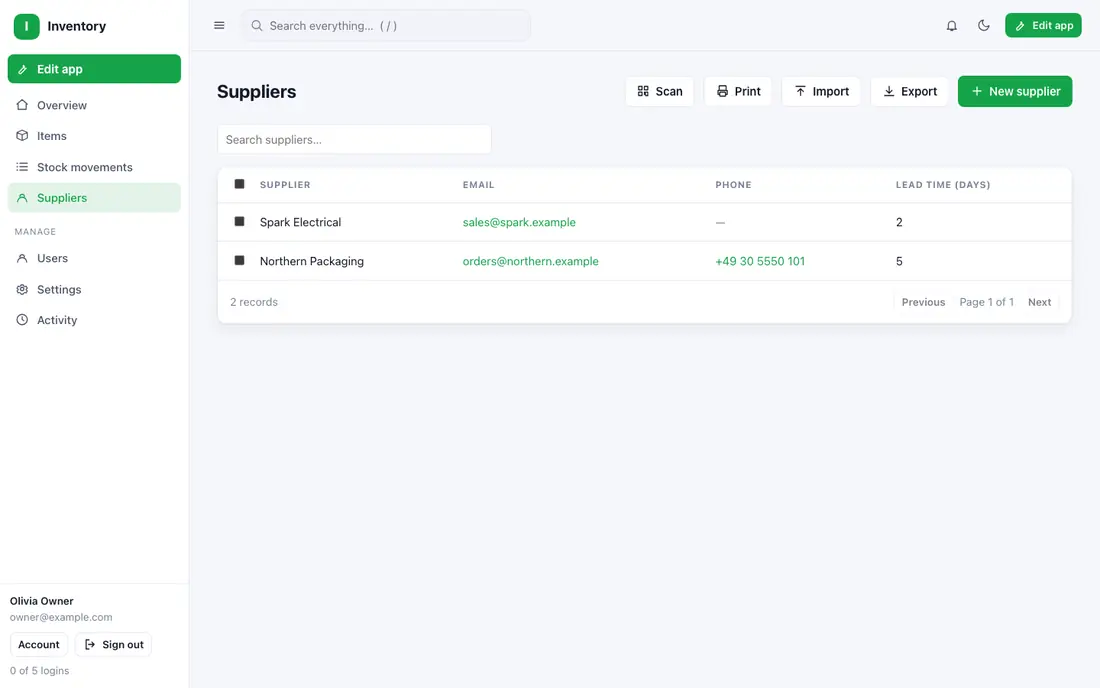
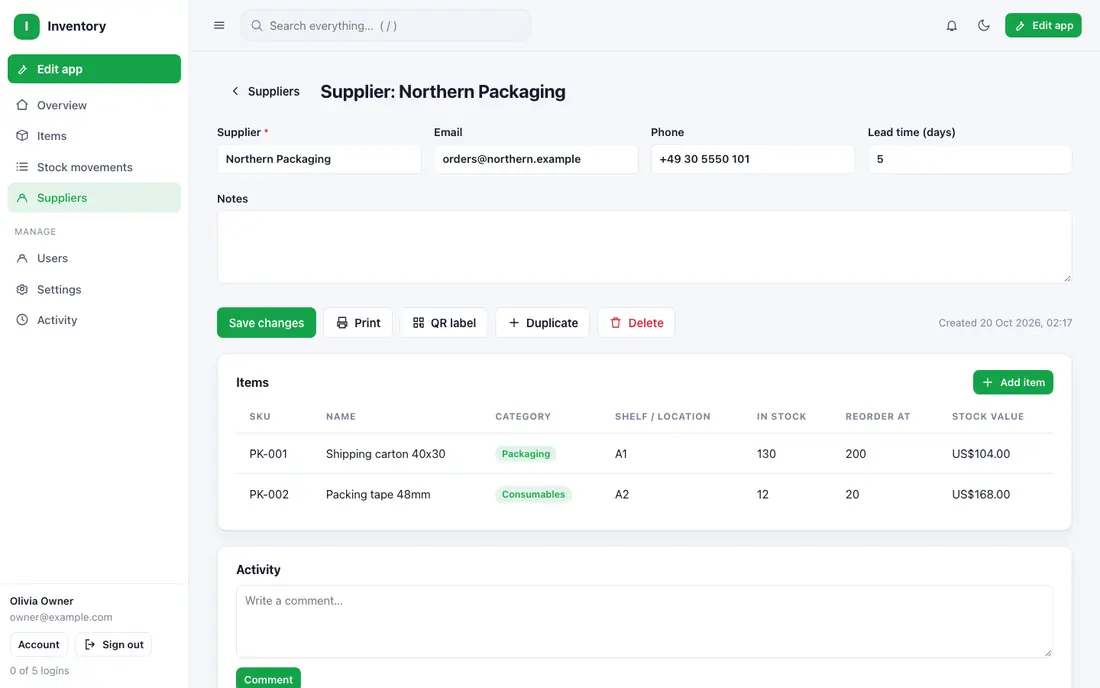
Suppliers
Below-reorder list
Roles (manager, clerk who only records movements)
CSV import
A day with this app
A day with your Inventory management app
How the app looks after the first week.
- 01
Add your items
Each item has a SKU, a reorder level and a cost, or import them from a CSV.
- 02
Record movements
Receive, issue and adjust. Stock on hand is the sum of movements.
- 03
See what is low
A below-reorder list shows the shortfall for each item.
- 04
Know what it is worth
Stock value is totalled from cost and quantity.
Screens
See the Inventory management app.
Real screens from the template, with sample data. Yours will hold your own.
Alerts
Automatic alerts.
These rules are already in the template. They run on their own, and you can read, change or switch off each one.
- Every morning: items below their reorder level
- Tell managers about a very large issue
How it runs
- 1Something changes on a record: a status, a date.
- 2A rule in the template notices and acts, with no one lifting a finger.
- 3The right role is told, and what happened is written to the record's history.
Make it yours
Change it by asking.
Type a change in plain words. Every change is previewed first, applied only when you say so, and kept in a version history you can restore.
Start with this appRoles
Who sees what.
Each person gets their own login. What they see depends on their role.
Administrator
Everything, including settings, users and the editor.
Stock manager
Works with Item, Stock movement, Supplier records.
Stock clerk
Works with Stock movement records.
Coming soon
On the way for this app.
These are not available yet. They are listed here so you know what is planned.
- Barcode scanningComing soon
- Low-stock email to suppliersComing soon
- Purchase orders from shortfalls (link to purchase orders)Coming soon
- Batches, expiry and serial numbersComing soon
- Multiple locationsComing soon
- Stock takeComing soon
- PDF stock reportComing soon
Related apps
More ready-made apps.
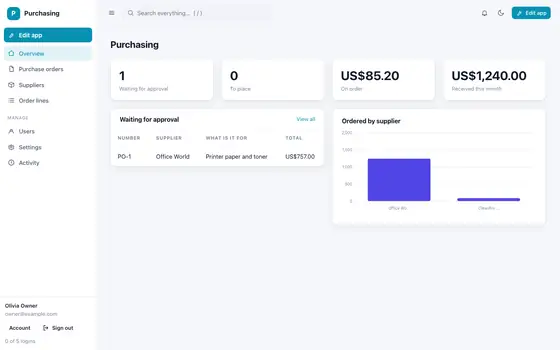 FinancePurchase order appRequests with lines, approval, placing with the supplier by email and receiving, with spend per supplier.Customer loginBoard viewRoles
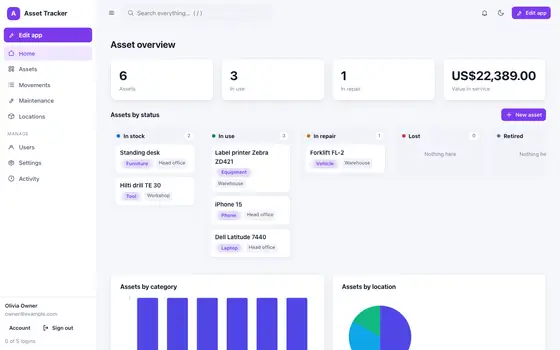 OperationsAsset tracking appEvery asset with a QR label, check-in/out history and value overview.RemindersBoard viewRoles
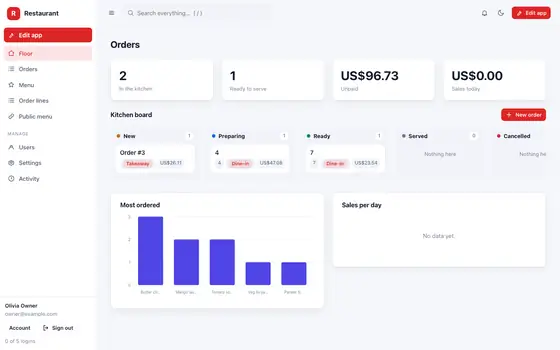 FoodRestaurant order management appMenu, table orders with lines and totals, a kitchen board, takeaway pay links and a public menu page.Online paymentPublic formBoard view
Inventory management software FAQ
Straight answers.
Free inventory management app and more, answered.
Is stock always correct?⌄
Stock is calculated from the movements you record, so on-hand always equals receipts minus issues and adjustments.
Can I see the value of my stock?⌄
Yes. Stock value is totalled from each item's cost and quantity on hand.
Can several people record movements?⌄
Yes. A clerk role can record movements without changing items or settings.
Can I import items?⌄
Yes. Import a CSV with column matching and a preview first.
Is there a free stock management software?⌄
You can build and test a draft of this app for free: add your own team, load your data and try every screen, including the emails. Going live on your own address needs a paid plan, with the price shown when you deploy. Your data stays in your own database.
Can I change this app to fit my business?⌄
Yes. You can edit tables, fields, pages and roles by hand, or type a change in plain words and ask the AI. Every change is previewed first, applied only when you say so, and kept in a version history you can restore.
Start with the Inventory management app.
Free to start. Your own database. Change anything, by hand or by asking the AI.