
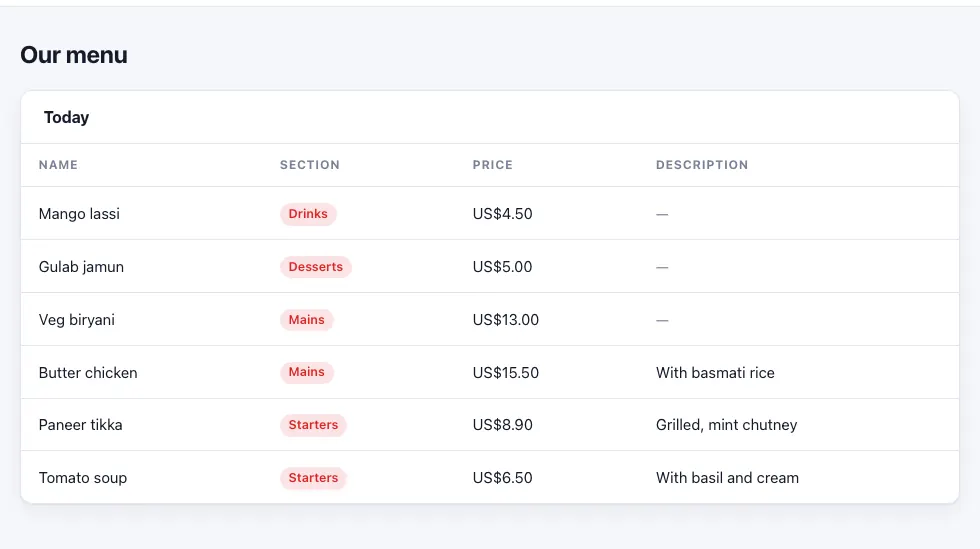
Menu with categories and availability
Food app template
Restaurant order software with a live kitchen board
Waiters add dishes to a table's order, the kitchen sees it on a board and taps Ready, the waiter is alerted, and takeaway customers get a payment link.
✓Free to start✓Your own database✓No code
About this app
Restaurant order software, built for how you work.
Restaurant order software takes orders from the floor, shows them to the kitchen on a live board and calculates each total. Restaurants, cafes and takeaways with a small team and a menu that changes.
Looking for free restaurant order software? You can build and test this app for free as a draft, then go live on your own address when you are ready. It also covers free kitchen display software, restaurant order taking app, restaurant ordering app for small business.
What you get
Restaurant order software features that work from day one.
8 things this app already does, with sample data so you can try each one.
Public menu page (only available dishes)
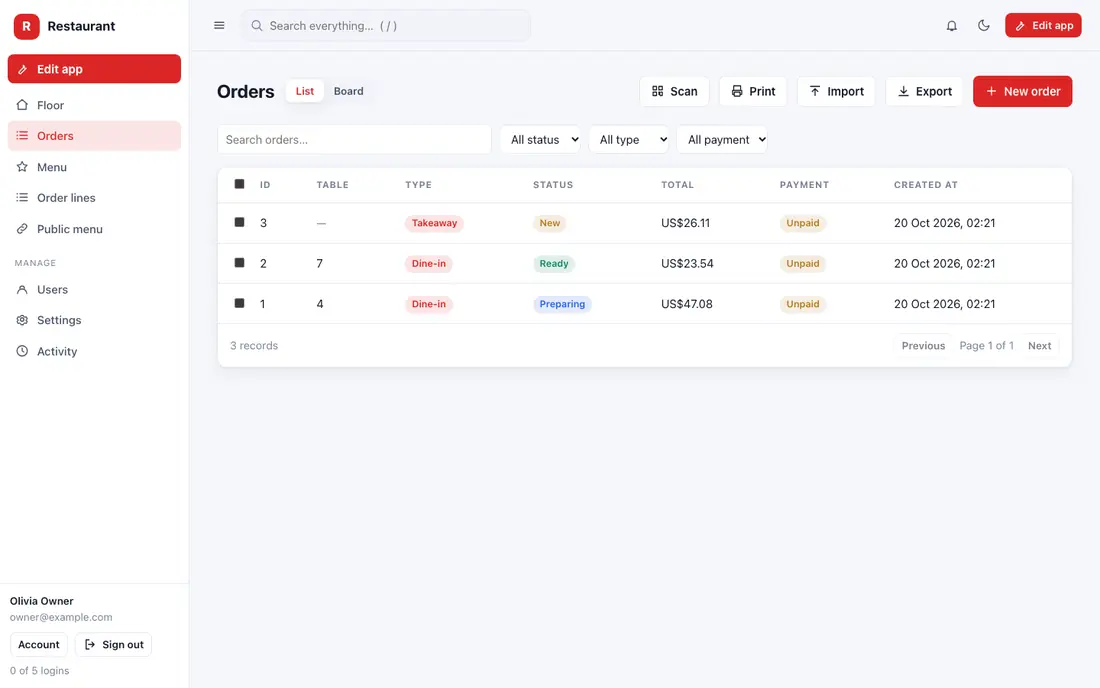
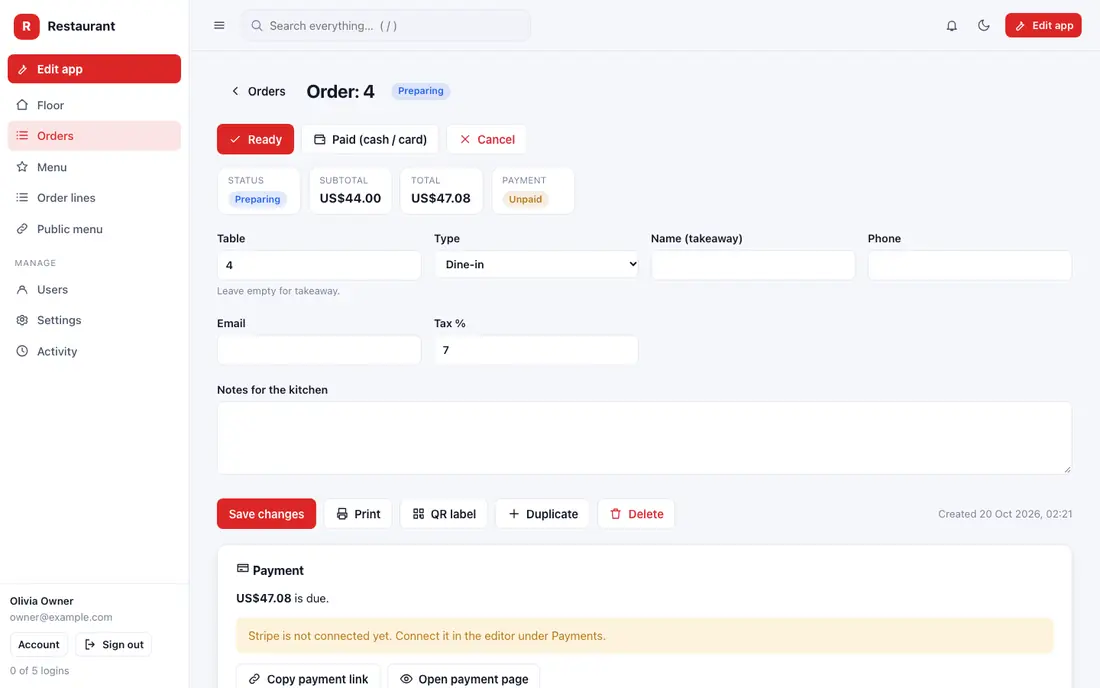
Orders with lines, price from the dish, tax and total
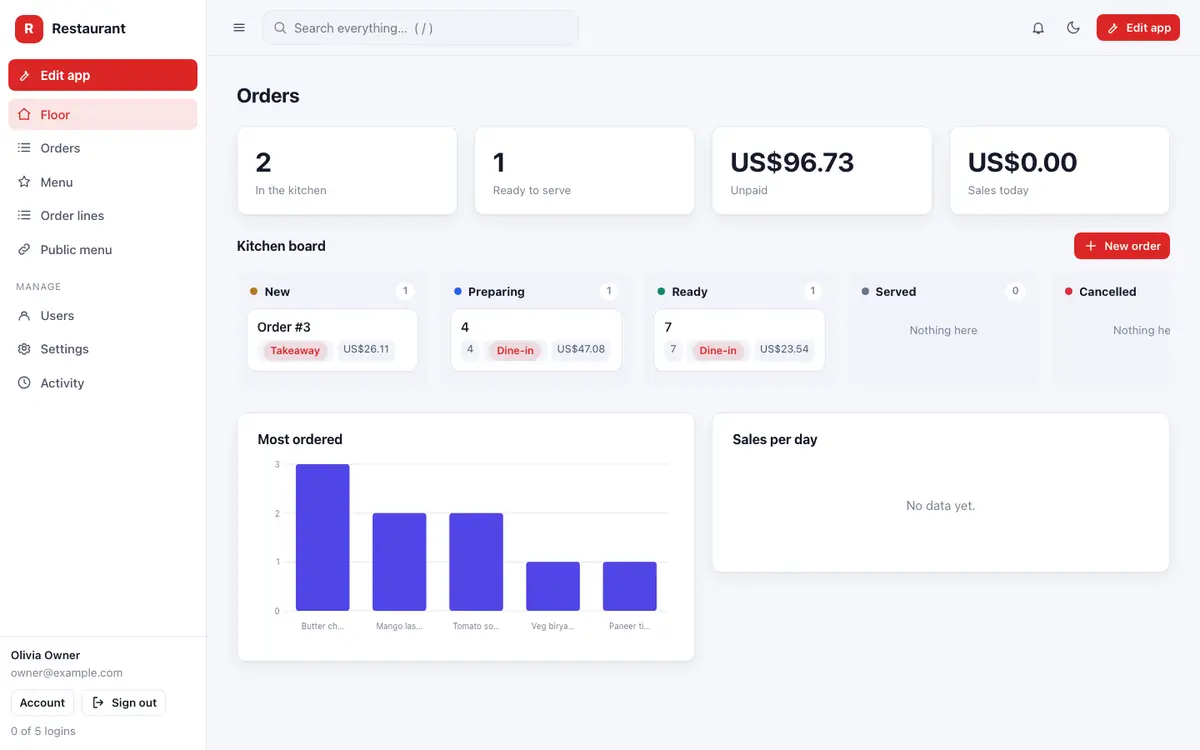
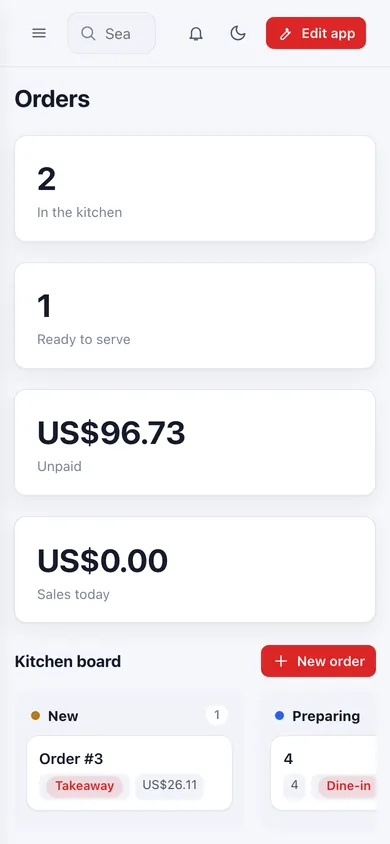
Kitchen board (new / preparing / ready)
Waiter and kitchen roles
"order ready" alerts
Takeaway email with Pay now
Most-ordered and sales charts
A day with this app
A day with your Restaurant order management app
How the app looks after the first week.
- 01
Keep your menu current
Dishes have categories and availability, and a public menu page shows only what is available.
- 02
Waiters take the order
Add dishes to a table's order. The price comes from the dish, and tax and total are worked out.
- 03
The kitchen sees it live
A board shows orders as new, preparing or ready, and Ready alerts the waiter.
- 04
Takeaway pays online
Takeaway customers get an email with a Pay now link.
Screens
See the Restaurant order management app.
Real screens from the template, with sample data. Yours will hold your own.
Alerts and online payments
Automatic alerts and online payments.
These rules are already in the template. They run on their own, and you can read, change or switch off each one.
- Tell the kitchen about a new order
- Tell waiters an order is ready
- Tell takeaway customers it is ready
Payments use your own Stripe account, so the money goes straight to you.
How it runs
- 1Something changes on a record: a status, a date, a payment.
- 2A rule in the template notices and acts, with no one lifting a finger.
- 3The right role is told, and what happened is written to the record's history.
Make it yours
Change it by asking.
Type a change in plain words. Every change is previewed first, applied only when you say so, and kept in a version history you can restore.
Start with this appRoles
Who sees what.
Each person gets their own login. What they see depends on their role.
Administrator
Everything, including settings, users and the editor.
Manager
Works with Dish, Order line, Order records.
Waiter
Works with Order line, Order records.
Kitchen
Works with Order records.
Coming soon
On the way for this app.
These are not available yet. They are listed here so you know what is planned.
- QR table ordering for guestsComing soon
- Split billsComing soon
- Kitchen printer ticketsComing soon
- Stock deduction per dishComing soon
- Table mapComing soon
- GST bills as PDFComing soon
- UPI/RazorpayComing soon
- Online ordering page with deliveryComing soon
- LoyaltyComing soon
Related apps
More ready-made apps.
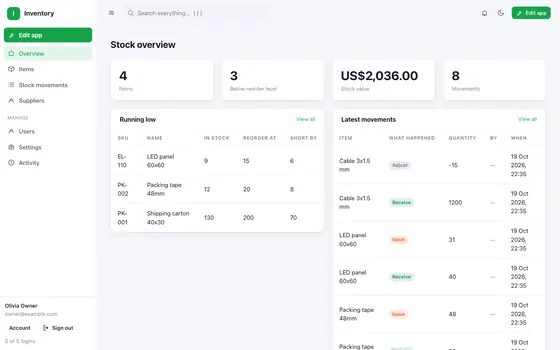 OperationsInventory management appItems with live stock levels from receipts and issues, reorder alerts and stock value.RolesImport CSVEmail alerts
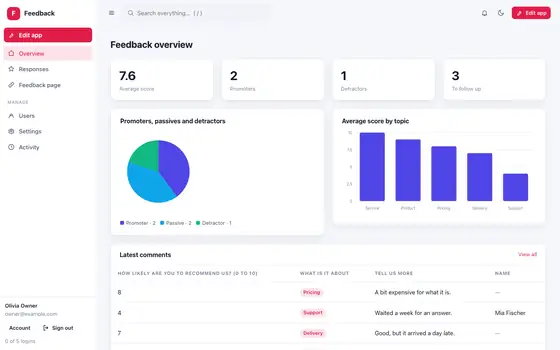 ServicesCustomer feedback app (NPS)A public feedback form, promoters and detractors worked out for you, and a follow-up queue.Public formBoard viewRoles
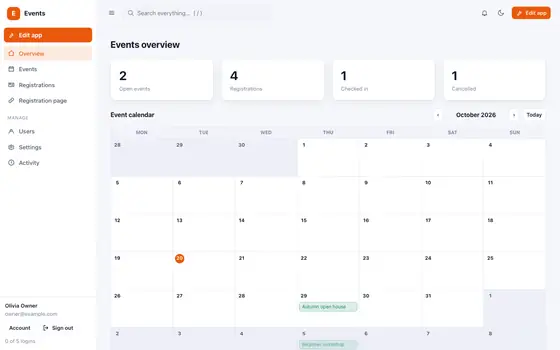 EventsEvent registration appEvents with capacity and seats left, public registration, confirmation emails and door check-in.Public formCalendarRoles
Restaurant order software FAQ
Straight answers.
Free kitchen display software and more, answered.
Can guests order from a QR code?⌄
QR table ordering is coming soon. Today waiters take the order in the app and you can share a public menu page.
Can I print a bill?⌄
Any record can be printed. GST or tax bills as PDF are coming soon.
Can the kitchen see orders live?⌄
Yes. The kitchen board shows new, preparing and ready orders as they change.
Does it handle takeaway payments?⌄
Yes. Takeaway orders are emailed with a Pay now link to your own Stripe account.
Is there a free restaurant order software?⌄
You can build and test a draft of this app for free: add your own team, load your data and try every screen, including the emails. Going live on your own address needs a paid plan, with the price shown when you deploy. Online payments use your own Stripe account, so the money goes straight to you.
Can I change this app to fit my business?⌄
Yes. You can edit tables, fields, pages and roles by hand, or type a change in plain words and ask the AI. Every change is previewed first, applied only when you say so, and kept in a version history you can restore.
Start with the Restaurant order management app.
Free to start. Your own database. Change anything, by hand or by asking the AI.