
Shift reports with sections
Operations app template
Shift handover software that never loses an open issue
Nothing gets lost between shifts: open issues carry over, the next shift sees what the last one left, and the supervisor acknowledges every report.
✓Free to start✓Your own database✓No code
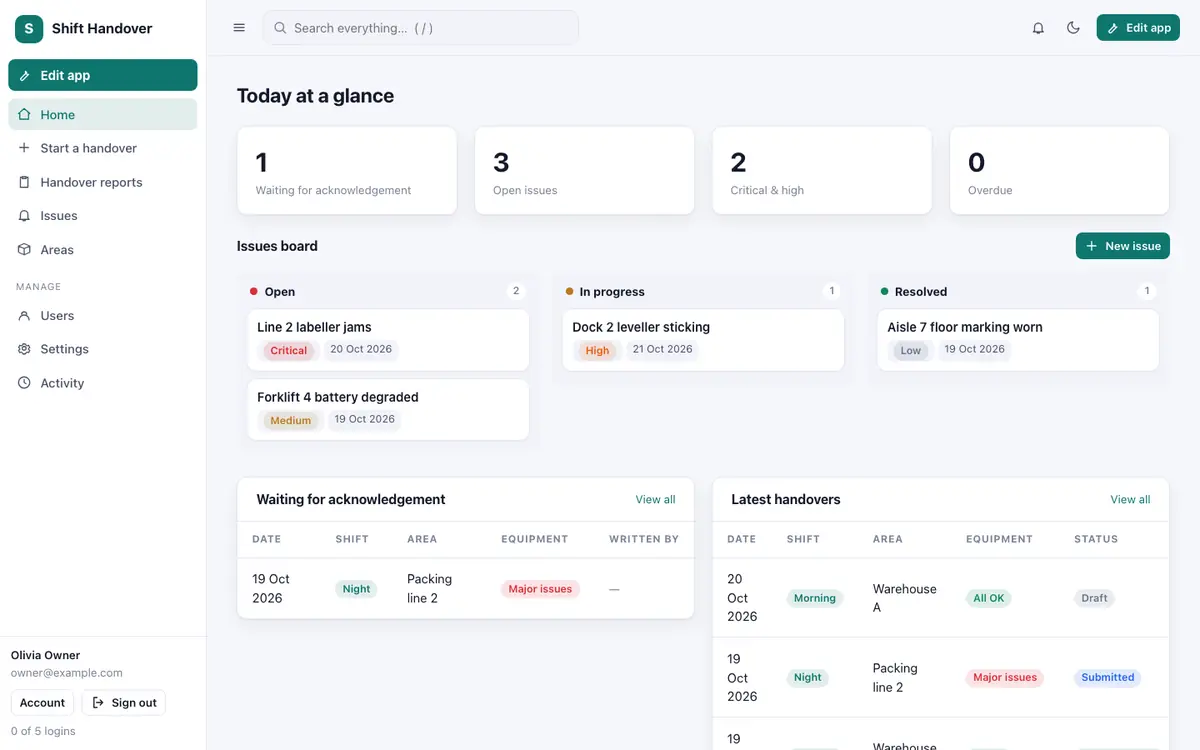
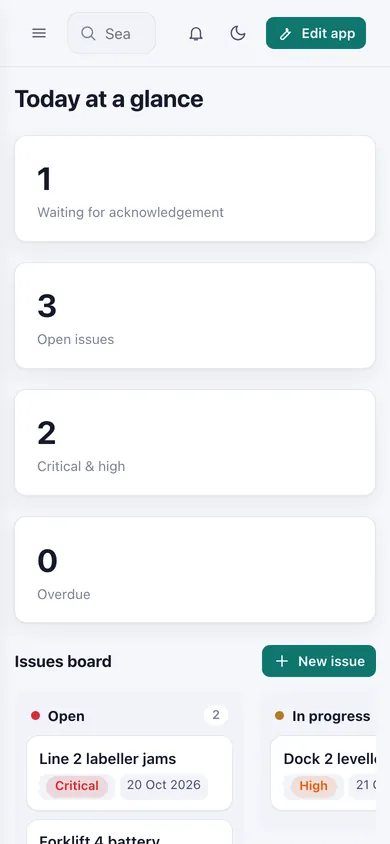
About this app
Shift handover software, built for how you work.
Shift handover software replaces the paper log book: each shift writes a report, open issues carry over and a supervisor signs it off. Plants, hospitals, hotels, security teams and any operation that runs in shifts.
Looking for free shift handover software? You can build and test this app for free as a draft, then go live on your own address when you are ready. It also covers shift log book, shift report template, shift handover report software.
What you get
Shift handover software features that work from day one.
9 things this app already does, with sample data so you can try each one.
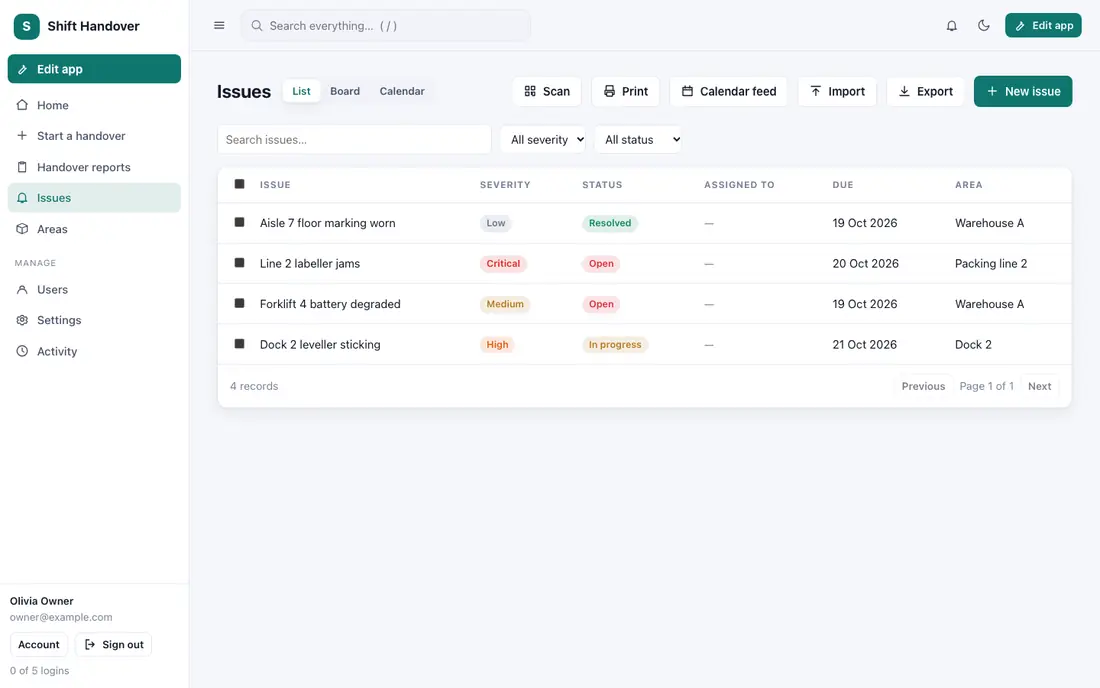
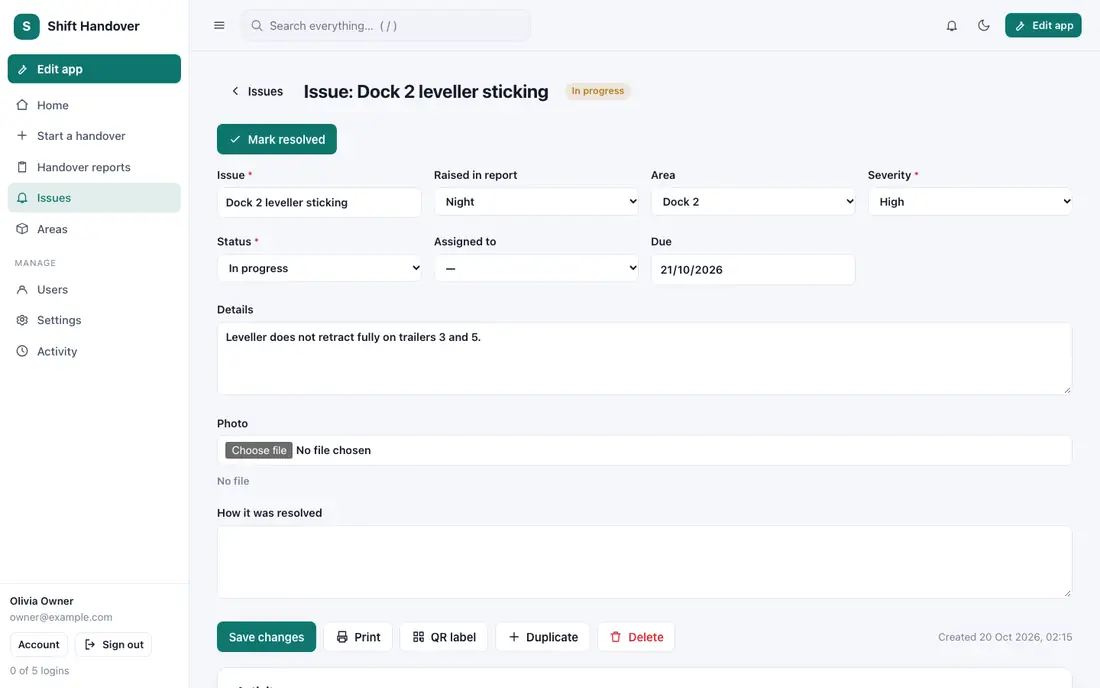
Issues with severity, owner, due date
Submit / acknowledge / re-open buttons
Locked once acknowledged
"Still open from earlier" and "Notes from the previous shift"
Overdue alerts
Board
Supervisor and staff roles
A day with this app
A day with your Shift handover app
How the app looks after the first week.
- 01
Write the shift report
Fill in the sections for the shift, flag issues with a severity, an owner and a due date.
- 02
Hand over
Press Submit. The next shift sees Still open from earlier and Notes from the previous shift.
- 03
The supervisor acknowledges
Acknowledging locks the report. A supervisor can re-open it if needed.
- 04
Overdue issues speak up
Overdue issues raise an alert, and a board shows every open issue.
Screens
See the Shift handover app.
Real screens from the template, with sample data. Yours will hold your own.
Alerts
Automatic alerts.
These rules are already in the template. They run on their own, and you can read, change or switch off each one.
- Tell supervisors when a handover is submitted
- Tell the author when it is acknowledged
- Alert supervisors about a high or critical issue
- Tell people when an issue is assigned to them
- Remind supervisors of overdue issues every morning
How it runs
- 1Something changes on a record: a status, a date.
- 2A rule in the template notices and acts, with no one lifting a finger.
- 3The right role is told, and what happened is written to the record's history.
Make it yours
Change it by asking.
Type a change in plain words. Every change is previewed first, applied only when you say so, and kept in a version history you can restore.
Start with this appRoles
Who sees what.
Each person gets their own login. What they see depends on their role.
Administrator
Everything, including settings, users and the editor.
Supervisor
Works with Area, Issue, Handover report records.
Shift staff
Works with Issue, Handover report records.
Coming soon
On the way for this app.
These are not available yet. They are listed here so you know what is planned.
- Shift templates by siteComing soon
- Sign-off signaturesComing soon
- PDF shift reportComing soon
- Recurring tasks per shiftComing soon
- Analytics on repeating issuesComing soon
- Push alerts for critical issuesComing soon
- Multi-siteComing soon
Related apps
More ready-made apps.
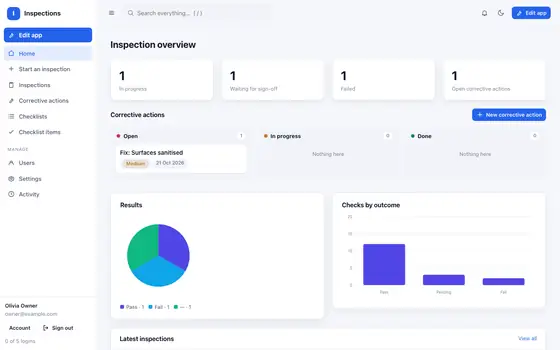 OperationsInspection checklist appBuild checklists, record inspections with pass/fail findings and photos.Board viewRolesImport CSV
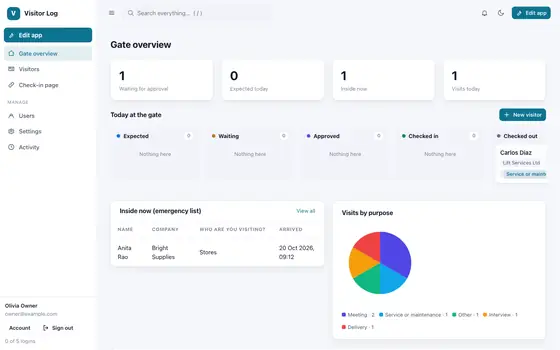 OperationsVisitor management appA public check-in page for visitors, reception approval, gate passes and a live gate board.Public formBoard viewRoles
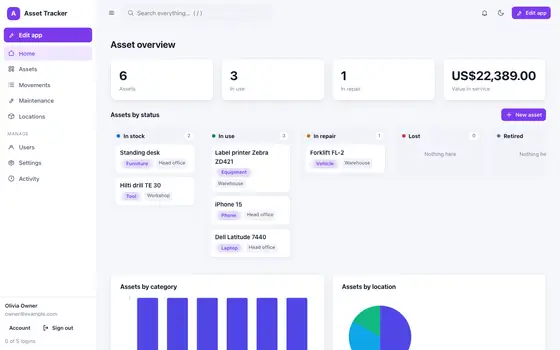 OperationsAsset tracking appEvery asset with a QR label, check-in/out history and value overview.RemindersBoard viewRoles
Shift handover software FAQ
Straight answers.
Shift log book and more, answered.
Does it carry over open issues?⌄
Yes. The next shift sees open issues from earlier shifts and the notes from the previous one.
Can the supervisor acknowledge?⌄
Yes. An Acknowledge button signs off the report and locks it, and a supervisor can re-open it.
Is it usable on a phone?⌄
Yes. The app installs on a phone, and issues can have photos.
Can I print?⌄
Yes. Any report can be printed. A PDF shift report is coming soon.
Is there a free shift handover software?⌄
You can build and test a draft of this app for free: add your own team, load your data and try every screen, including the emails. Going live on your own address needs a paid plan, with the price shown when you deploy. Your data stays in your own database.
Can I change this app to fit my business?⌄
Yes. You can edit tables, fields, pages and roles by hand, or type a change in plain words and ask the AI. Every change is previewed first, applied only when you say so, and kept in a version history you can restore.
Start with the Shift handover app.
Free to start. Your own database. Change anything, by hand or by asking the AI.