
Books with copies and live availability
Community app template
Library management software with a public catalogue
Know what is on the shelf, who has what, and when it is due. A public catalogue lets people search before they visit.
✓Free to start✓Your own database✓No code
About this app
Library management software, built for how you work.
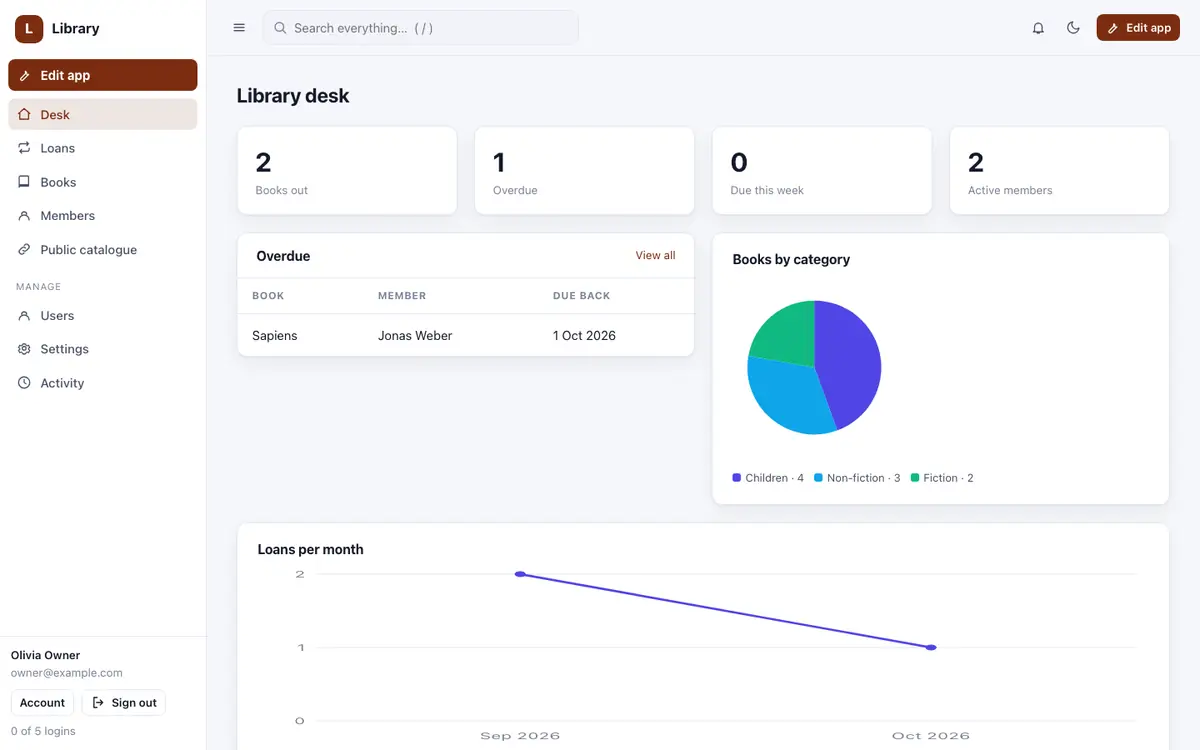
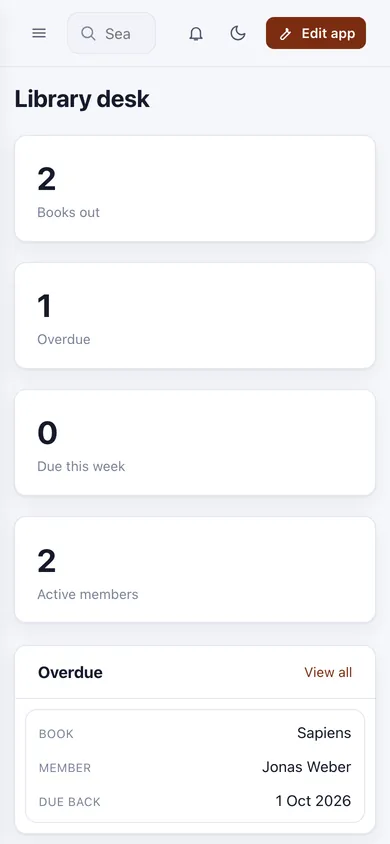
Library management software tracks every book, member and loan, so you know what is on the shelf and who has what. School libraries, community libraries, clubs and small collections that lend books or other items.
Looking for free library software for schools? You can build and test this app for free as a draft, then go live on your own address when you are ready. It also covers school library software free, library catalogue software free, book lending app. It works anywhere: currency and time zone are set for each app, so it suits India and beyond.
What you get
Library management software features that work from day one.
9 things this app already does, with sample data so you can try each one.
Members with card numbers
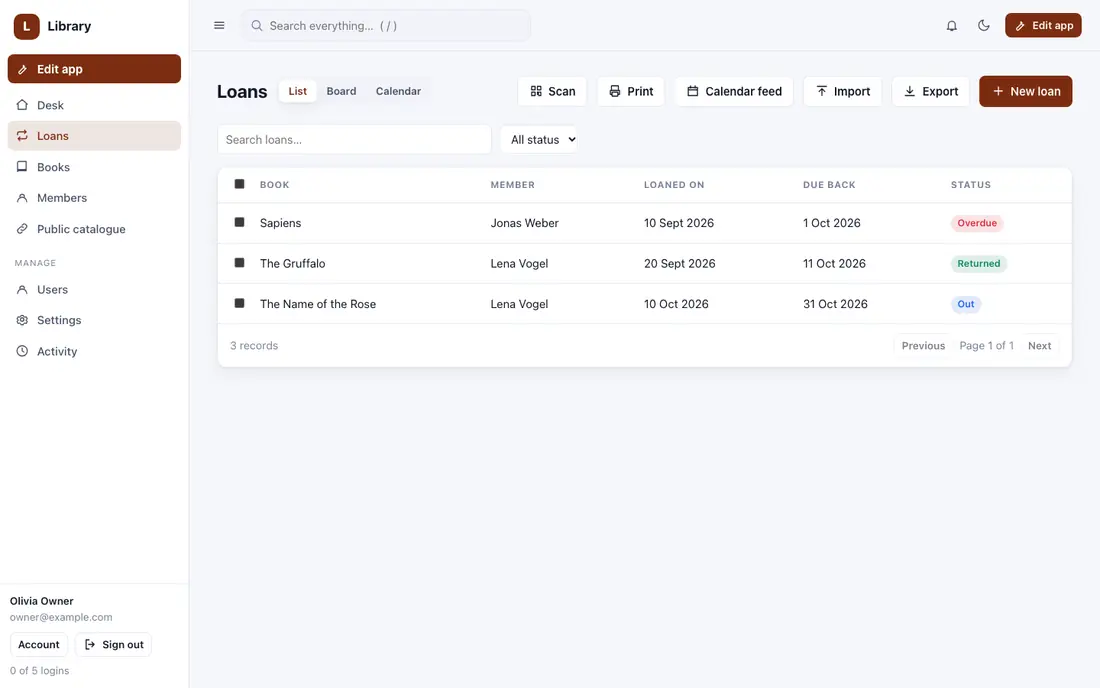
Loans with default three-week due date
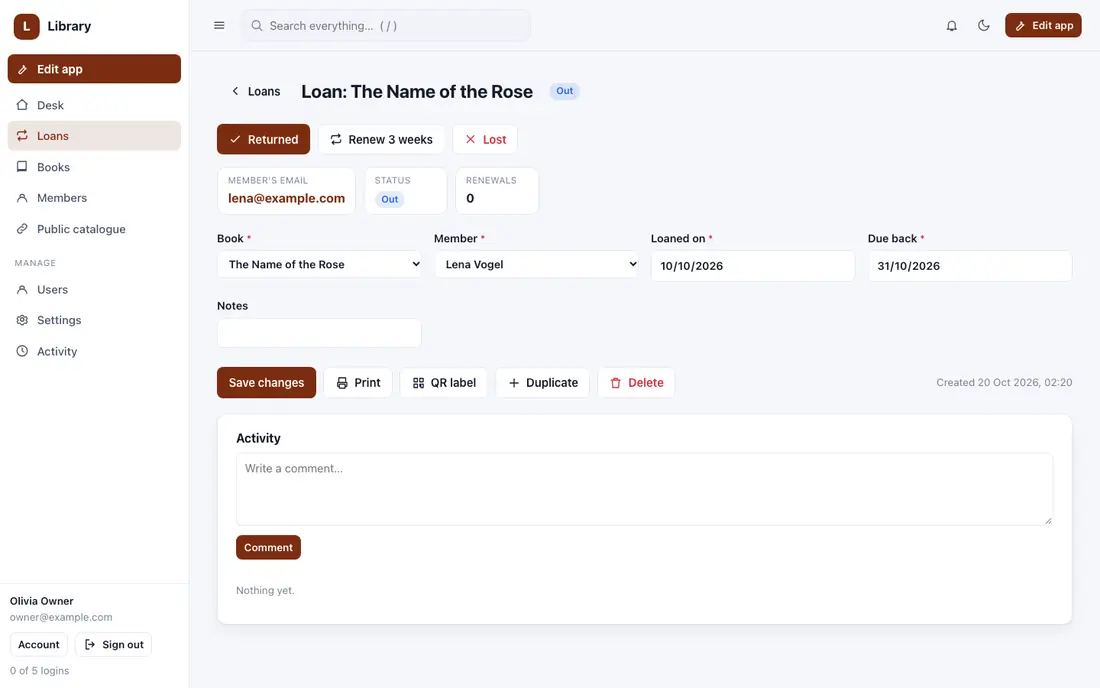
One-tap return and renew
Overdue marking
Due-soon and overdue emails
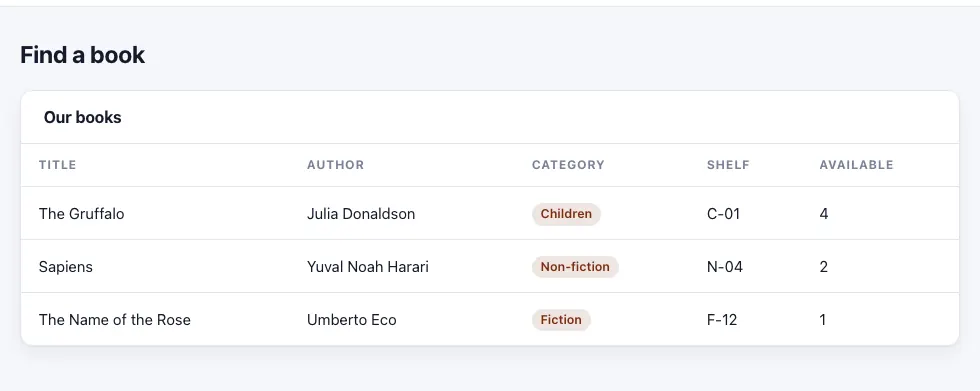
Public catalogue page
Librarian and assistant roles
A day with this app
A day with your Library management app
How the app looks after the first week.
- 01
Build the catalogue
Add books with their number of copies, or import your list from a CSV.
- 02
Lend a book
A loan is created with a default three-week due date, and availability updates live.
- 03
Return or renew in a tap
One button returns a book and another renews it.
- 04
Overdue gets chased
Due-soon and overdue emails go to members, and overdue loans are marked for the librarian.
Screens
See the Library management app.
Real screens from the template, with sample data. Yours will hold your own.
Alerts
Automatic alerts.
These rules are already in the template. They run on their own, and you can read, change or switch off each one.
- Every morning: mark late loans overdue
- Remind members two days before the due date
- Remind members about overdue books
How it runs
- 1Something changes on a record: a status, a date.
- 2A rule in the template notices and acts, with no one lifting a finger.
- 3The right role is told, and what happened is written to the record's history.
Make it yours
Change it by asking.
Type a change in plain words. Every change is previewed first, applied only when you say so, and kept in a version history you can restore.
Start with this appRoles
Who sees what.
Each person gets their own login. What they see depends on their role.
Administrator
Everything, including settings, users and the editor.
Librarian
Works with Book, Loan, Member records.
Assistant
Works with Loan records.
Coming soon
On the way for this app.
These are not available yet. They are listed here so you know what is planned.
- Barcode scanning for books and cardsComing soon
- Fines and paymentComing soon
- Reservations/holdsComing soon
- ISBN lookup to fill detailsComing soon
- Reading listsComing soon
- Member loginComing soon
- PDF member cardsComing soon
- Stock-takeComing soon
Related apps
More ready-made apps.
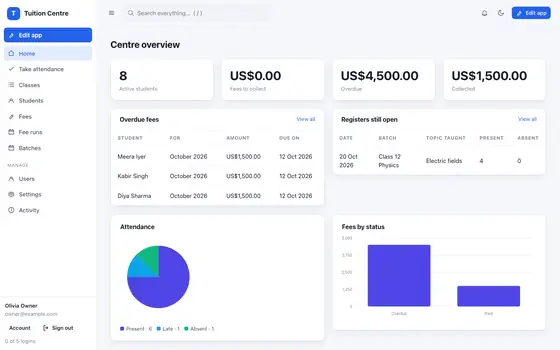 EducationTuition management appStudents and batches, daily attendance, monthly fees collected online with payment links.Online paymentRemindersRoles
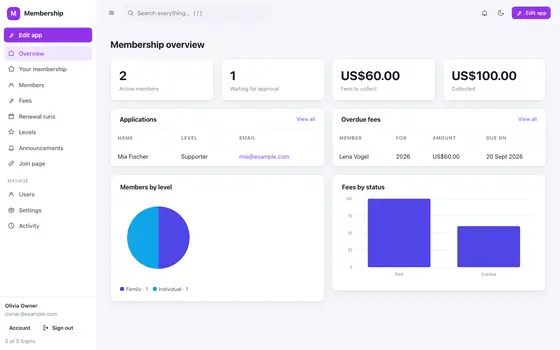 CommunityMembership management appJoin page, committee approval, yearly renewal runs with online payment, and announcements.Online paymentPublic formCustomer login
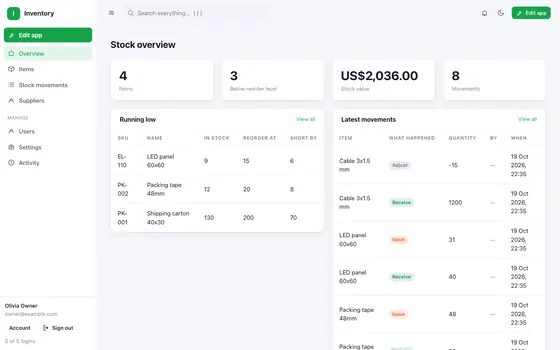 OperationsInventory management appItems with live stock levels from receipts and issues, reorder alerts and stock value.RolesImport CSVEmail alerts
Library management software FAQ
Straight answers.
School library software free and more, answered.
Can the public search the catalogue?⌄
Yes. A public catalogue page lets anyone search your books, with live availability, without logging in.
Does it email overdue notices?⌄
Yes. Members get due-soon and overdue emails automatically.
Can I import my book list?⌄
Yes. Import from a CSV with a column-matching step and a preview first.
Does it work for a school?⌄
Yes. Librarian and assistant roles let more than one person lend and return books.
Is there a free library software for schools?⌄
You can build and test a draft of this app for free: add your own team, load your data and try every screen, including the emails. Going live on your own address needs a paid plan, with the price shown when you deploy. Your data stays in your own database.
Can I change this app to fit my business?⌄
Yes. You can edit tables, fields, pages and roles by hand, or type a change in plain words and ask the AI. Every change is previewed first, applied only when you say so, and kept in a version history you can restore.
Start with the Library management app.
Free to start. Your own database. Change anything, by hand or by asking the AI.