
Batches with timing and fee
Education app template
Tuition management software for fees and attendance
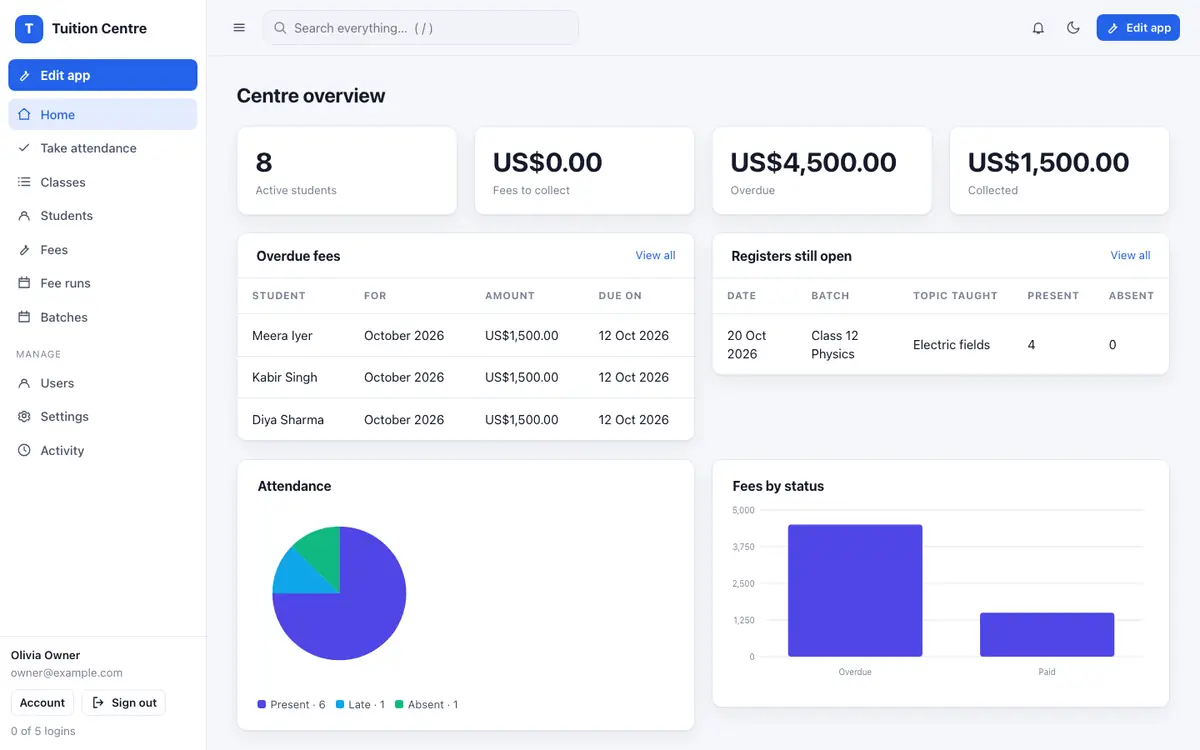
Take attendance in a tap, create the month's fees for a whole batch in one go, and let parents pay online. Absent students are reported to guardians automatically.
✓Free to start✓Your own database✓No code
About this app
Tuition management software, built for how you work.
Tuition management software keeps batches, students, attendance and fees together, and chases late fees for you. Tuition centres, coaching classes and independent teachers who collect fees every month.
Looking for free tuition fee management software? You can build and test this app for free as a draft, then go live on your own address when you are ready. It also covers tuition fee management software free, coaching class management app, student attendance app. It works anywhere: currency and time zone are set for each app, so it suits India and beyond.
What you get
Tuition management software features that work from day one.
10 things this app already does, with sample data so you can try each one.
Students with guardian contact
One register per class prepared automatically
Absence email to guardians
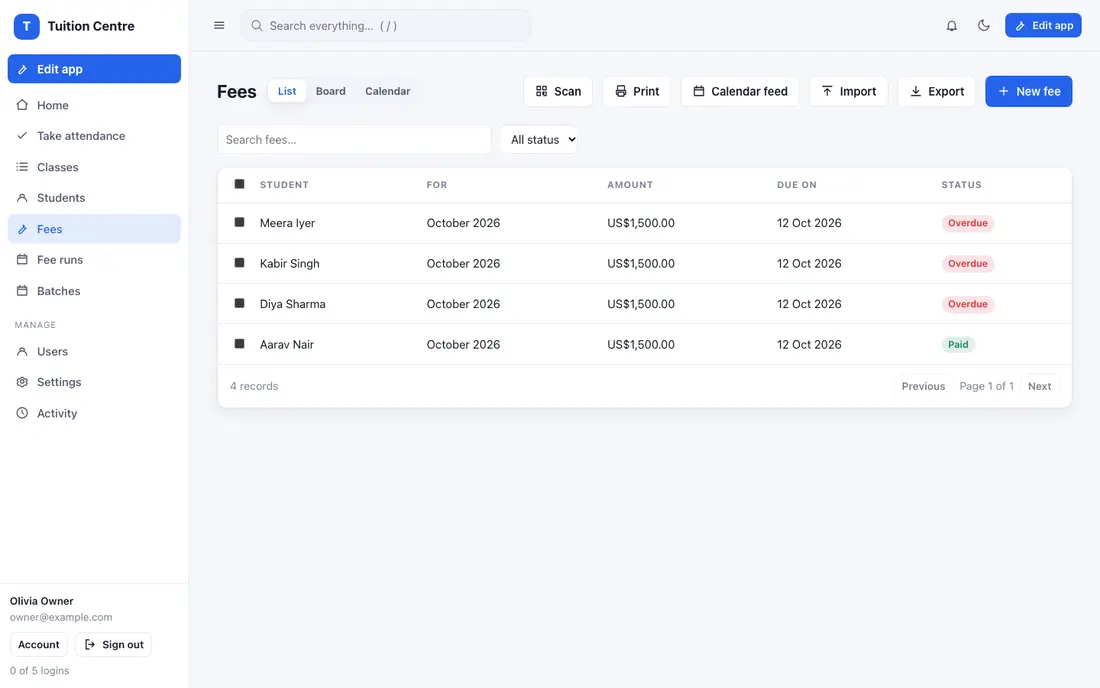
Monthly fee run (one fee per student)
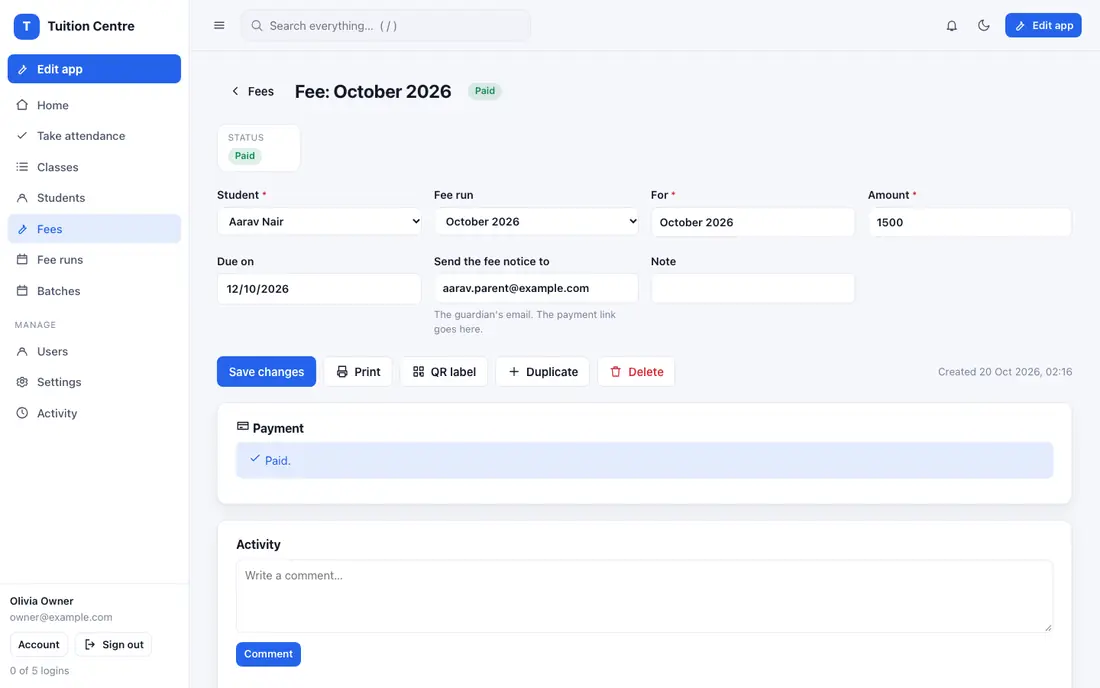
Fee notice with Pay now
Reminders three days before and overdue marking
Accounts alerts on payment
A day with this app
A day with your Tuition management app
How the app looks after the first week.
- 01
Set up batches and students
Add each batch with its timing and fee, then the students and a guardian contact.
- 02
Take attendance in a tap
A register for each class is prepared for you. Absent students trigger an email to their guardian.
- 03
Run the month's fees once
One action creates a fee for every student in the batch, each emailed with a Pay now link.
- 04
Follow up automatically
Reminders go out before the due date and unpaid fees are marked overdue, with an alert to accounts.
Screens
See the Tuition management app.
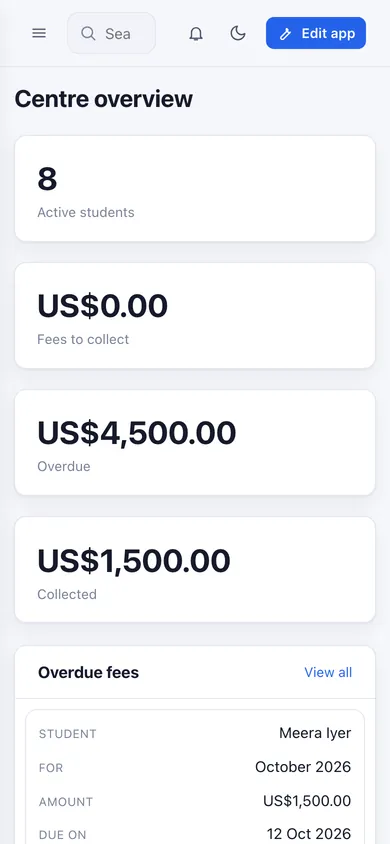
Real screens from the template, with sample data. Yours will hold your own.
Alerts and online payments
Automatic alerts and online payments.
These rules are already in the template. They run on their own, and you can read, change or switch off each one.
- Prepare the register for a new class
- Tell the guardian when a student is absent
- Create a fee for every active student of the batch
- Email the fee notice with a payment link
- Remind guardians three days before a fee is due
- Every morning: mark unpaid fees overdue
- Tell accounts when a fee is paid online
Payments use your own Stripe account, so the money goes straight to you.
How it runs
- 1Something changes on a record: a status, a date, a payment.
- 2A rule in the template notices and acts, with no one lifting a finger.
- 3The right role is told, and what happened is written to the record's history.
Make it yours
Change it by asking.
Type a change in plain words. Every change is previewed first, applied only when you say so, and kept in a version history you can restore.
Start with this appRoles
Who sees what.
Each person gets their own login. What they see depends on their role.
Administrator
Everything, including settings, users and the editor.
Accounts
Works with Fee run, Fee records.
Teacher
Works with Attendance, Class records.
Coming soon
On the way for this app.
These are not available yet. They are listed here so you know what is planned.
- UPI/RazorpayComing soon
- WhatsApp to parentsComing soon
- PDF fee receiptsComing soon
- Parent login (portal) showing attendance and feesComing soon
- Exam marks and report cardsComing soon
- TimetableComing soon
- HomeworkComing soon
- Teacher payrollComing soon
- Sibling discountsComing soon
- Fee instalmentsComing soon
Related apps
More ready-made apps.
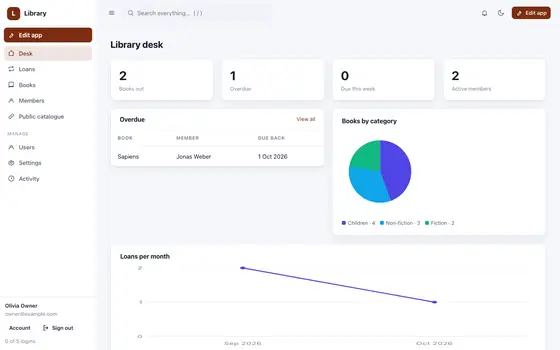 CommunityLibrary management appBooks with live availability, members, loans with due dates, renewals and overdue reminders.Public formRemindersBoard view
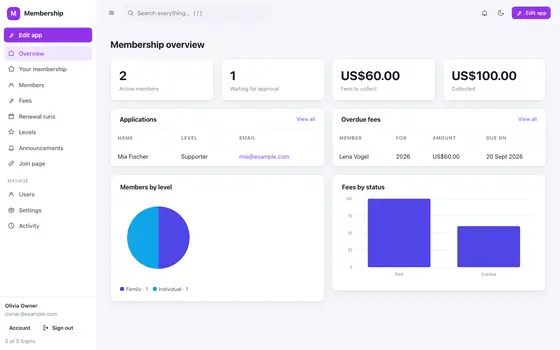 CommunityMembership management appJoin page, committee approval, yearly renewal runs with online payment, and announcements.Online paymentPublic formCustomer login
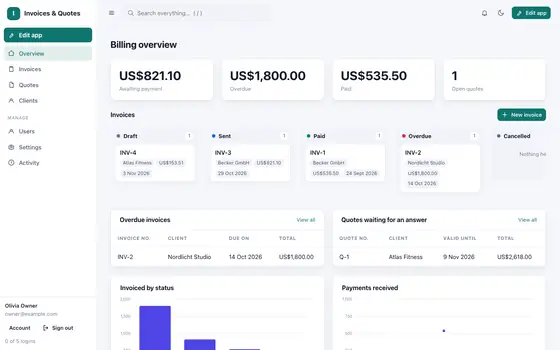 FinanceInvoicing appClients, quotes and invoices with line items, tax and totals worked out for you, paid online.Online paymentRemindersBoard view
Tuition management software FAQ
Straight answers.
Tuition fee management software free and more, answered.
Can parents pay online?⌄
Yes. Each fee notice includes a Pay now link to a secure Stripe page, and the fee is marked paid automatically. UPI is coming soon.
Can I run fees for one batch only?⌄
The monthly fee run creates one fee for each student. To limit a run to a single batch, ask the AI or adjust the run in the editor.
Does it tell guardians about absences?⌄
Yes. When a student is marked absent, an email goes to their guardian.
Can I import students?⌄
Yes. Import your student list from a CSV with a column-matching step and a check before anything is saved.
Is there a free tuition fee management software?⌄
You can build and test a draft of this app for free: add your own team, load your data and try every screen, including the emails. Going live on your own address needs a paid plan, with the price shown when you deploy. Online payments use your own Stripe account, so the money goes straight to you.
Can I change this app to fit my business?⌄
Yes. You can edit tables, fields, pages and roles by hand, or type a change in plain words and ask the AI. Every change is previewed first, applied only when you say so, and kept in a version history you can restore.
Start with the Tuition management app.
Free to start. Your own database. Change anything, by hand or by asking the AI.