
Clients
Finance app template
An invoicing app with quotes and a Pay now button
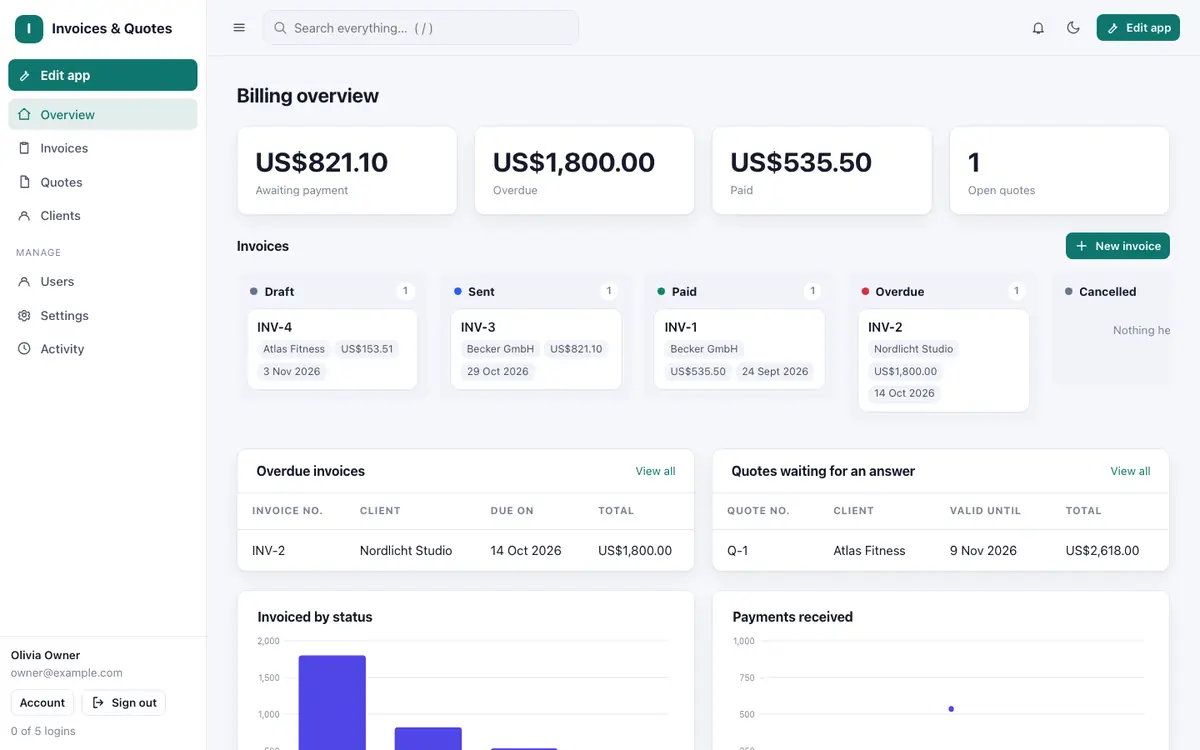
Create a quote, turn it into an invoice with one click, email it with a Pay now button and let the app chase late payers.
✓Free to start✓Your own database✓No code
About this app
Invoicing app, built for how you work.
An invoicing app lets you create quotes and invoices, email them with a payment link and track what is paid, due or overdue. Freelancers, agencies and small businesses that send invoices every week and want to be paid faster.
Looking for free invoice software for small business? You can build and test this app for free as a draft, then go live on your own address when you are ready. It also covers free invoice software, quote and invoice software, recurring invoice app. It works anywhere: currency and time zone are set for each app, so it suits India and beyond.
What you get
Invoicing app features that work from day one.
12 things this app already does, with sample data so you can try each one.
Quotes with lines
Accepted quote becomes a draft invoice with its lines
Automatic numbering (Q-, INV-)
Totals with tax
Email with Pay now
Payment marks the invoice paid
Reminder three days before due and "overdue" every morning
A day with this app
A day with your Invoicing app
How the app looks after the first week.
- 01
Send a quote
Build it with lines and tax, and email it to the client. They can accept it.
- 02
Turn it into an invoice
An accepted quote becomes a draft invoice with its lines, and invoices are numbered automatically.
- 03
Get paid online
The invoice email carries a Pay now button. Payment marks it paid and the accountant is alerted.
- 04
Chase late payers
A reminder goes out before the due date and unpaid invoices turn overdue each morning.
Screens
See the Invoicing app.
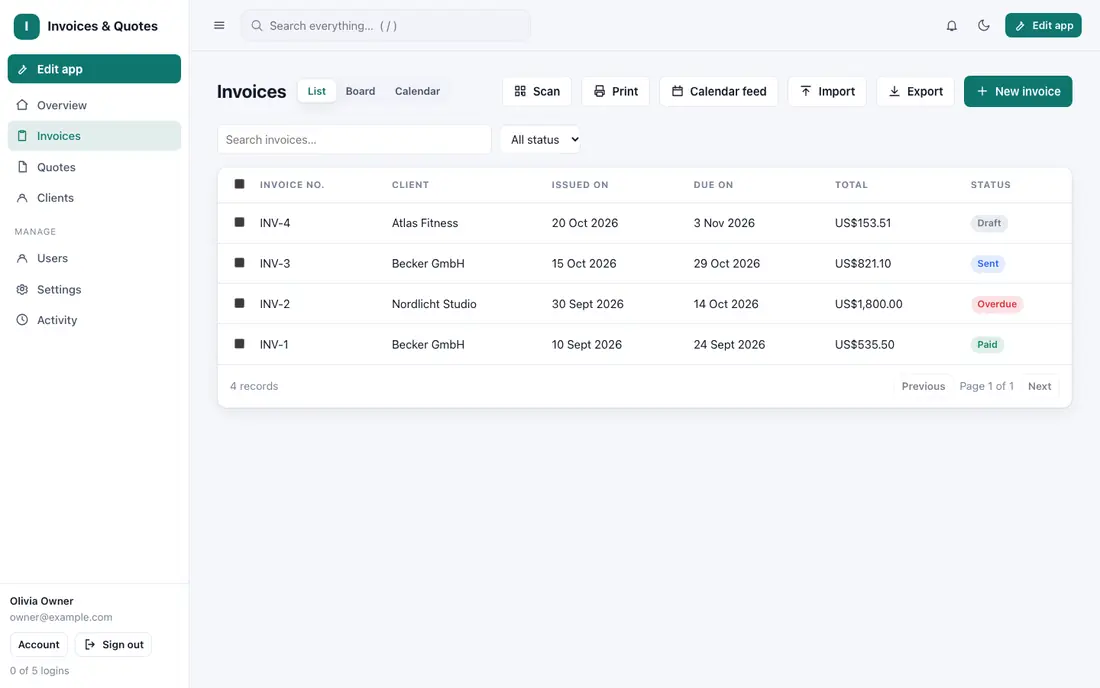
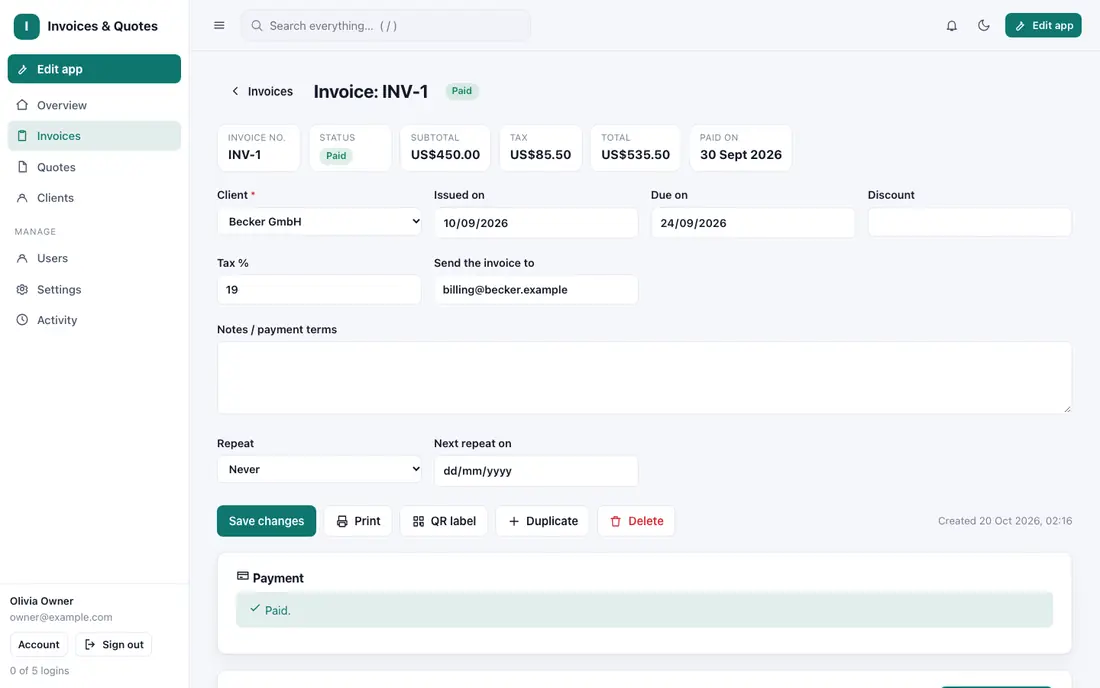
Real screens from the template, with sample data. Yours will hold your own.
Alerts and online payments
Automatic alerts and online payments.
These rules are already in the template. They run on their own, and you can read, change or switch off each one.
- Number every new invoice
- Number every new quote
- Email the invoice with a Pay now button
- Email a payment reminder
- Email the quote
- Turn an accepted quote into a draft invoice
- Remind clients three days before an invoice is due
Payments use your own Stripe account, so the money goes straight to you.
How it runs
- 1Something changes on a record: a status, a date, a payment.
- 2A rule in the template notices and acts, with no one lifting a finger.
- 3The right role is told, and what happened is written to the record's history.
Make it yours
Change it by asking.
Type a change in plain words. Every change is previewed first, applied only when you say so, and kept in a version history you can restore.
Start with this appRoles
Who sees what.
Each person gets their own login. What they see depends on their role.
Administrator
Everything, including settings, users and the editor.
Accountant
Works with Client, Invoice line, Invoice, Quote line, Quote records.
Viewer
Sees what the administrator allows.
Coming soon
On the way for this app.
These are not available yet. They are listed here so you know what is planned.
- PDF invoices with your logoComing soon
- GST/VAT invoices and tax reportsComing soon
- Partial payments and credit notesComing soon
- UPI/RazorpayComing soon
- Recurring subscriptions with auto-chargeComing soon
- Multi-currencyComing soon
- Expense trackingComing soon
- Client portal with statementsComing soon
- E-signature on quotesComing soon
Related apps
More ready-made apps.
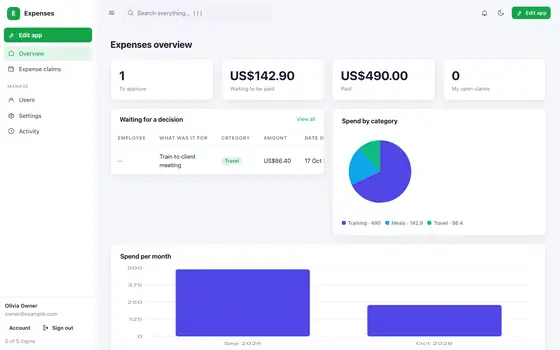 FinanceExpense claims appEmployees submit claims with receipts; managers approve; finance pays. Everyone is told by email.Customer loginRolesImport CSV
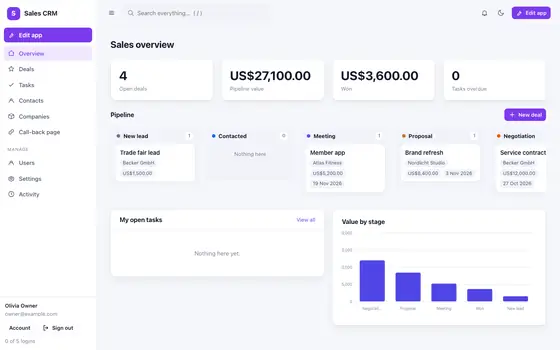 SalesSmall business CRMCompanies, contacts and a deal pipeline you drag across stages, with tasks and a website call-back form.Public formBoard viewRoles
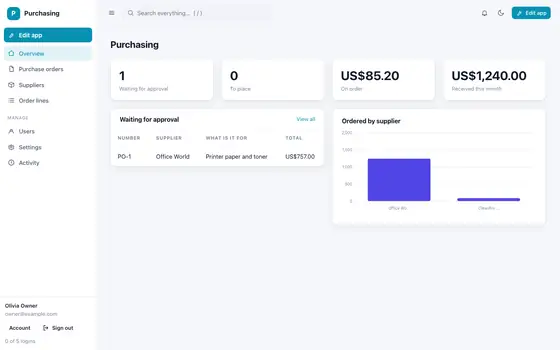 FinancePurchase order appRequests with lines, approval, placing with the supplier by email and receiving, with spend per supplier.Customer loginBoard viewRoles
Invoicing app FAQ
Straight answers.
Free invoice software and more, answered.
Do clients pay online?⌄
Yes. Each invoice email has a Pay now button for your own Stripe account, and the invoice is marked paid automatically.
Can I send quotes?⌄
Yes. Quotes have their own lines and numbering, and an accepted quote becomes a draft invoice in one step.
Does it number invoices?⌄
Yes. Quotes and invoices are numbered automatically (Q- and INV-).
Can I export to my accountant?⌄
Yes. Any list exports to CSV. PDF invoices and GST or VAT invoices are coming soon.
Is there a free invoice software for small business?⌄
You can build and test a draft of this app for free: add your own team, load your data and try every screen, including the emails. Going live on your own address needs a paid plan, with the price shown when you deploy. Online payments use your own Stripe account, so the money goes straight to you.
Can I change this app to fit my business?⌄
Yes. You can edit tables, fields, pages and roles by hand, or type a change in plain words and ask the AI. Every change is previewed first, applied only when you say so, and kept in a version history you can restore.
Start with the Invoicing app.
Free to start. Your own database. Change anything, by hand or by asking the AI.