
Events with date, venue, budget
Events app template
Wedding planning software with guest list and RSVP
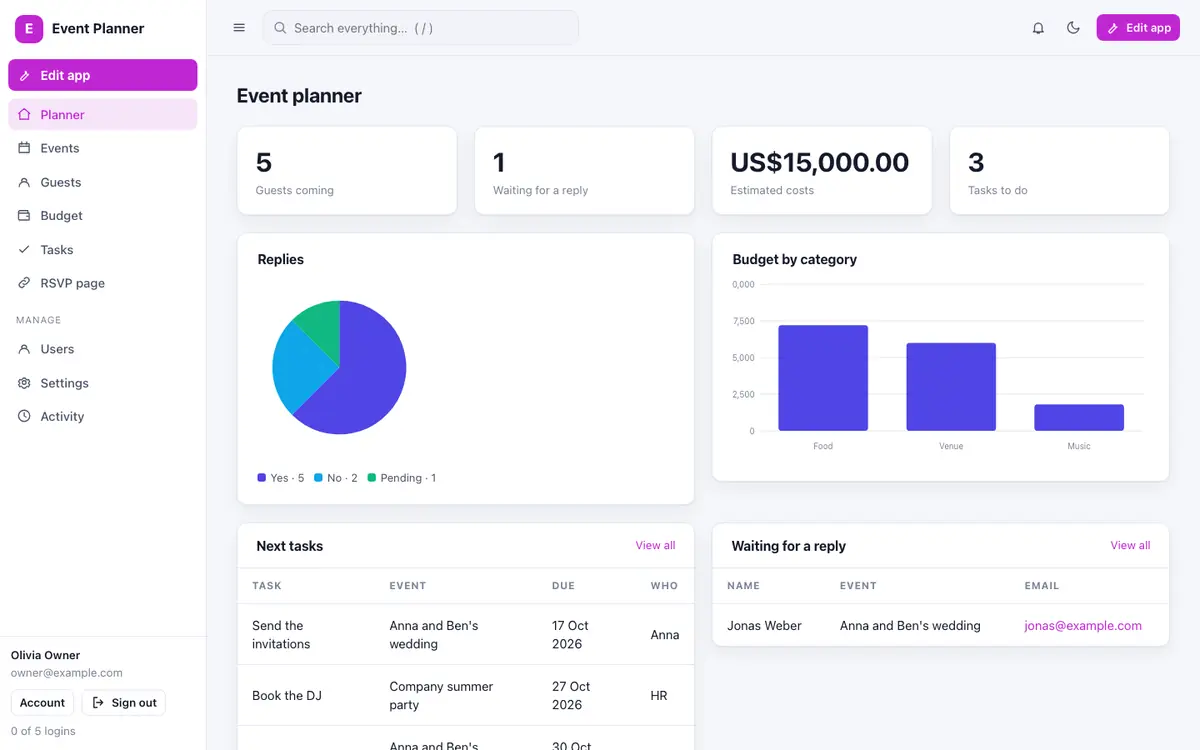
Send one RSVP link, watch replies and headcount update, track what you have spent against the budget and what is left to do.
✓Free to start✓Your own database✓No code
About this app
Wedding planning software, built for how you work.
An event planner app keeps the guest list, RSVPs, budget and to-dos for a wedding or party in one place. Wedding planners, couples, party hosts and event managers.
Looking for free wedding planning software? You can build and test this app for free as a draft, then go live on your own address when you are ready. It also covers online guest list rsvp, wedding guest rsvp website, wedding budget tracker.
What you get
Wedding planning software features that work from day one.
8 things this app already does, with sample data so you can try each one.
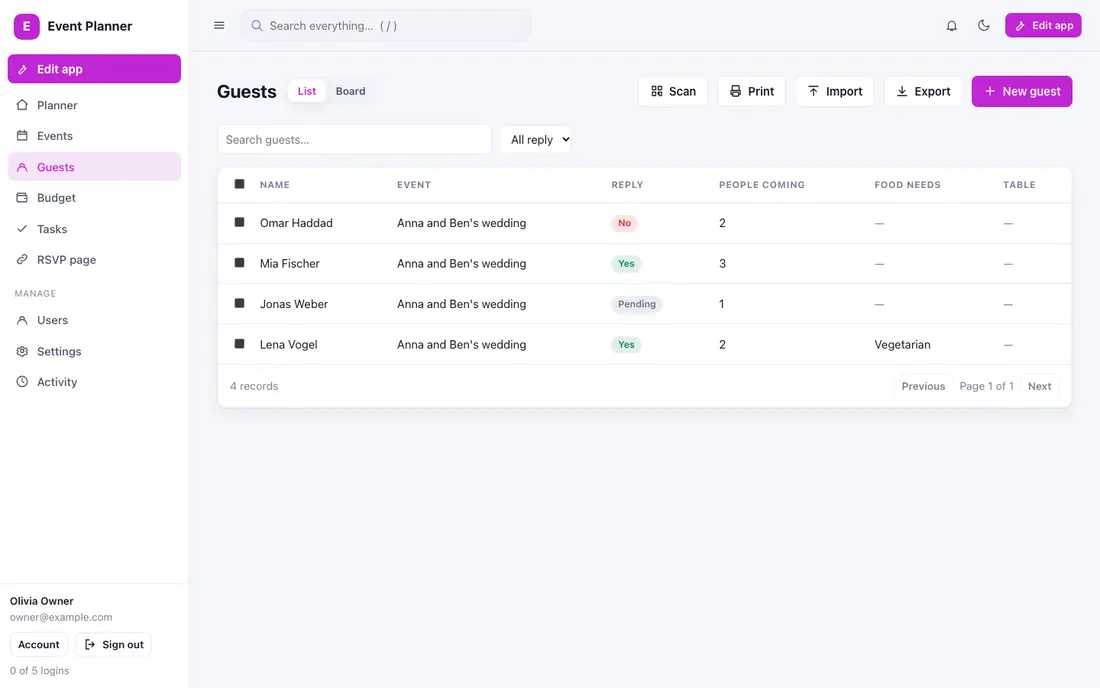
Public RSVP form
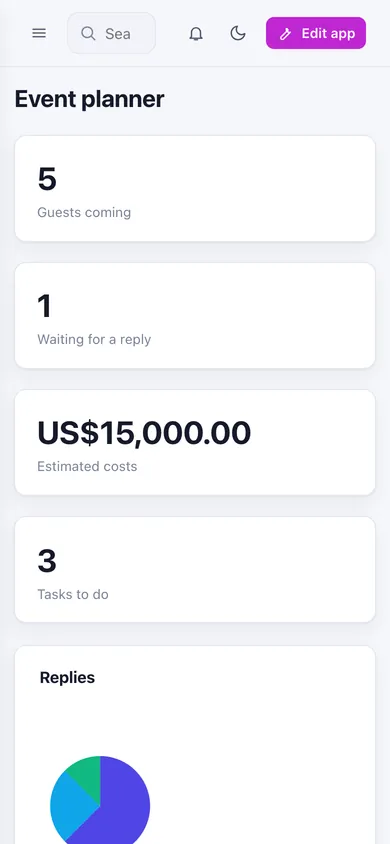
Guests coming and waiting counts
Budget items with estimate/actual/status and budget left
Tasks with owners and due dates
Overdue alerts
Charts
Planner and helper roles
A day with this app
A day with your Event planner app (wedding, party)
How the app looks after the first week.
- 01
Create the event
Add the date, venue and budget.
- 02
Send one RSVP link
Guests reply on a public form. The coming and waiting counts update on their own.
- 03
Track the budget
Each item has an estimate, an actual and a status, with the budget left shown.
- 04
Work through tasks
Tasks have owners and due dates, and overdue ones raise an alert.
Screens
See the Event planner app (wedding, party).
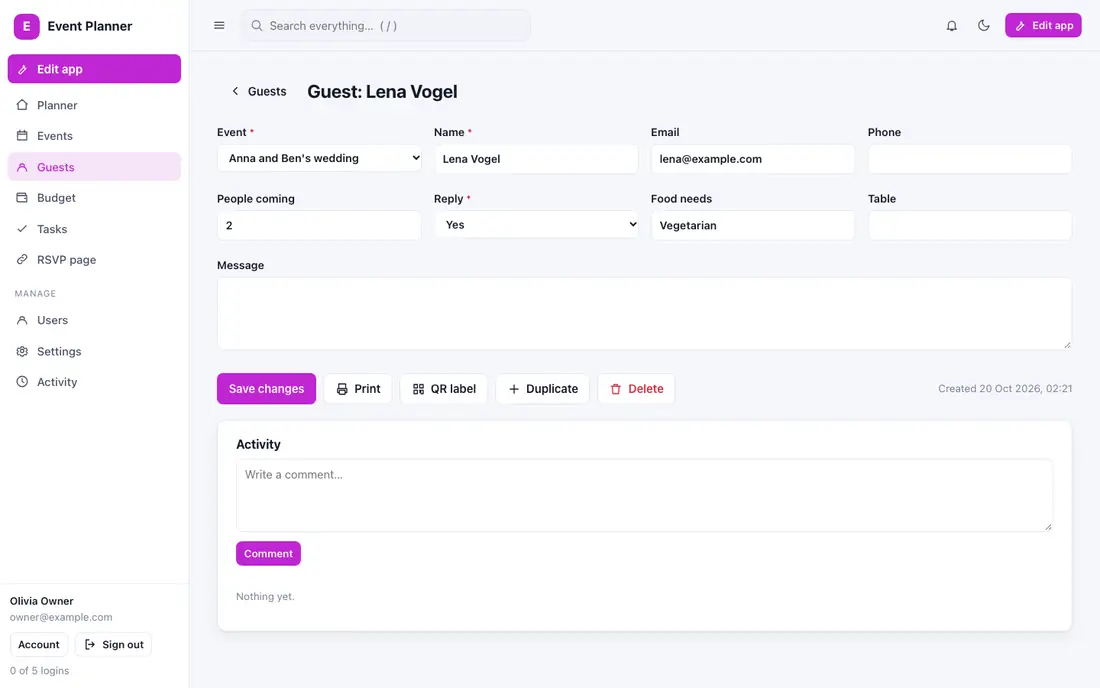
Real screens from the template, with sample data. Yours will hold your own.
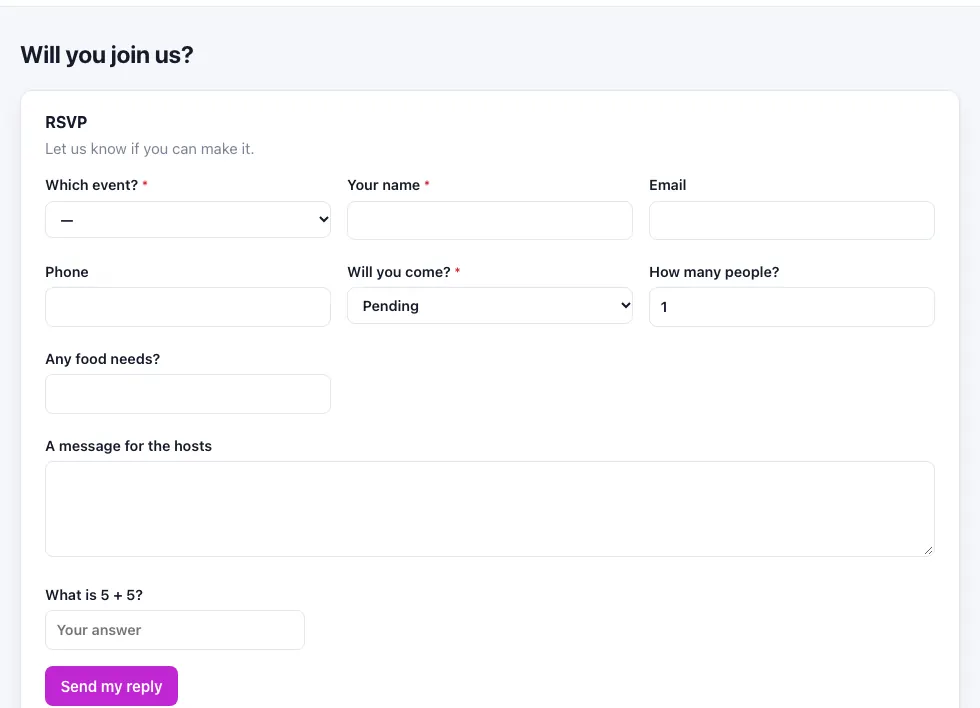
Alerts
Automatic alerts.
These rules are already in the template. They run on their own, and you can read, change or switch off each one.
- Tell planners about a reply
- Tell planners about a new reply
- Every morning: overdue tasks
How it runs
- 1Something changes on a record: a status, a date.
- 2A rule in the template notices and acts, with no one lifting a finger.
- 3The right role is told, and what happened is written to the record's history.
Make it yours
Change it by asking.
Type a change in plain words. Every change is previewed first, applied only when you say so, and kept in a version history you can restore.
Start with this appRoles
Who sees what.
Each person gets their own login. What they see depends on their role.
Administrator
Everything, including settings, users and the editor.
Planner
Works with Cost, Event, Guest, Task records.
Helper
Works with Guest, Task records.
Coming soon
On the way for this app.
These are not available yet. They are listed here so you know what is planned.
- Seating planComing soon
- Vendor contact book and paymentsComing soon
- Meal choices per guestComing soon
- Invitation emails to a listComing soon
- Timeline/run-of-showComing soon
- Shared access for the coupleComing soon
- PDF guest listComing soon
- Plus-one handlingComing soon
Related apps
More ready-made apps.
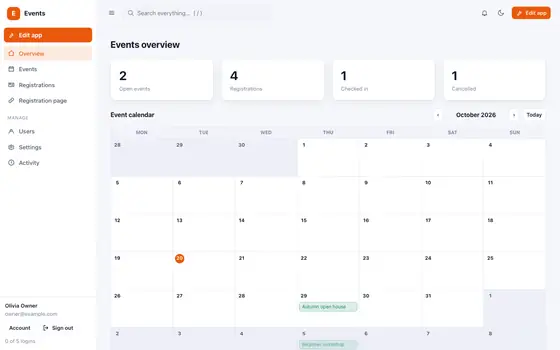 EventsEvent registration appEvents with capacity and seats left, public registration, confirmation emails and door check-in.Public formCalendarRoles
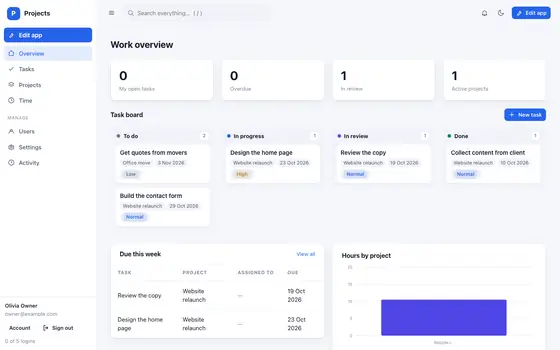 OperationsProject and task management appProjects with a task board, assignees, due dates, time entries and progress that updates itself.RemindersBoard viewRoles
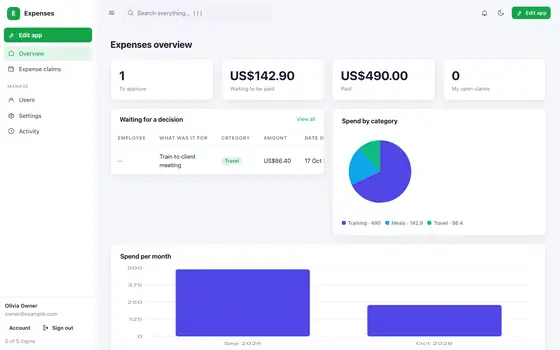 FinanceExpense claims appEmployees submit claims with receipts; managers approve; finance pays. Everyone is told by email.Customer loginRolesImport CSV
Wedding planning software FAQ
Straight answers.
Online guest list rsvp and more, answered.
Can guests reply without an account?⌄
Yes. The RSVP form is public, so guests need no login.
Can I see the headcount?⌄
Yes. Coming and waiting counts update as replies arrive.
Can I track the budget?⌄
Yes. Each budget item has an estimate, an actual and a status, and the budget left is worked out for you.
Can two planners work together?⌄
Yes. Planner and helper roles let several people work on the same event.
Is there a free wedding planning software?⌄
You can build and test a draft of this app for free: add your own team, load your data and try every screen, including the emails. Going live on your own address needs a paid plan, with the price shown when you deploy. Your data stays in your own database.
Can I change this app to fit my business?⌄
Yes. You can edit tables, fields, pages and roles by hand, or type a change in plain words and ask the AI. Every change is previewed first, applied only when you say so, and kept in a version history you can restore.
Start with the Event planner app (wedding, party).
Free to start. Your own database. Change anything, by hand or by asking the AI.