
Public request form
Services app template
Field service management software for jobs and technicians
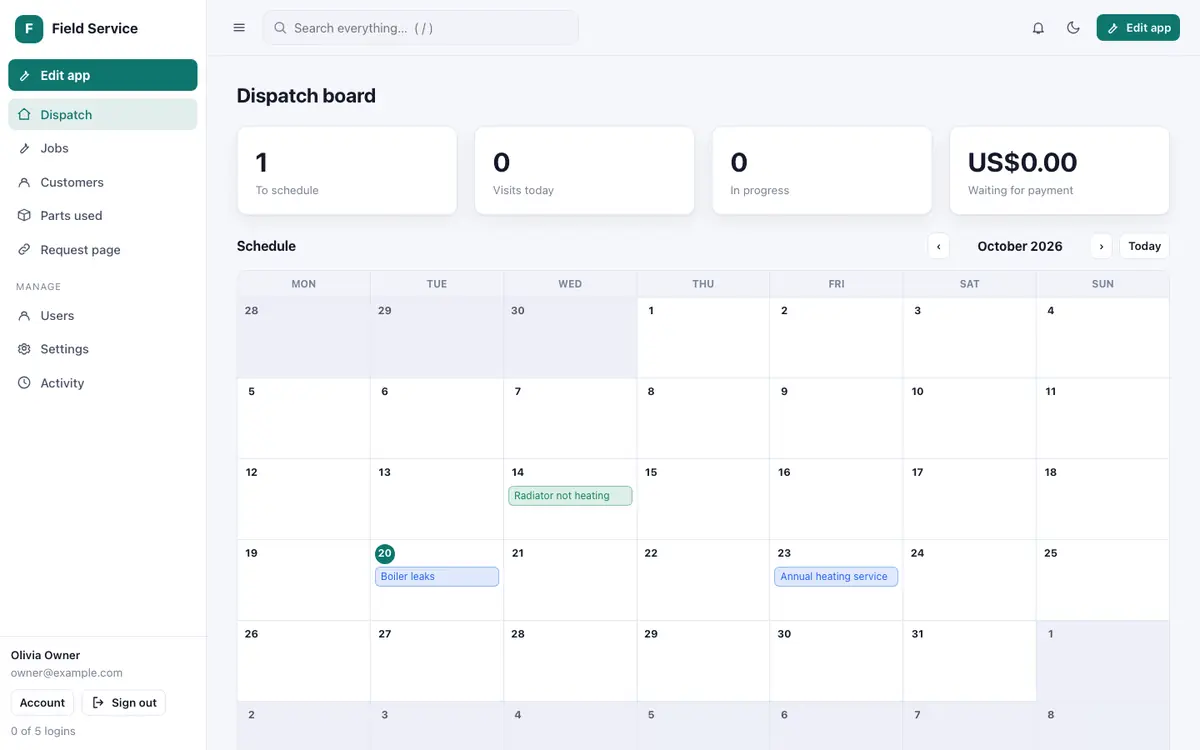
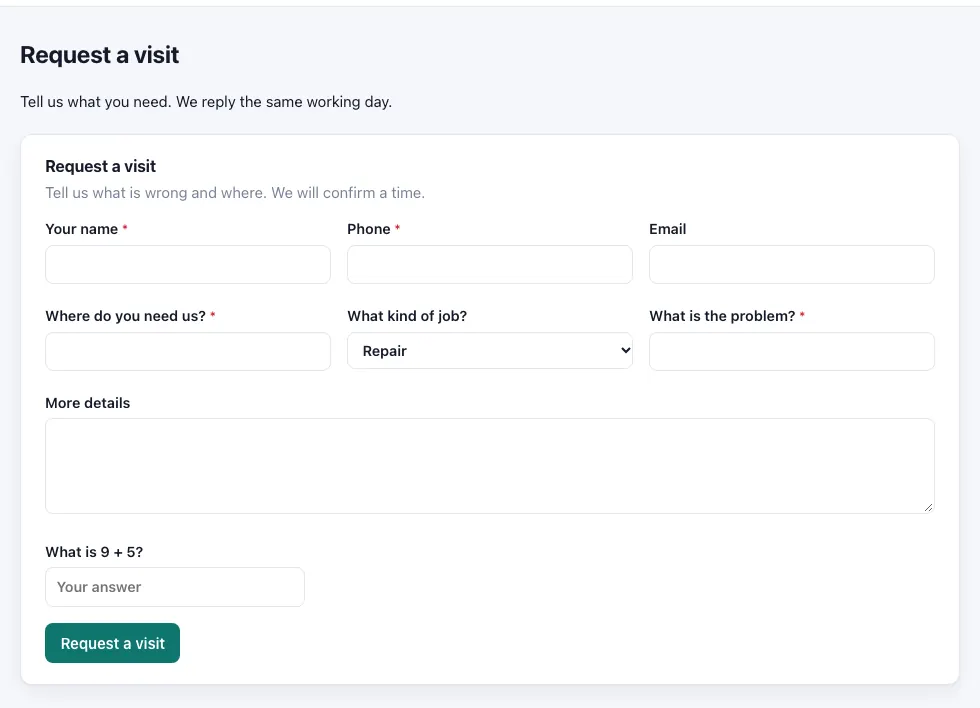
A request comes in from your website, you schedule it, the technician taps "On my way", the customer is told, and the completed job goes out with a Pay now link.
✓Free to start✓Your own database✓No code
About this app
Field service management software, built for how you work.
Field service management software takes job requests, schedules technicians, records parts and hours and bills the customer. Plumbers, electricians, HVAC and other service businesses that send technicians to customers.
Looking for free field service software for small business? You can build and test this app for free as a draft, then go live on your own address when you are ready. It also covers free work order app, job scheduling app, technician dispatch software. It works anywhere: currency and time zone are set for each app, so it suits UK and beyond.
What you get
Field service management software features that work from day one.
11 things this app already does, with sample data so you can try each one.
Customers
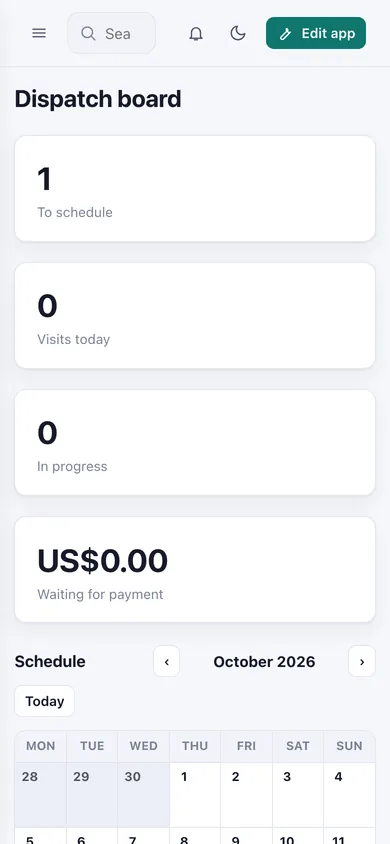
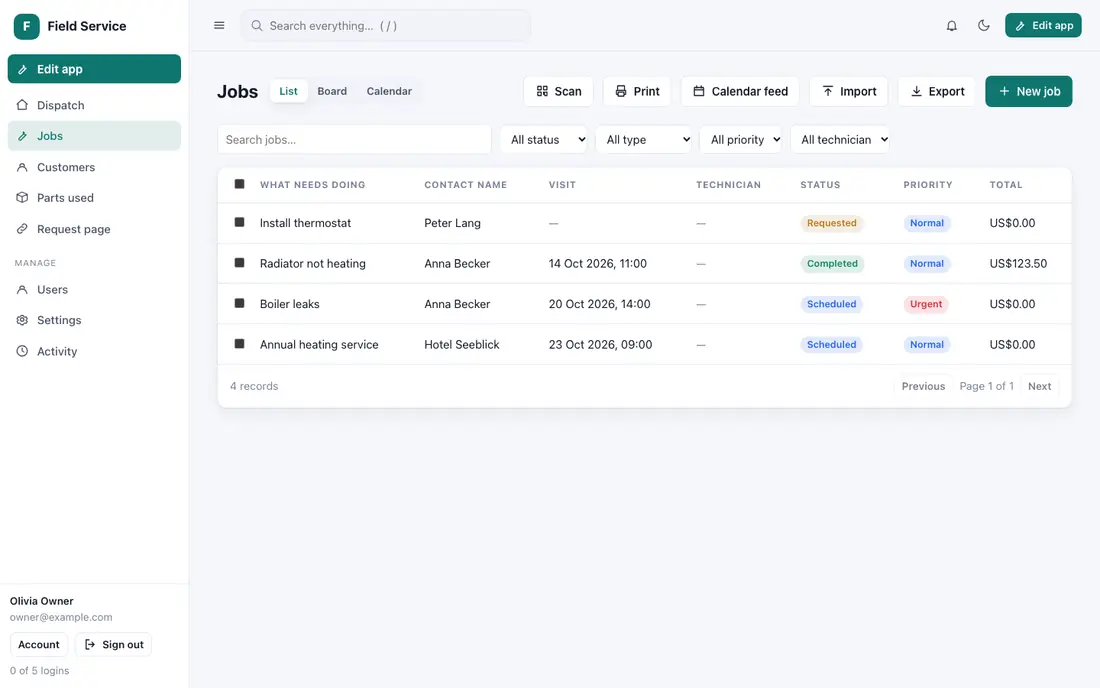
Jobs with status board and schedule calendar
Technician assignment and "New job for you" alert
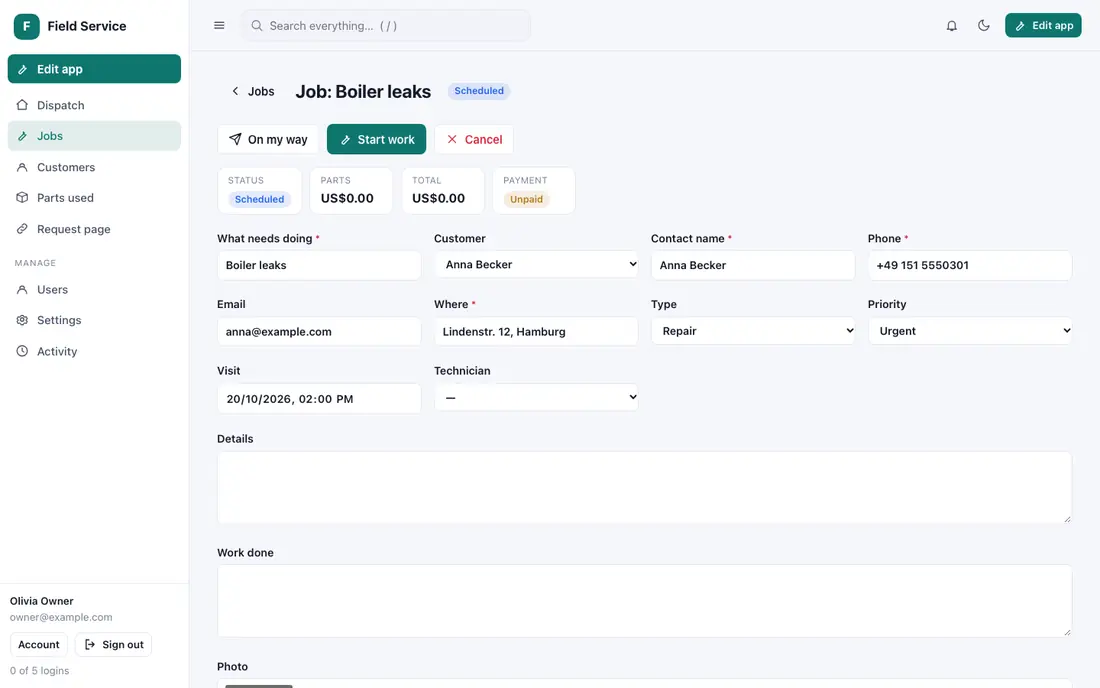
"On my way / Start / Complete" buttons
Parts and labour with totals
Customer emails at every step
Payment link
A day with this app
A day with your Field service management app
How the app looks after the first week.
- 01
A request comes in
A customer fills in the request form on your website. It lands on your dispatch board.
- 02
You schedule the job
Assign a technician and they get a New job for you alert. The visit appears on the calendar.
- 03
The technician updates it
On my way, Start and Complete buttons keep the customer informed by email at every step.
- 04
You get paid
Parts and labour are totalled, and the completion email carries a Pay now link.
Screens
See the Field service management app.
Real screens from the template, with sample data. Yours will hold your own.
Alerts and online payments
Automatic alerts and online payments.
These rules are already in the template. They run on their own, and you can read, change or switch off each one.
- Tell dispatchers about a new request
- Confirm the request by email
- Email the visit time
- Tell the technician about a scheduled job
- Tell the customer we are on the way
- Email the summary with a Pay now button
- Warn when a job finished without an amount
Payments use your own Stripe account, so the money goes straight to you.
How it runs
- 1Something changes on a record: a status, a date, a payment.
- 2A rule in the template notices and acts, with no one lifting a finger.
- 3The right role is told, and what happened is written to the record's history.
Make it yours
Change it by asking.
Type a change in plain words. Every change is previewed first, applied only when you say so, and kept in a version history you can restore.
Start with this appRoles
Who sees what.
Each person gets their own login. What they see depends on their role.
Administrator
Everything, including settings, users and the editor.
Dispatcher
Works with Customer, Part used, Job records.
Technician
Works with Part used, Job records.
Coming soon
On the way for this app.
These are not available yet. They are listed here so you know what is planned.
- Route mapComing soon
- Recurring jobsComing soon
- Checklists per jobComing soon
- Customer signatureComing soon
- PDF job report and invoiceComing soon
- Technician time tracking with GPSComing soon
- Stock van inventoryComing soon
- Customer tracking linkComing soon
- UPIComing soon
Related apps
More ready-made apps.
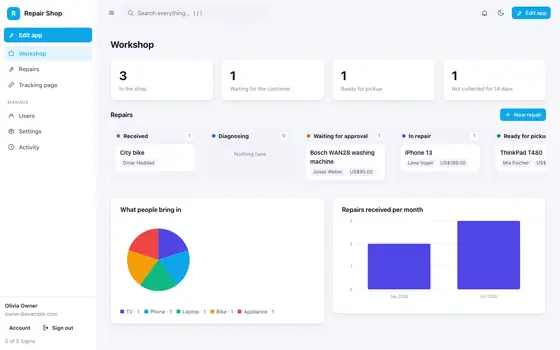 ServicesRepair shop management appRepairs with a tracking code the customer can check online, quotes, ready-for-pickup emails and a Pay now link.Online paymentTracking pageReminders
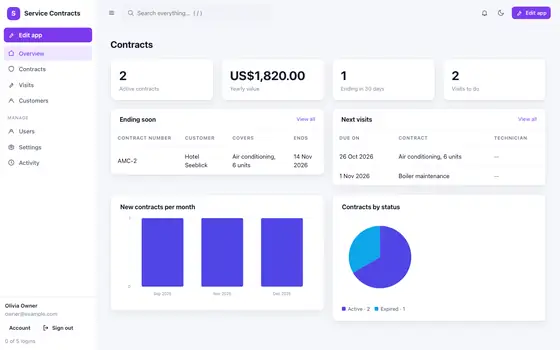 ServicesService contract (AMC) appCustomers, annual service contracts, planned visits, renewals and reminders a month and a week before a contract ends.RemindersBoard viewRoles
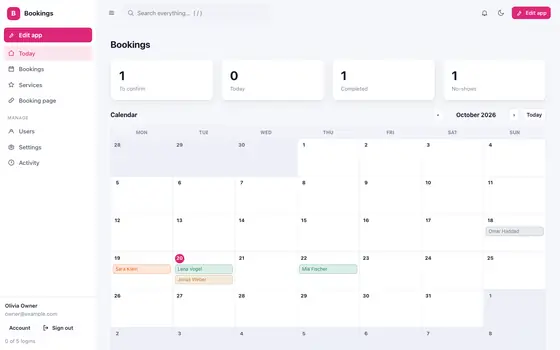 ServicesAppointment booking appA public booking page, a calendar of appointments, confirmations by email and no-show tracking.Public formRemindersNo double booking
Field service management software FAQ
Straight answers.
Free work order app and more, answered.
Can customers request a job online?⌄
Yes. A public request form on your own address feeds jobs straight into your dispatch board.
Do technicians use their phones?⌄
Yes. The app installs on a phone. Technicians log in with their own role, get a New job for you alert and use the On my way, Start and Complete buttons.
Can I bill from the job?⌄
Yes. Parts and labour are totalled on the job, and the completion email includes a Pay now link.
Does the customer know when we arrive?⌄
Yes. When the technician taps On my way, the customer is emailed.
Is there a free field service software for small business?⌄
You can build and test a draft of this app for free: add your own team, load your data and try every screen, including the emails. Going live on your own address needs a paid plan, with the price shown when you deploy. Online payments use your own Stripe account, so the money goes straight to you.
Can I change this app to fit my business?⌄
Yes. You can edit tables, fields, pages and roles by hand, or type a change in plain words and ask the AI. Every change is previewed first, applied only when you say so, and kept in a version history you can restore.
Start with the Field service management app.
Free to start. Your own database. Change anything, by hand or by asking the AI.